Certainly! Here's a clear and professional summary of the Remote Park mobile app information, suitable for user manuals, FAQ sections, or onboarding guides:
Remote Park Mobile App – User Guide
The Remote Park feature allows you to control your compatible vehicle’s parking maneuvers remotely using your smartphone—perfect for tight or challenging parking spaces.
✅ Compatible Vehicles
Available on select models equipped with Advanced Park (Remote Controlled). Check your vehicle’s specifications or consult your owner’s manual to confirm compatibility.
🔧 Key Features
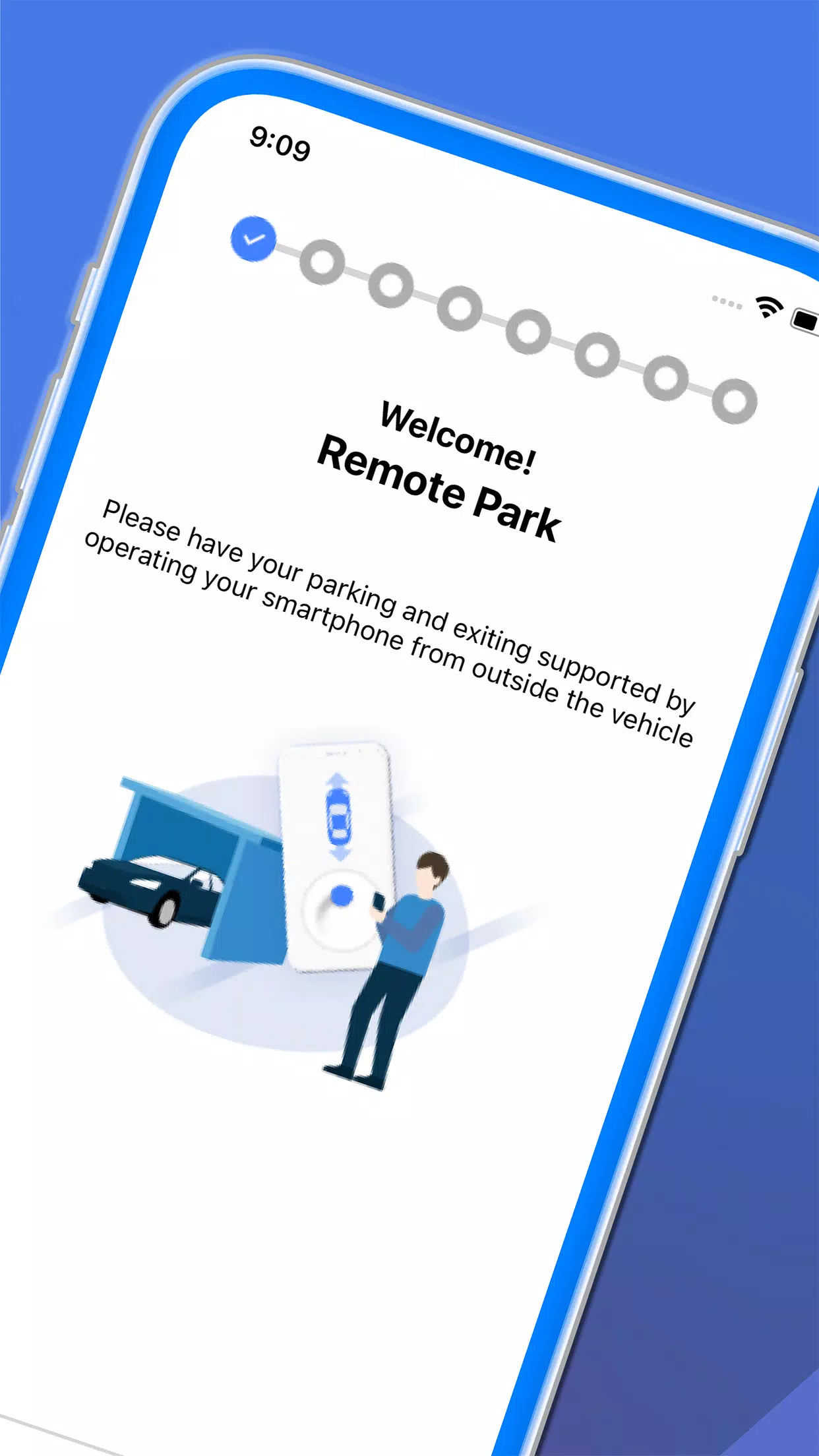
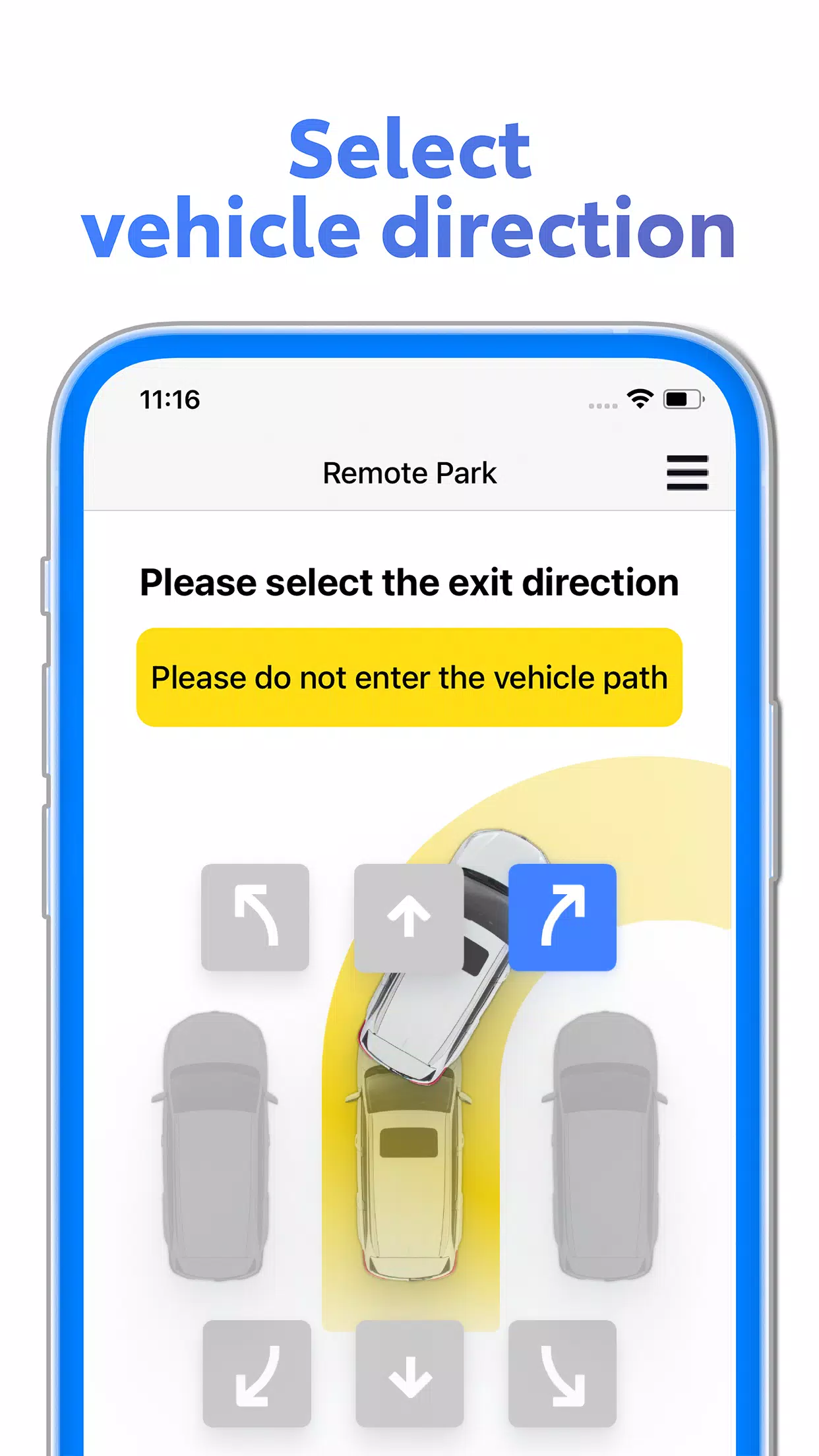
- Smartphone Control via Bluetooth: Park or exit parking spaces using your smartphone, even when you're outside the vehicle.
- Seamless Maneuvering: Automatically steer the vehicle in and out of parking spots with precision.
- Ideal for Tight Spaces: Great when door openings are restricted or visibility is limited—use the app to park safely and easily.
📌 Important Safety & Legal Requirements
Remote Park operation is legally considered driving, and must be performed responsibly. You must:
- Hold a valid driver’s license
- Have your smart key (electronic key) with you at all times
- Carry both your smartphone and smart key during remote operation
⚠️ Failure to comply may result in loss of remote function or legal liability.
🛑 Safety Guidelines During Use
To ensure your safety and that of others:
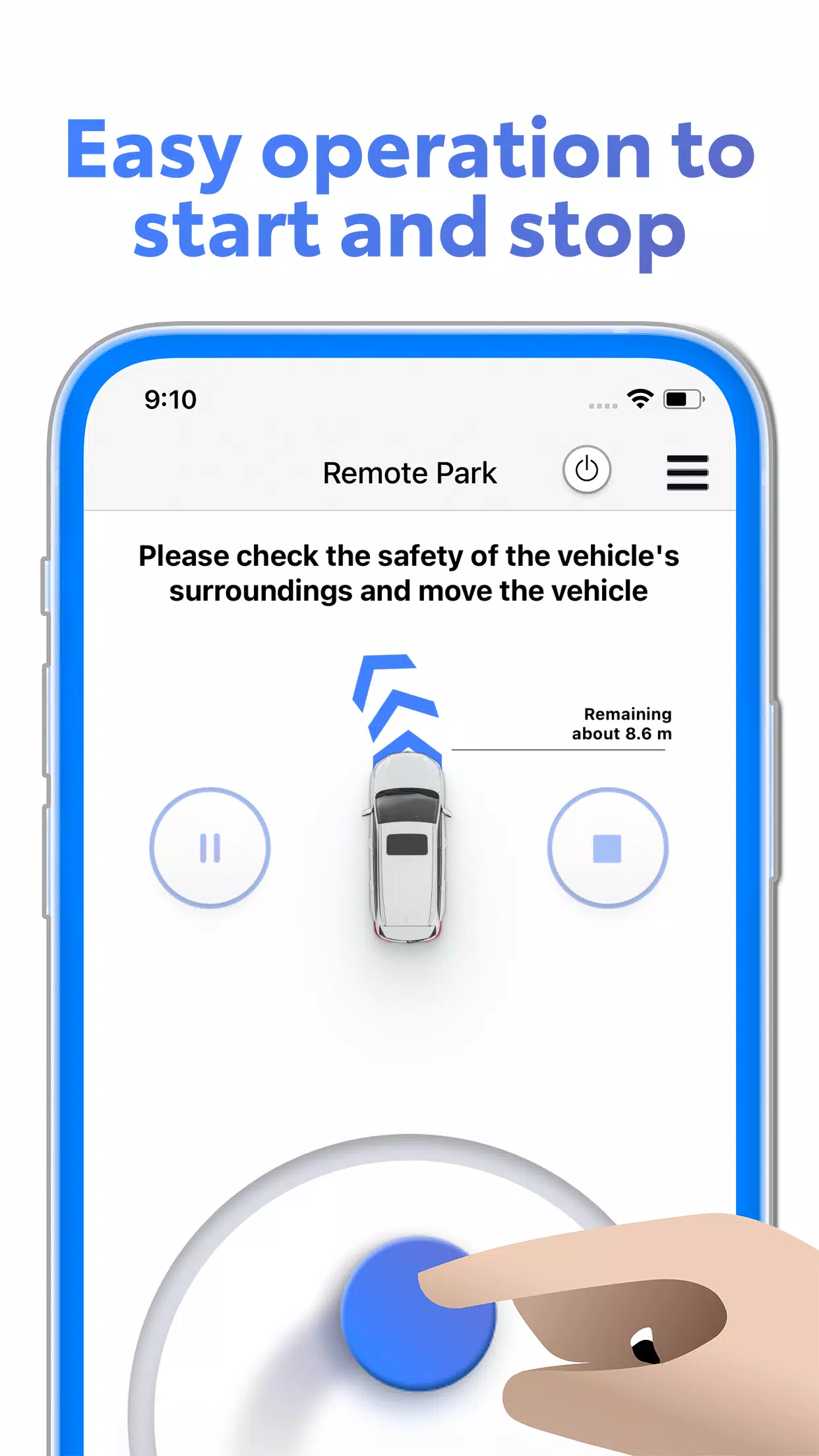
- Always visually monitor the vehicle and surroundings.
- Do not stare at your phone—keep your eyes on the car at all times.
- Immediately cancel the operation if conditions change or an emergency arises.
- Stop the vehicle by pressing the stop button in the app or pressing the brake pedal (if accessible).
🔎 Never use Remote Park in crowded areas, heavy traffic, or poor weather without full situational awareness.
📱 Tips for Best Experience
- Ensure your smartphone has a stable Bluetooth connection to the vehicle.
- Keep your phone charged and within range (typically up to 30 meters, depending on environment).
- Use the app in a well-lit, open area for optimal control.
📞 Need Help?
Contact your dealership or visit the official support website for setup assistance, troubleshooting, or to verify compatibility.
Drive Responsibly. Park with Confidence.
Let me know if you’d like this formatted as a PDF, in-app help text, or translated into another language.