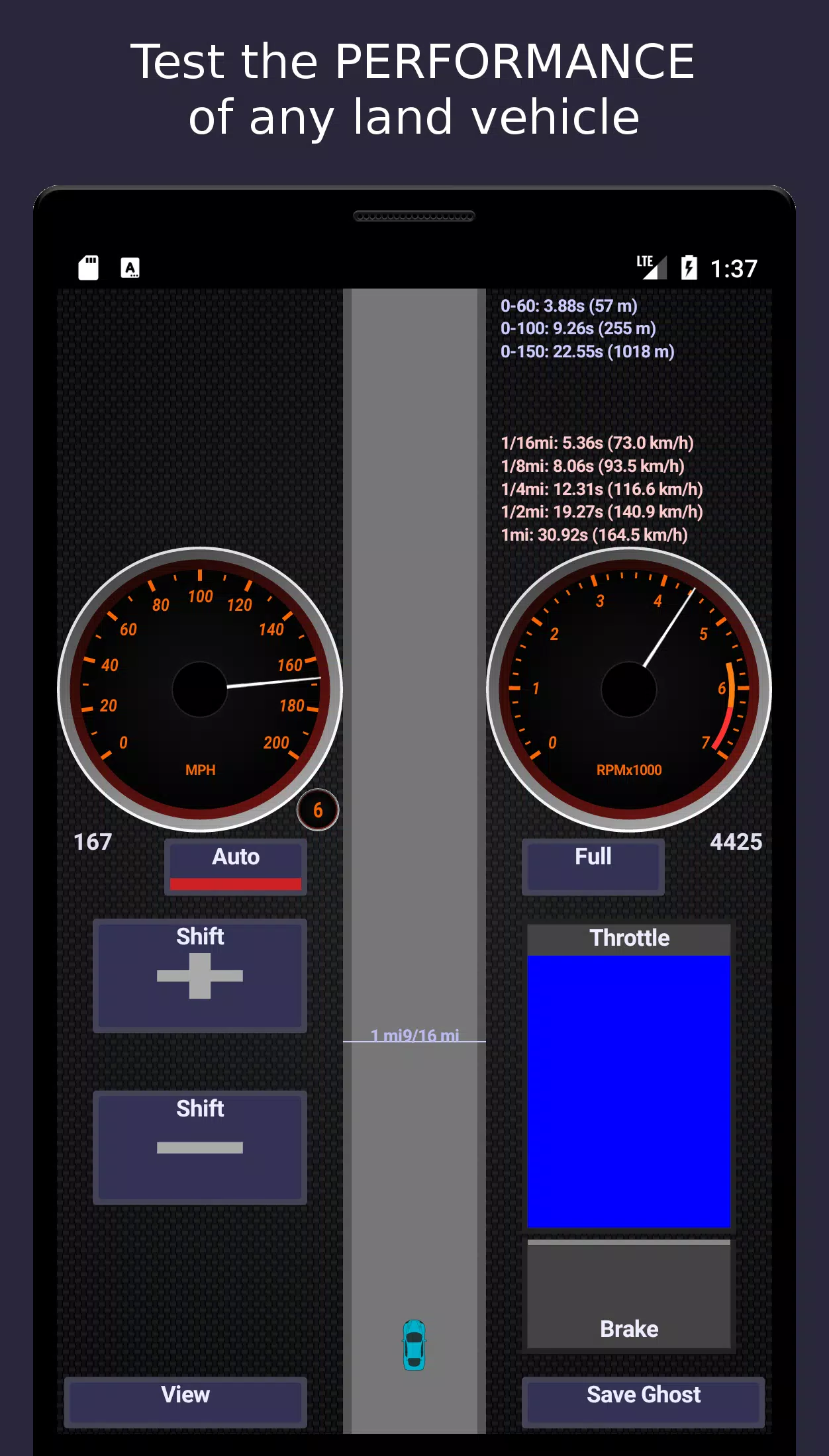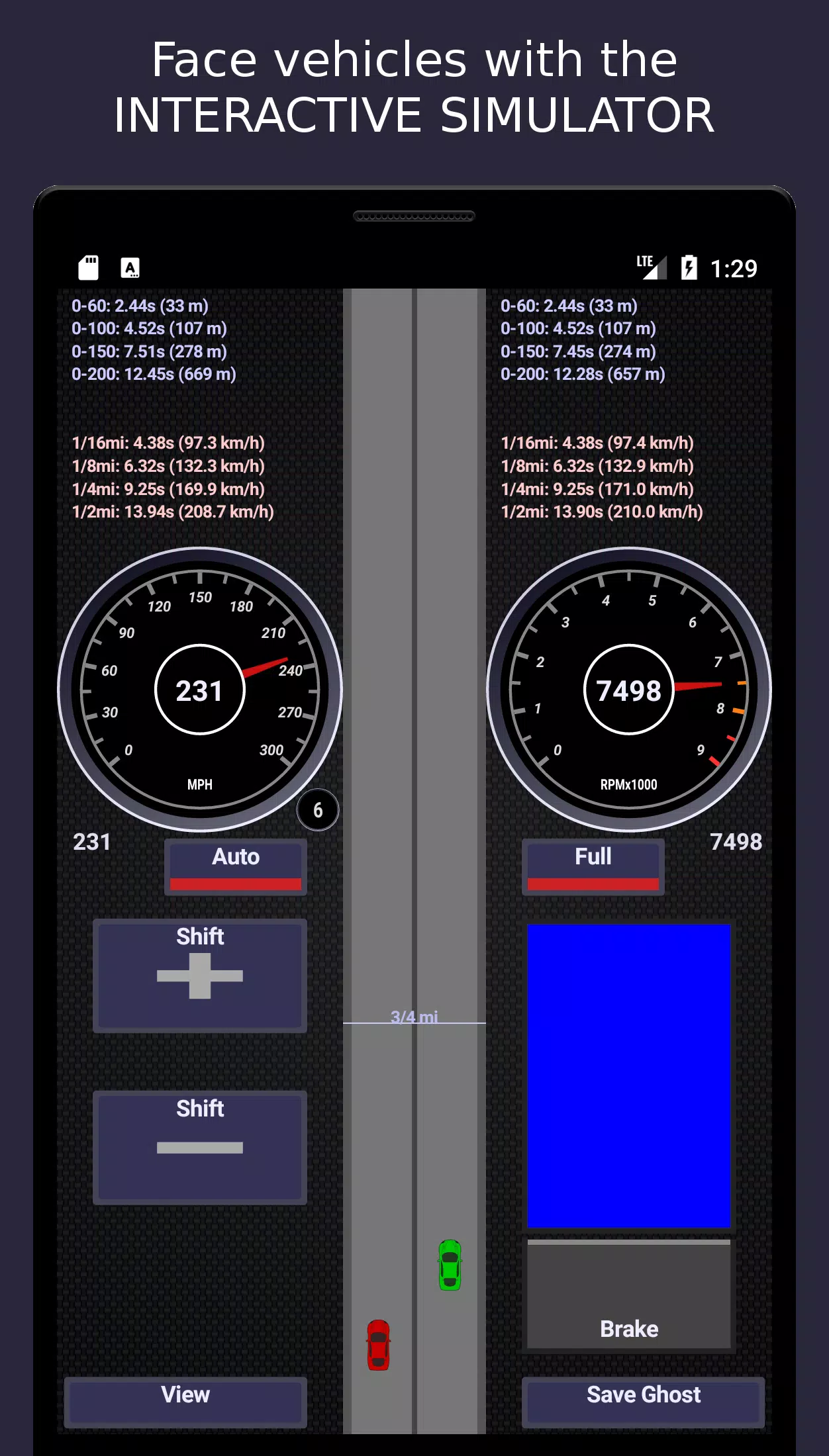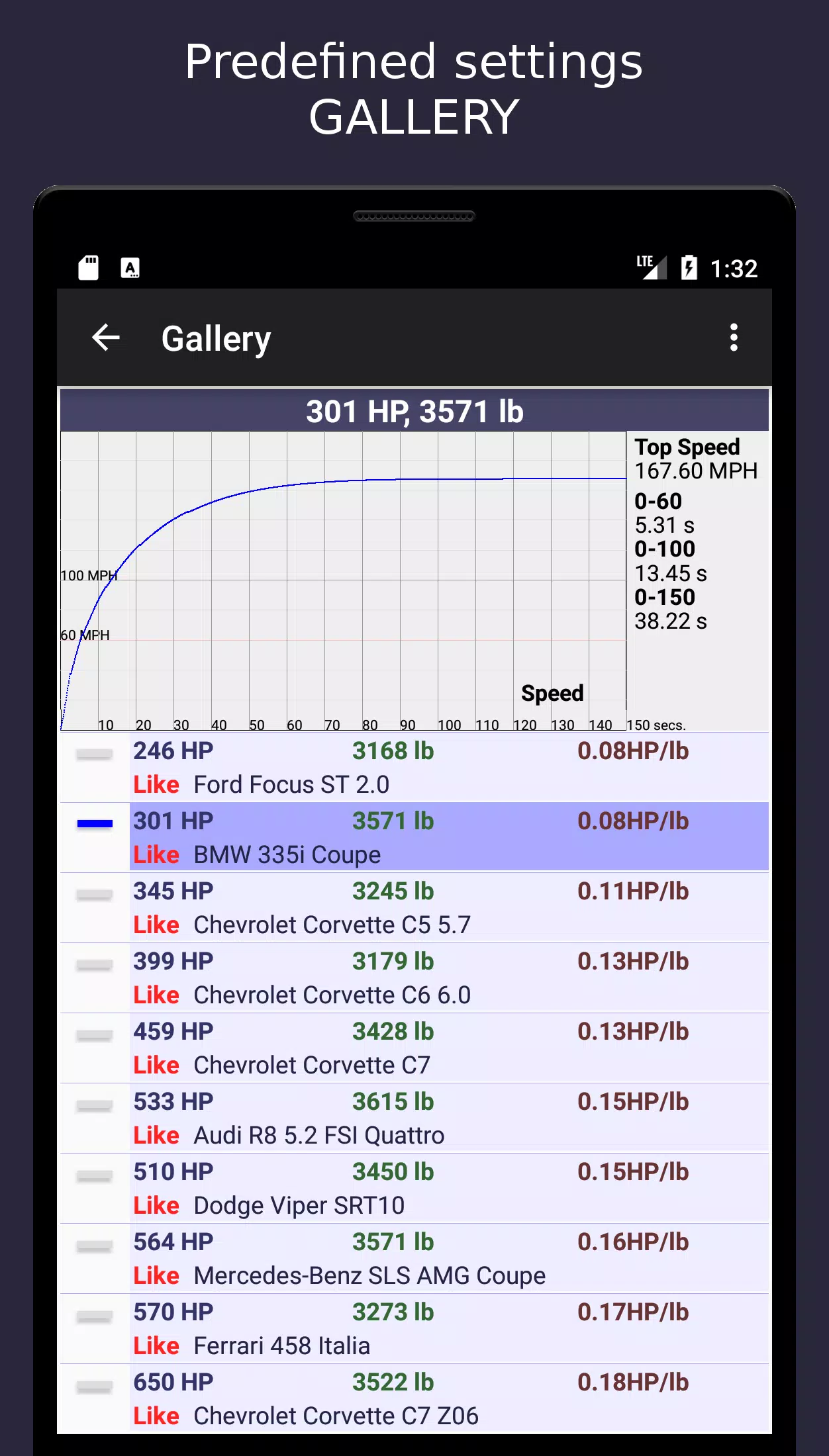
MotorSim 2 is a highly detailed and physics-based land vehicle performance simulator designed for engineers, automotive enthusiasts, and designers who want to accurately predict and analyze vehicle acceleration and handling characteristics — not as a game, but as a serious engineering tool.
Here’s a breakdown and enhancement of what MotorSim 2 offers, structured to help users understand its value and maximize its use:
🚗 Core Functionality: Physics-Driven Simulation
Unlike driving games, MotorSim 2 uses real-world physics to model vehicle dynamics:
- Traction-limited acceleration (with optional slip modeling)
- Powertrain modeling: Engine, transmission, drivetrain losses
- Aerodynamic drag: Based on Cd (drag coefficient), frontal area, and speed
- Rolling resistance: Dependent on tire type, load, and road surface
- Inertial effects: Rotating masses (flywheel, wheels, drivetrain), moment of inertia
- Gear ratios and shift logic: Manual or automatic with customizable shift points and timing
✅ All calculations are rooted in fundamental mechanics:
- $ P = \tau \cdot \omega $
- $ F{\text{drive}} = \frac{P{\text{at wheels}}}{v} $
- $ F{\text{total}} = F{\text{drive}} - F{\text{drag}} - F{\text{rolling}} $
- $ a = \frac{F_{\text{net}}}{m} $
⚙️ Key Configurable Parameters (User-Defined Inputs)
| Category | Description |
|---|---|
| Engine | Max power (in kW/hp), max RPM, custom power curve (user-drawable), ignition cutoff RPM |
| Torque Curve | Automatically derived from power and RPM (since $ \tau = \frac{P}{\omega} $), but editable for advanced tuning |
| Transmission | Up to 10 gears; customizable gear ratios, final drive ratio, shift timing (manual or auto), clutch slip (optional) |
| Drivetrain | 2WD / 4WD / AWD options; transmission efficiency (typically 90–98%) |
| Tires | Size (e.g., 225/45R18), rolling radius, grip limits (μ-based traction control), wheel spin modeling |
| Aerodynamics | Drag coefficient (Cd), frontal area (A), wind resistance (F_d = ½ρCdA v²) |
| Rolling Resistance | Coefficient (Crr), often 0.01–0.02 for rubber on asphalt |
| Mass | Vehicle weight (kg/lbs), including driver, fuel, and payload; mass distribution (affects traction, if enabled) |
| Track & Environment | Optional altitude, temperature (affects air density), road grade (hill/straight), wind speed |
📊 Performance Metrics Output (Automatically Calculated)
MotorSim 2 computes and visualizes:
- 📈 0–60 mph / 0–100 km/h / 0–200 km/h times (with accuracy to 0.01s)
- 🏁 1/4 Mile (402 m) elapsed time (ET) and trap speed
- ⏱️ 0–300 km/h, 0–400 km/h, and custom time intervals
- 🔁 Gear shift mapping: Optimal shift points, redline warnings
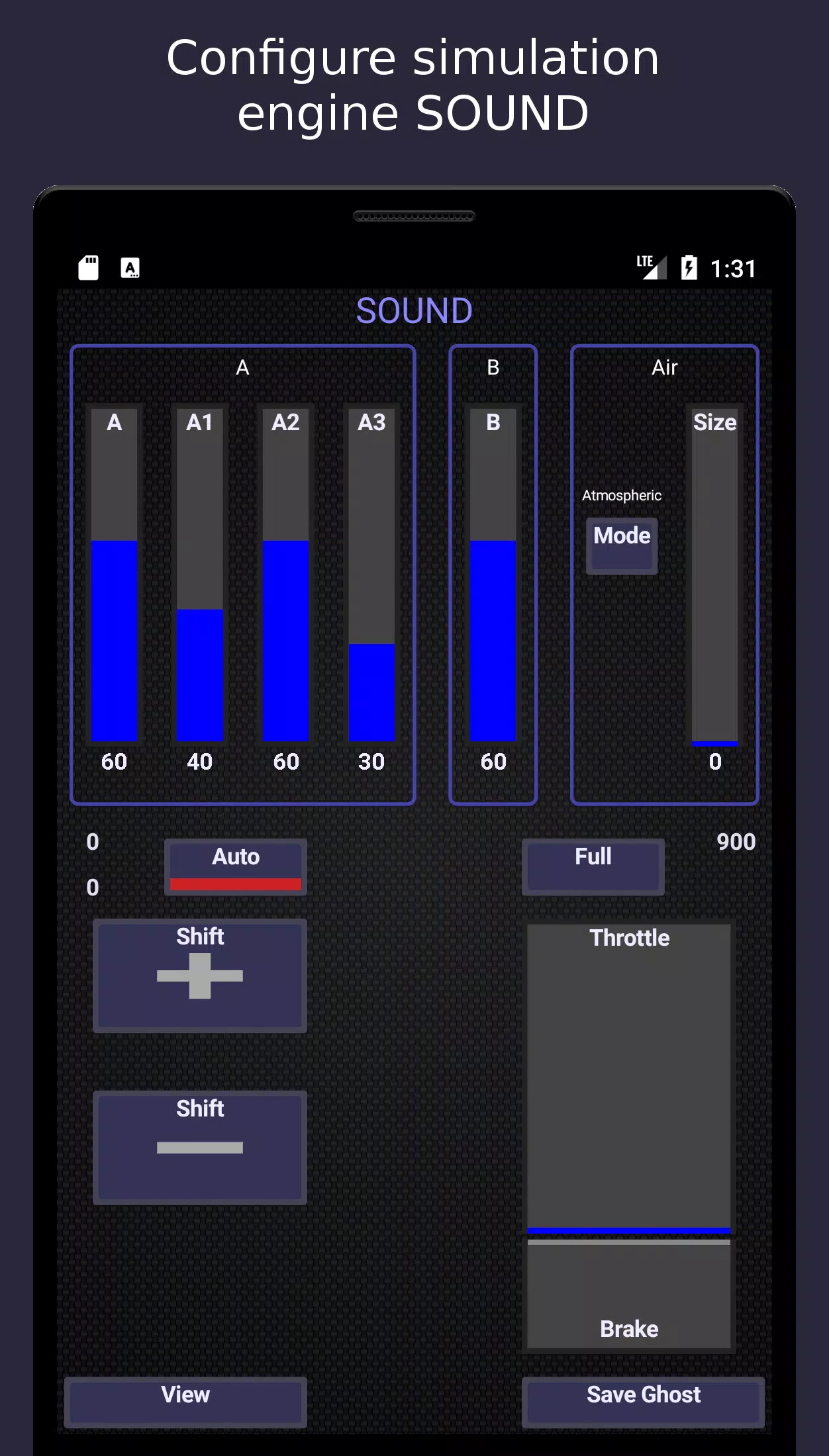
- 🎵 Real-time engine sound synthesis: Procedurally generated from RPM, load, and gear — not pre-recorded audio
- 📉 Graphs: Power, torque, acceleration, traction, wheel speed, RPM, throttle position over time
- 📍 Track simulator: Visualized 1/4 mile course with vehicle position, velocity, and performance overlay
🎮 Interactive Simulator Features
- 🛠️ Real-time controls:
- Throttle (0–100%)
- Brake (0–100%)
- Gear shift (manual or auto mode)
- Clutch engagement (for manual transmission)
- 📱 Instrument cluster:
- Digital speedometer
- Tachometer (RPM gauge)
- Gear indicator
- Boost gauge (if turbocharged)
- 🧠 Ghost Mode (Post-Test Comparison):
- Save performance "ghosts" (position, speed, RPM over time)
- Compare against other vehicles on the same 1/4 mile track
- Overlay graphs for side-by-side analysis
🔬 Advanced Use Cases
- Tuning simulations: Test how changing gear ratios or reducing weight affects 0–60 times.
- Drag racing optimization: Find ideal launch RPM, shift points, and tire choice.
- Electric vehicle modeling: Simulate motor characteristics (e.g., constant torque until max RPM).
- Hybrid/Plug-in Hybrid simulations: Model power-split and battery discharge effects.
- Track-day preparation: Estimate braking zones, acceleration zones, and lap time potential.
📌 Why MotorSim 2 Stands Out
| Feature | Why It Matters |
|---|---|
| ✅ Procedural engine sound | No audio samples — generated in real time based on RPM and load |
| ✅ No "magic" assumptions | All physics derived from user inputs |
| ✅ Save/load vehicle configs | Share designs with others or test variants |
| ✅ No need for CAD or 3D models | Focus on performance, not appearance |
| ✅ Educational & prototyping tool | Ideal for students, hobbyists, and engineers |
🔧 Tips for Best Use
- Start simple: Begin with default values, then tweak one parameter at a time.
- Use real-world data: Input known Cd, Crr, and power figures from vehicle specs or dyno tests.
- Test shift points: Use the simulator to find optimal shift RPMs (e.g., "shift at 7000 RPM").
- Compare ghosts: See how changing tire width or reducing weight improves ET.
- Enable traction control (if available): Helps prevent wheel spin and gives more realistic acceleration.
📚 Example: Tuning a Sports Car
Goal: Reduce 0–60 mph time by 0.3s.
Steps:
- Set base car: 450 hp, 3500 kg, 245/35R20 tires, Cd = 0.30, Crr = 0.013
- Run baseline 0–60: 3.8s
- Try:
- Reduce mass by 50 kg → 3.7s
- Improve shift time from 0.2s → 0.1s → 3.65s
- Optimize gear ratios → 3.55s
- Save ghost, compare.
📥 Final Thoughts
MotorSim 2 is not a video game — it’s a virtual wind tunnel and engine dyno in one.
Whether you're:
- Designing a concept car,
- Tuning a race vehicle,
- Teaching vehicle dynamics,
- Or just exploring how power and weight affect acceleration,
MotorSim 2 gives you deep insight into vehicle performance — grounded in physics, driven by user creativity.
Would you like:
- A template for a real-world car (e.g., Tesla Model S, Porsche 911)?
- A step-by-step tutorial on building a custom race car?
- A performance optimization checklist?
Let me know — I can generate full configs and simulations for you.