OBD2 Diagnostics - Read and Reset Fault Codes with Live Sensor Data Access
Piston puts your vehicle's diagnostic data right in your hands.
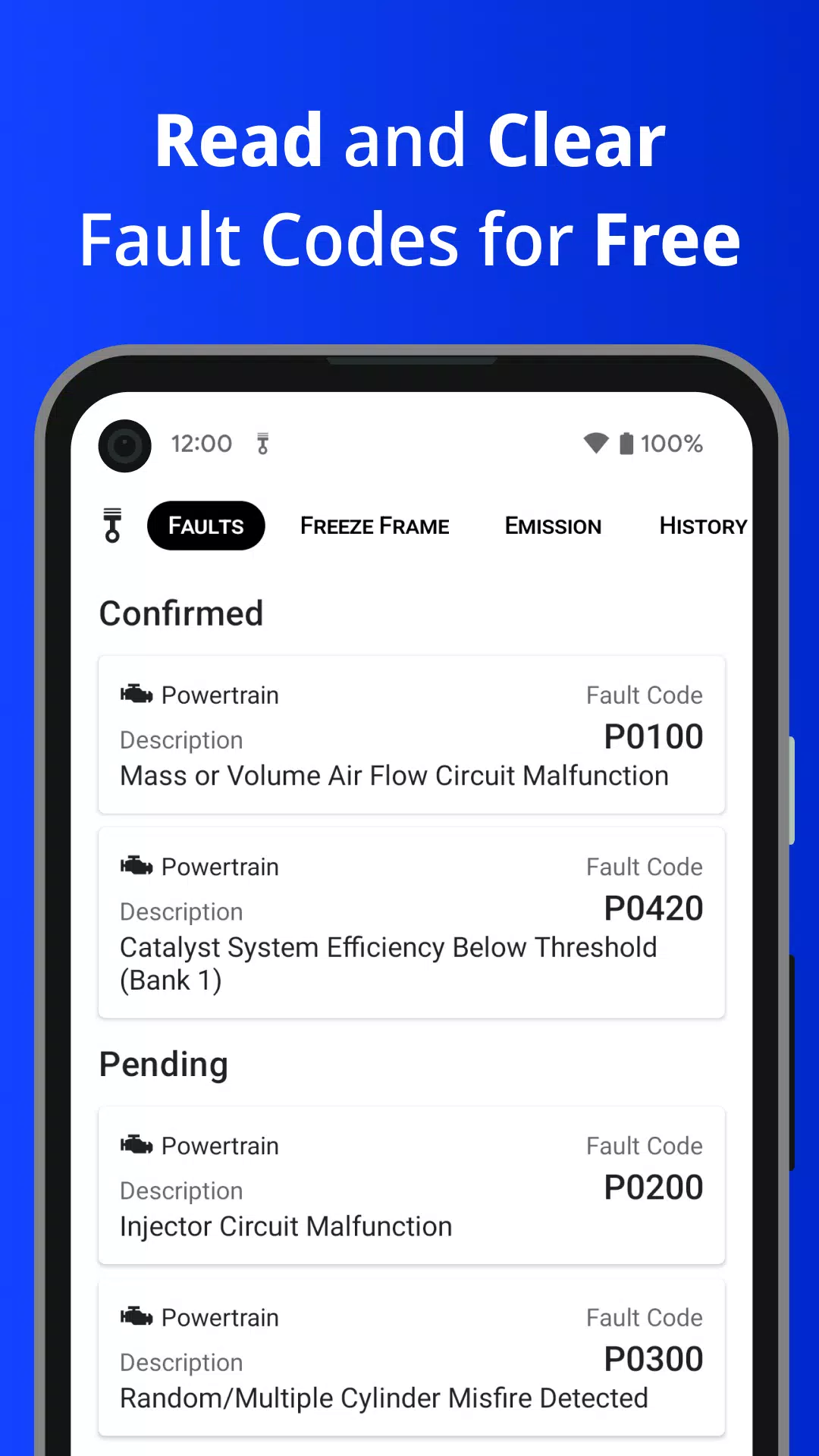
Is your Check Engine Light (MIL) on? Transform your smartphone into a professional-grade scanner with Piston. Retrieve Diagnostic Trouble Codes (DTCs) along with Freeze Frame data to pinpoint and resolve issues efficiently.
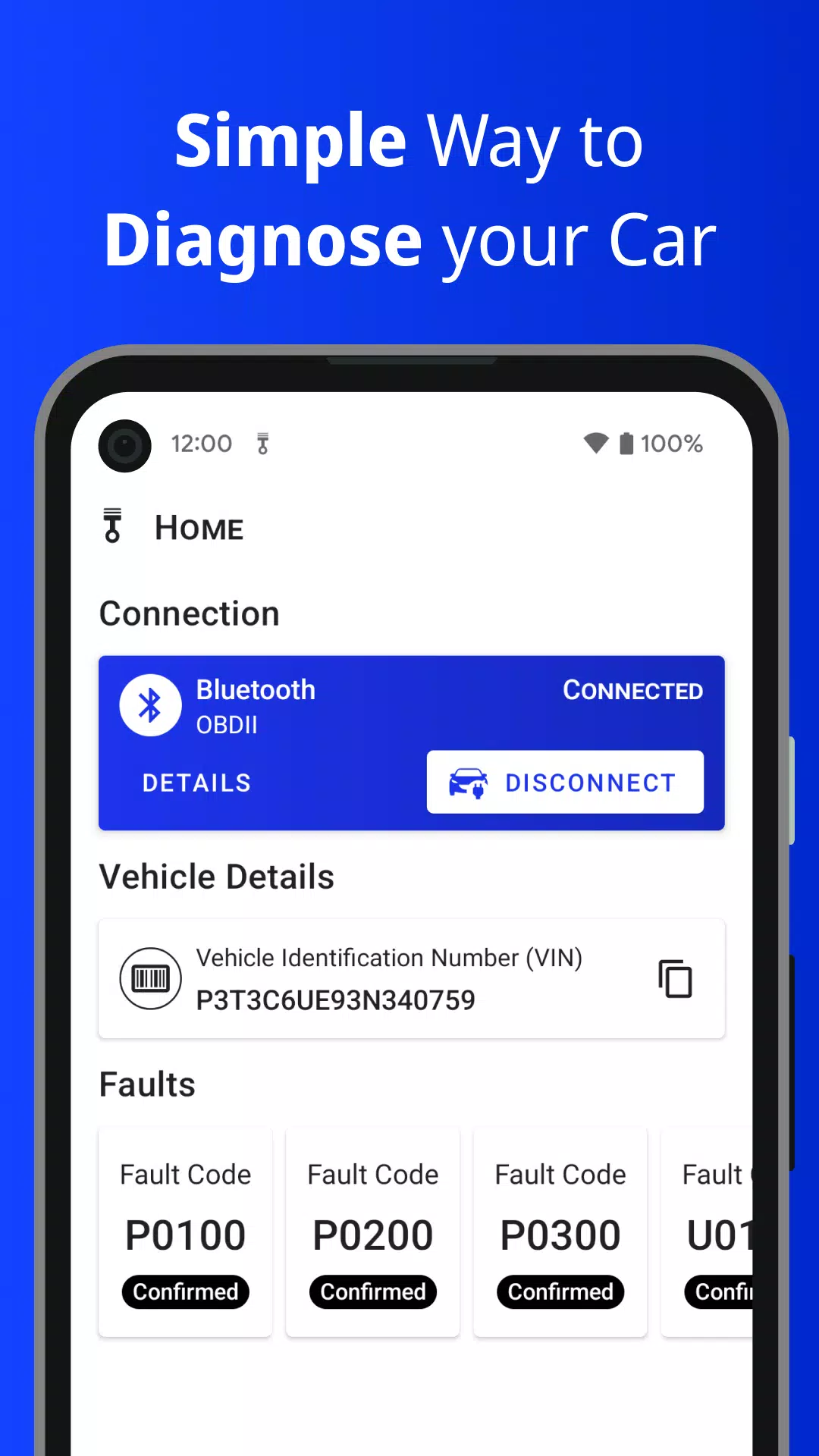
Simply connect a Bluetooth or WiFi ELM327 adapter to your vehicle's OBD2 port. Piston provides step-by-step setup guidance accessible from the Home screen during initial installation or anytime via Settings.
Piston empowers you to:
• Read and erase standard OBD2 Diagnostic Trouble Codes (DTCs)
• Access Freeze Frame records (vehicle sensor data at the moment of ECU-detected issues)
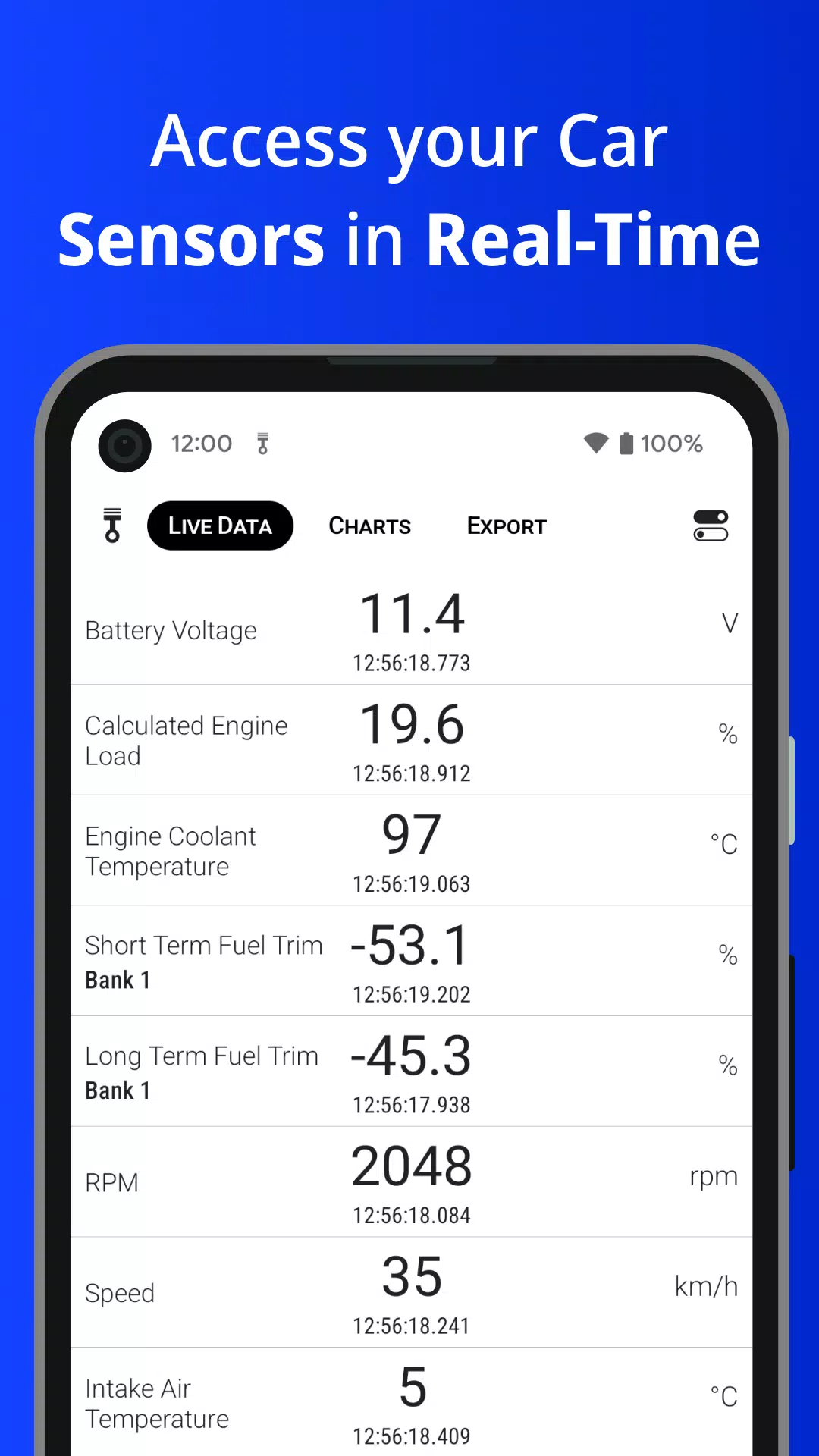
• Monitor real-time sensor readings
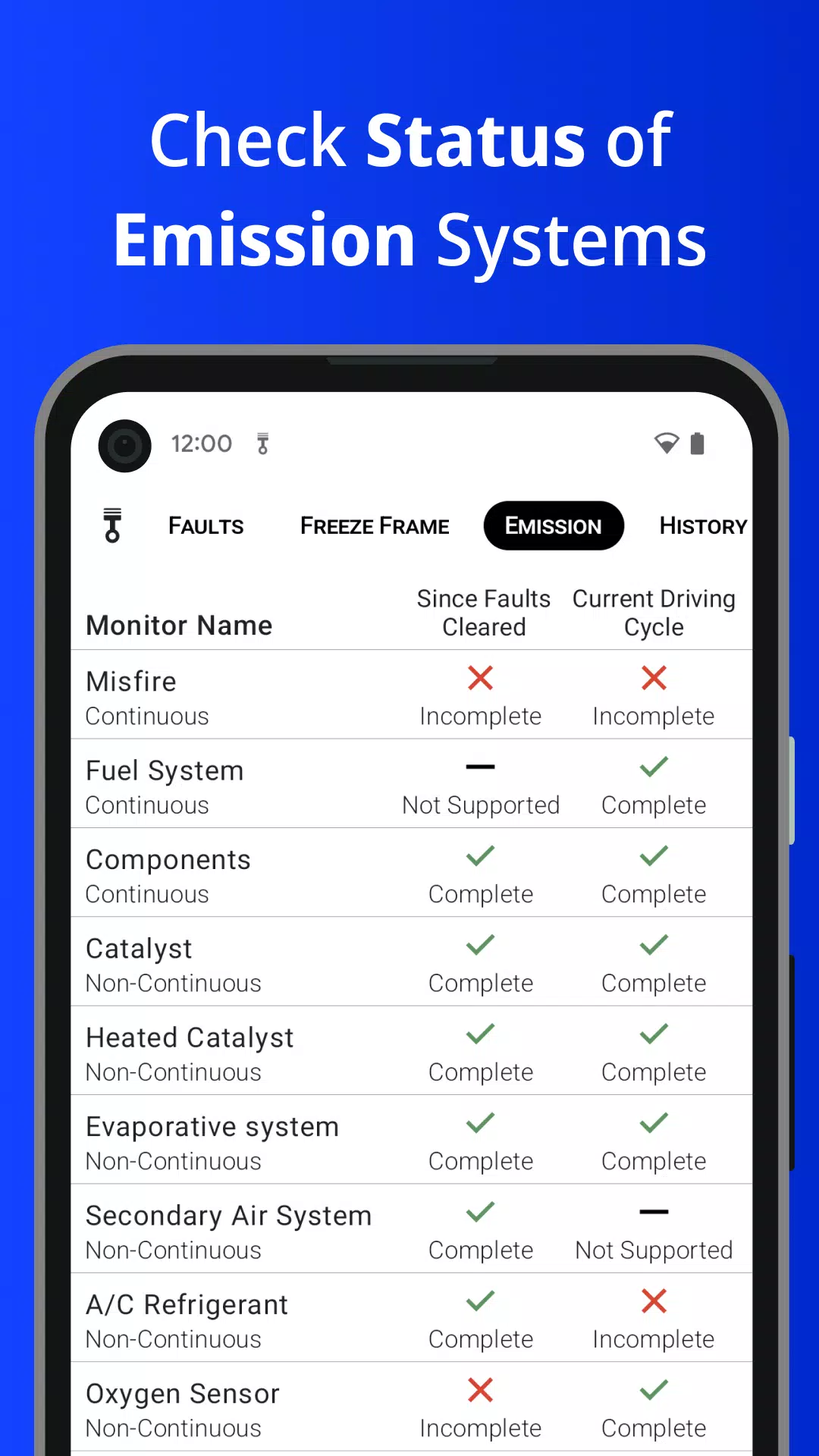
• Verify Readiness Monitor status for emission control systems
• Maintain local history of scanned DTCs
• Cloud-sync your diagnostic records through account login
• View sensor data trends via interactive charts
• Export live sensor readings to files
• Retrieve your vehicle's VIN information
• Inspect ECU details including OBD protocols and supported PIDs
Premium features unlock through a one-time in-app purchase—no recurring subscriptions required.
Note: Piston requires a compatible ELM327 Bluetooth/WiFi adapter. Supports OBD-II (OBD2) and EOBD compliant vehicles.
All US vehicles manufactured since 1996 must comply with OBD2 standards.
EU regulations mandated EOBD for petrol vehicles from 2001 and diesel from 2004. Australia/New Zealand require OBD2 for petrol cars (2006+) and diesel vehicles (2007+).
Disclaimer: Piston can only access data your vehicle makes available through its OBD2 system.
For inquiries or feedback, reach our support team at [email protected].
What's New in Version 3.8.0
Last updated on Aug 2, 2024
• Android 14 compatibility
• Enhanced Sensor Selection interface
• Expanded sensor support (vehicle-dependent availability)