Here's a clear and polished summary of the Silhouette Go App – Version 1.1.076 (Updated Nov 5, 2024), optimized for users who want to quickly understand the latest features and improvements:
🎯 Silhouette Go App – Version 1.1.076 (Latest Update – Nov 5, 2024)
Upgrade your crafting experience with seamless wireless control and powerful new tools.
🔧 What’s New in Version 1.1.076?
-
✅ Full Support for Silhouette Cameo Pro MK-II
Enhanced compatibility and performance for the latest high-speed, precision cutting machine. Enjoy faster setup and smoother operation. -
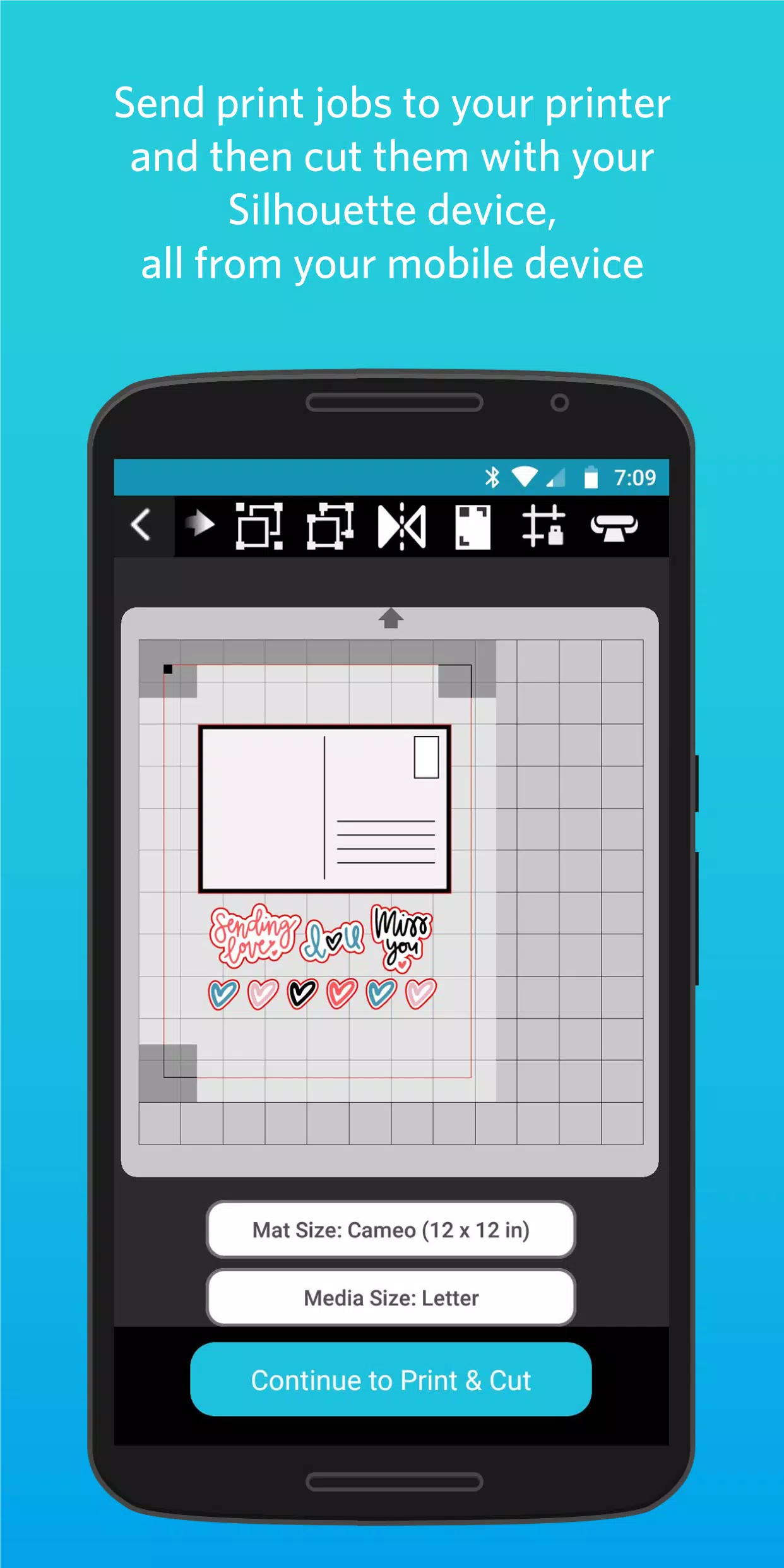
✅ IPT (Integrated Print & Cut) Support for Cameo Pro MK-II
Take full advantage of print-and-cut workflows with automatic alignment and improved accuracy—perfect for photo stickers, custom labels, and more. -
✅ Auto Cross Cut for All Vinyl Materials
Automatically detect and cut across vinyl sheets to prevent misalignment and waste—ideal for complex vinyl projects like heat transfer vinyl (HTV) and adhesive vinyl. -
✅ Improved Web-to-Go Sending Experience
Send designs directly from the Silhouette Design Store or web platform to your Go app with fewer steps and better reliability. -
✅ Stability Fixes
- Resolved crash in Material Settings menu.
- Corrected Custom Media maximum width values to prevent input errors.
- Fixed display issues on 15" and 24" cutting mats—ensures accurate visual previews.
-
✅ Translation Updates
Improved language support and UI clarity in multiple languages for a better global user experience.
🌟 Key Features (Continued)
-
📱 Wireless Cutting via Bluetooth
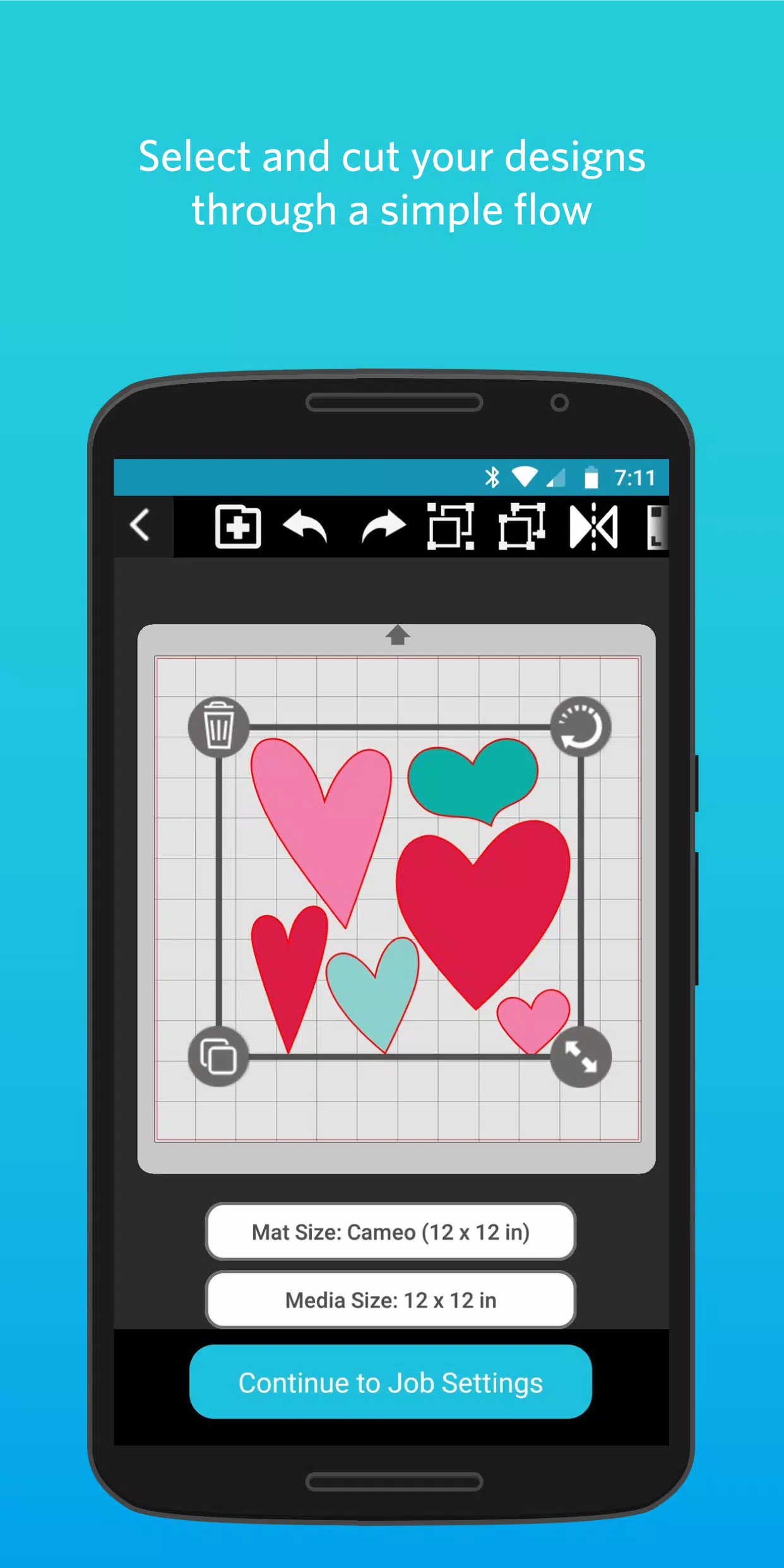
Control your Silhouette machine from anywhere in the house—or even another room—using your smartphone or tablet. -
📚 Access Your Entire Design Library
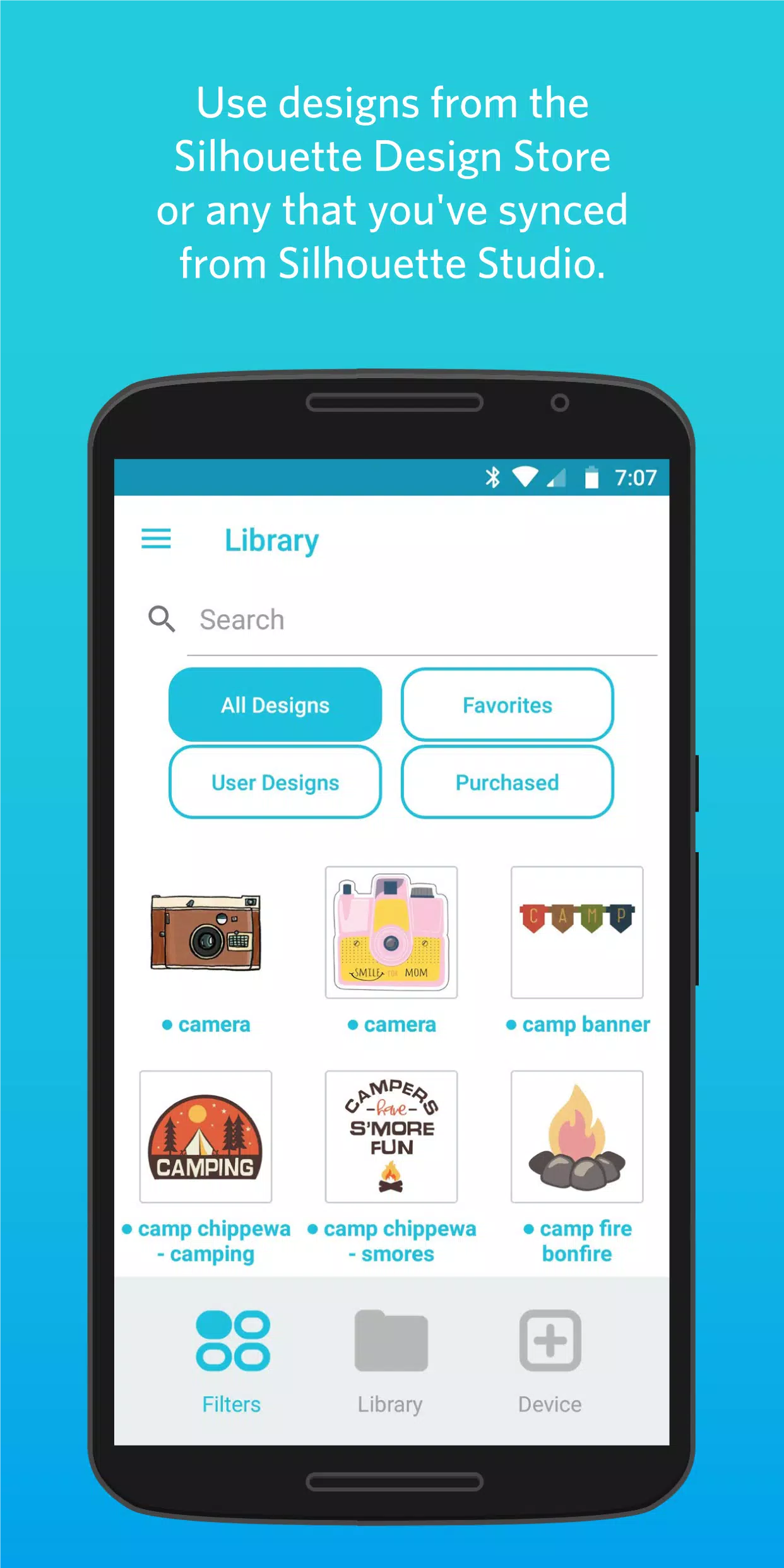
All designs from Silhouette Design Store and synced from Silhouette Studio are instantly available. -
📎 Import Your Own SVG Files
Upload and cut custom SVGs directly from your phone’s storage—no computer required. -
🖨️ Print & Cut from Your Mobile Device
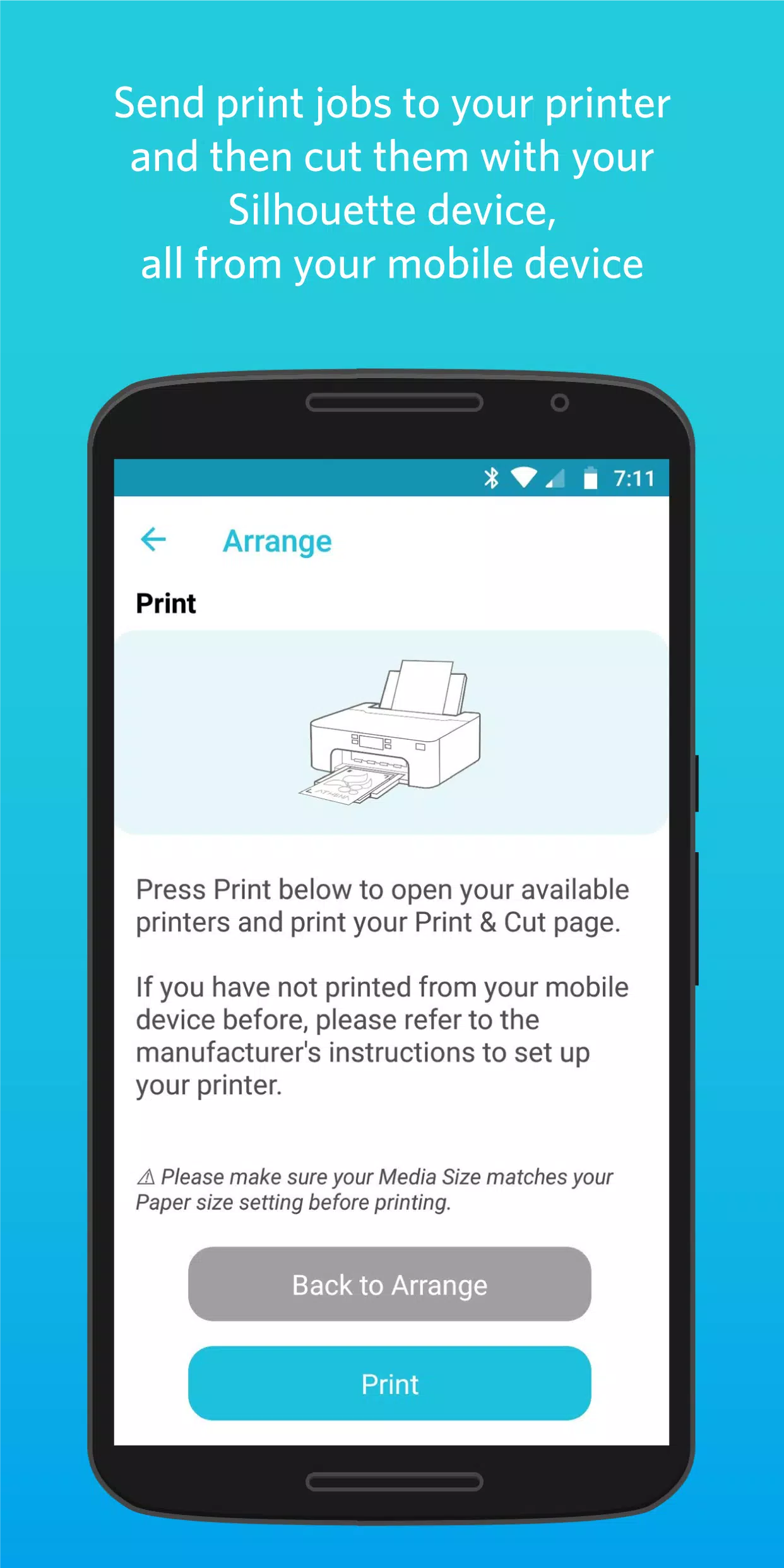
Send print jobs to your home printer, then let Silhouette Go guide your machine to cut perfectly aligned shapes.
🔄 Why Upgrade?
This update strengthens the mobile crafting workflow, especially for users of the Cameo Pro MK-II, with smarter features like Auto Cross Cut and IPT support. Plus, critical bugs are fixed to improve reliability and usability.
👉 Keep your crafting mobile, fast, and creative—just tap, send, cut!
Update now to unlock a smoother, smarter experience with your Silhouette Go app.
🔗 Available on iOS and Android via the App Store and Google Play.
Let me know if you'd like a printable version, social media post, or customer email announcement!