Send your Silhouette designs wirelessly to Bluetooth-enabled Silhouette machines, wherever you are!
Silhouette Go introduces a new level of mobility. Operate your Silhouette cutting machine from any room or location using just your mobile device. Effortlessly pick designs from your Silhouette Library and send them to your cutter via a Bluetooth connection.
● SIMPLE WORKFLOW
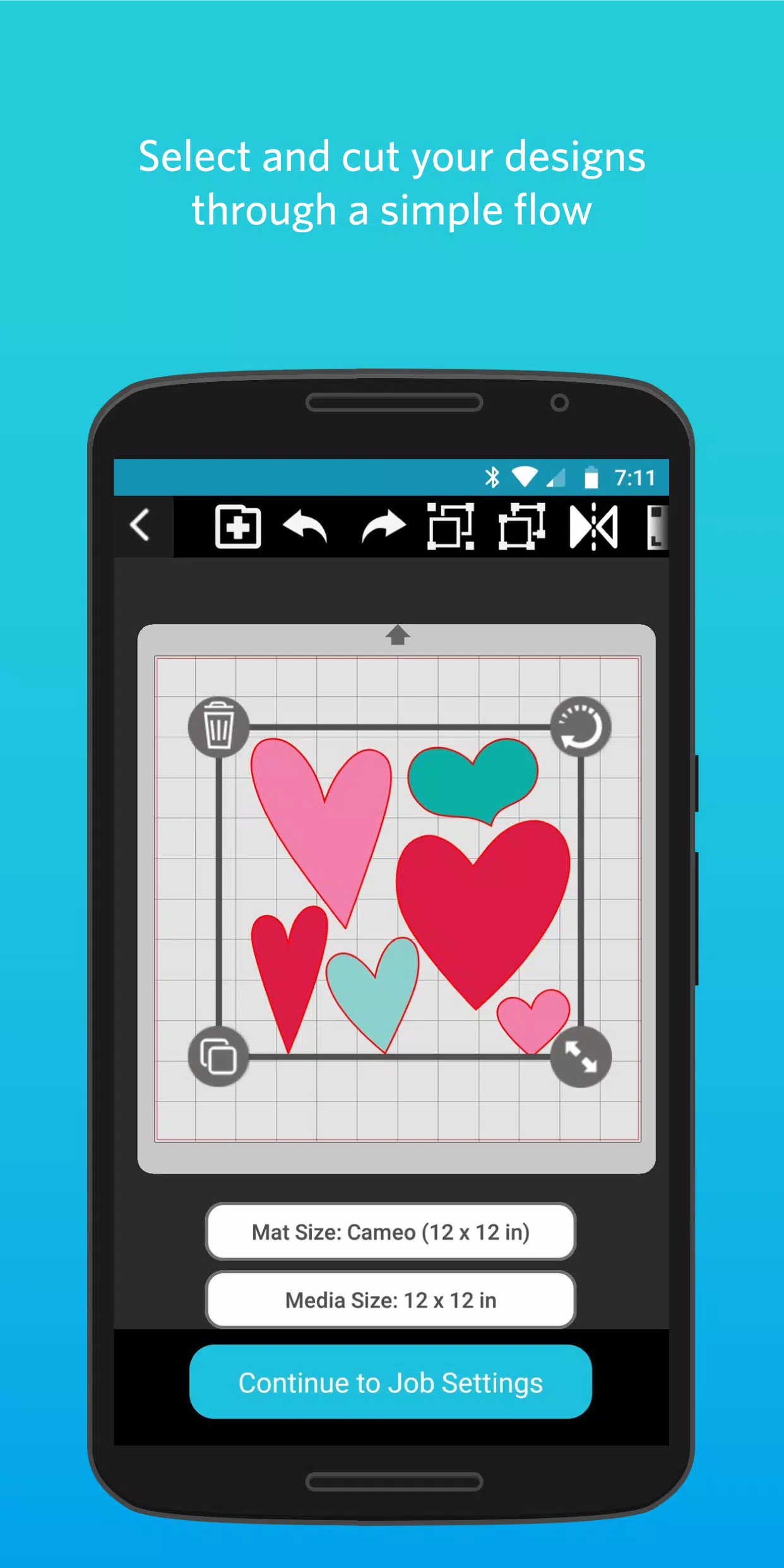
Silhouette Go simplifies selecting and cutting projects by guiding you through each step. Just open the app on your mobile device, choose your design, set your cut options, and send the job to your Silhouette machine.
● ACCESS YOUR LIBRARY
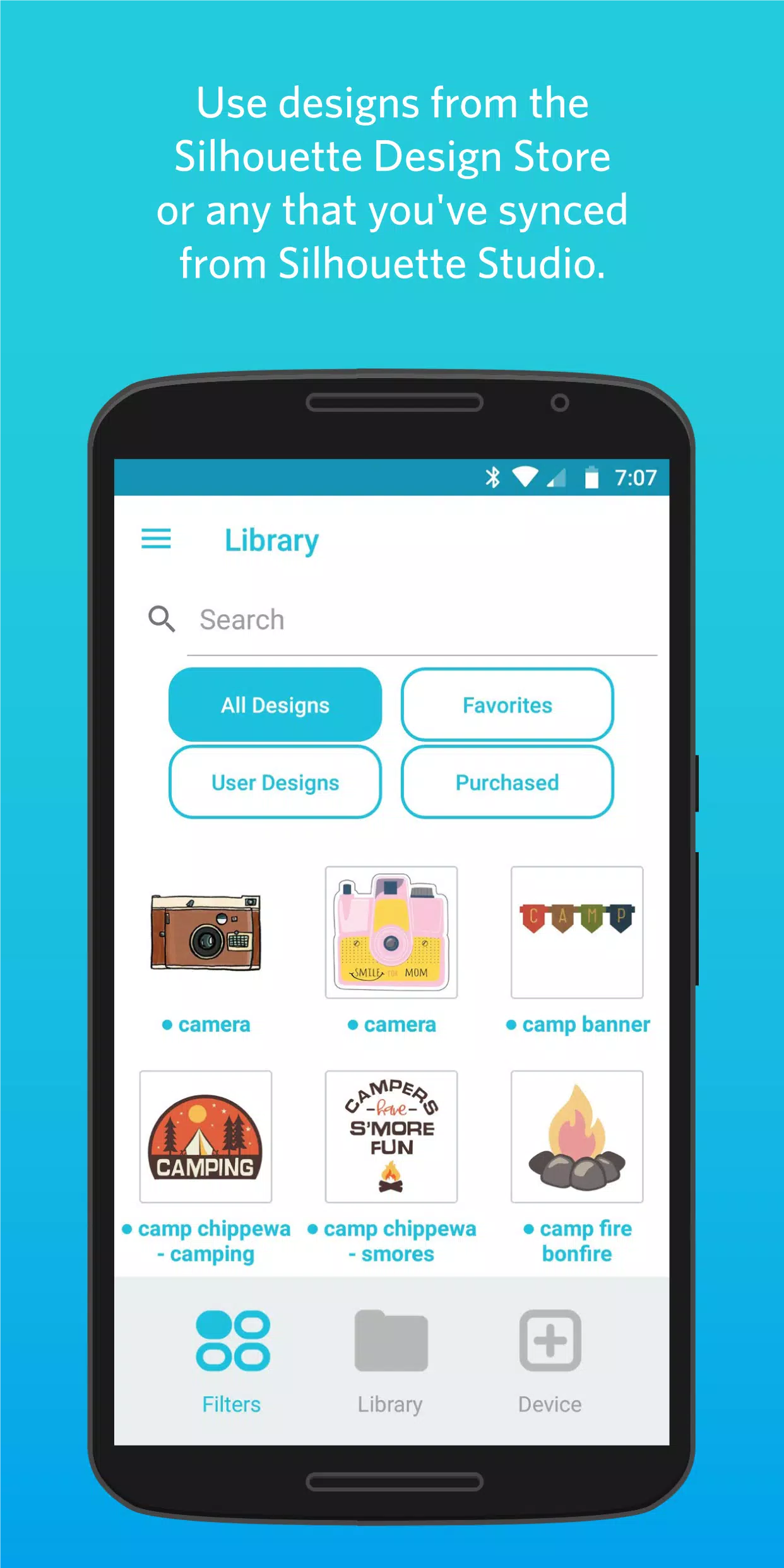
All your designs downloaded from the Silhouette Design Store or synced from Silhouette Studio will be available and ready to use.
● OPEN SVG FILES
Silhouette Go allows you to import your own SVG files directly from your phone's storage into the app for immediate use.
● PRINT & CUT
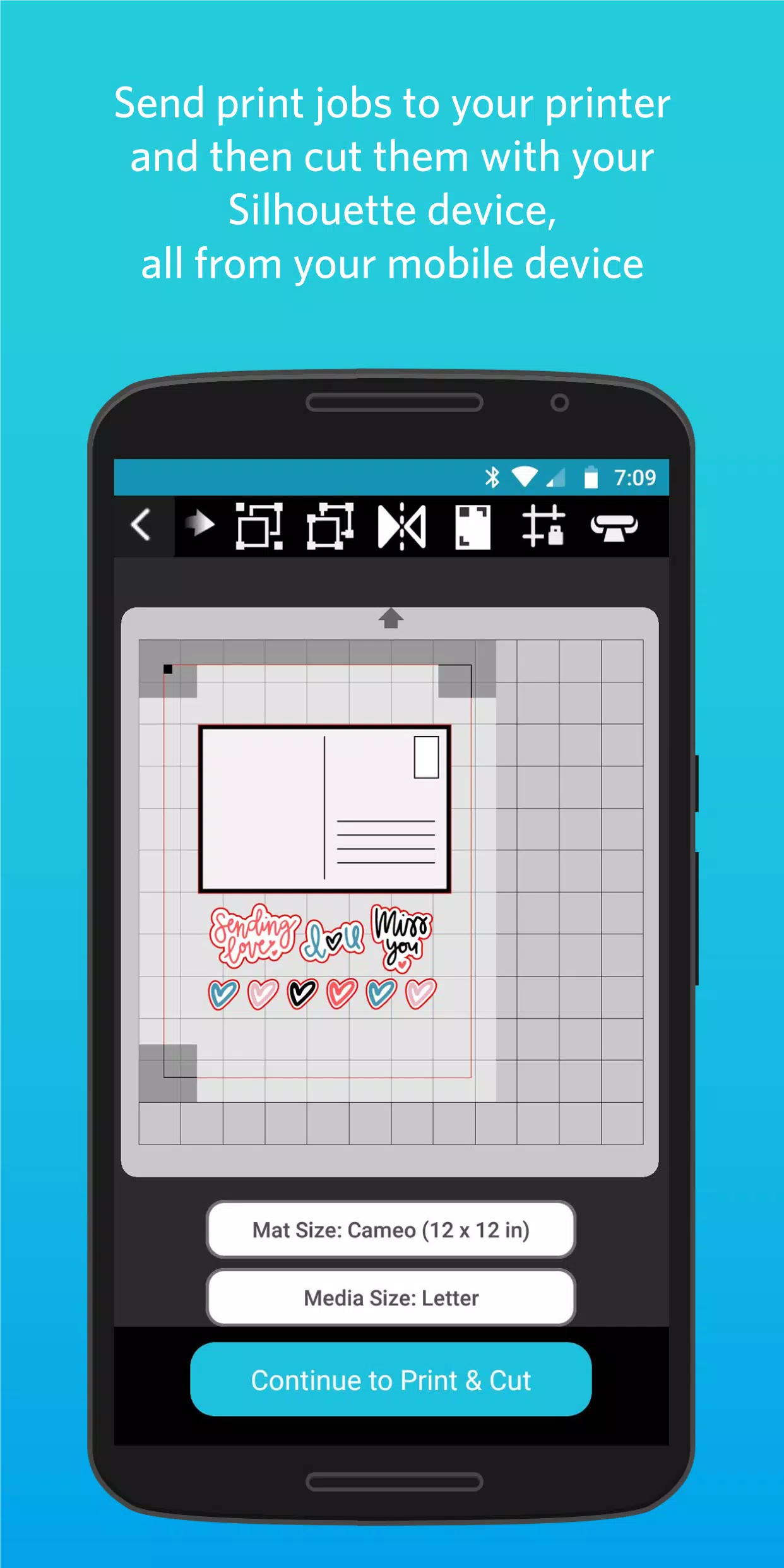
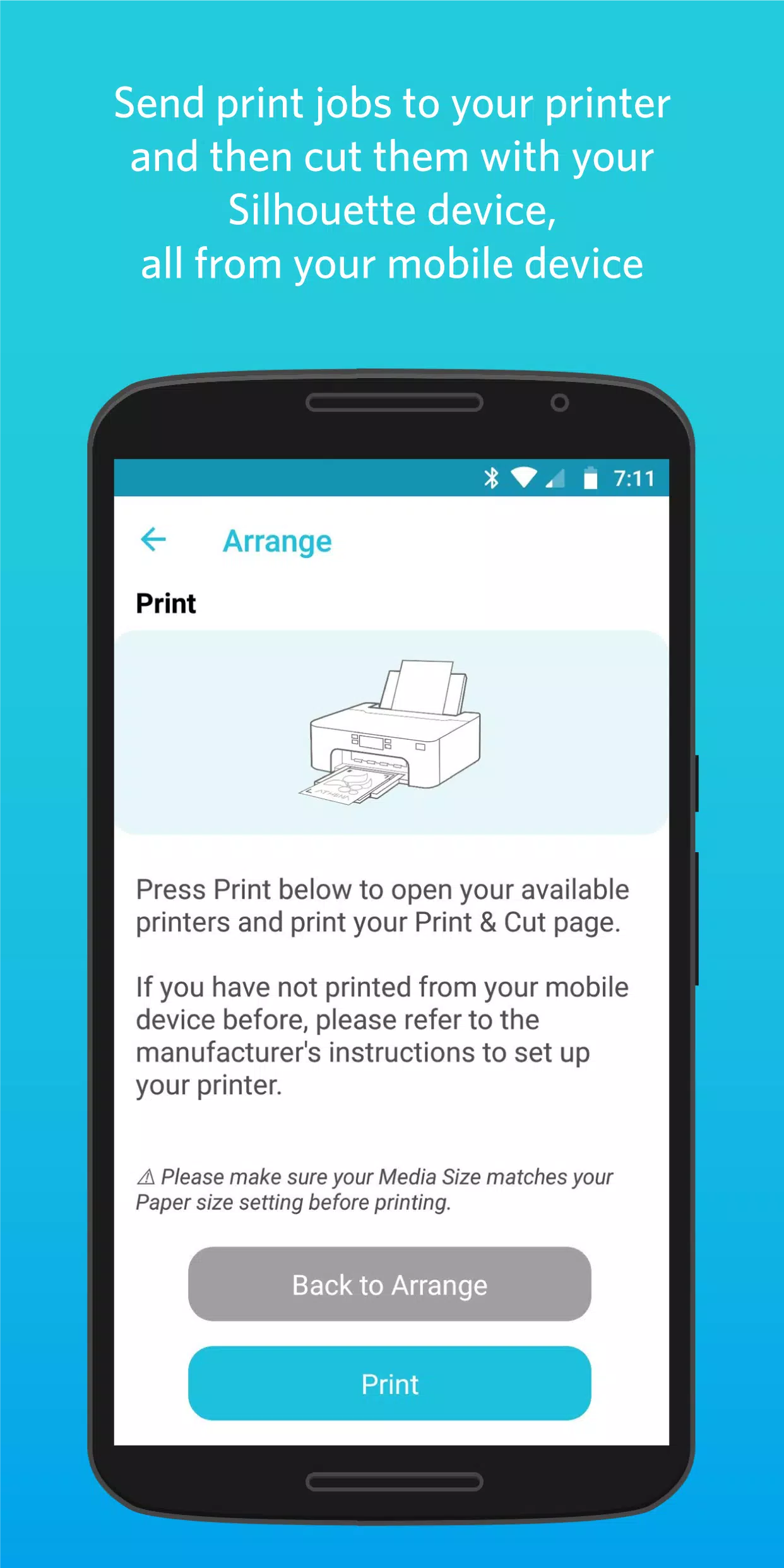
Send print jobs to your printer and then use your Silhouette cutting machine to cut them out, all controlled from your mobile device.
What's New in Version 1.1.076
Last updated on Nov 5, 2024
Changes since version 1.1.072:
• Updated support for Cameo Pro MK-II
• Added IPT support for Cameo Pro MK-II
• Added Auto Cross Cut for all Vinyl materials
• Enhanced experience sending from Web to Go
• Fixed a crash in Material Settings
• Corrected Custom Media max width values
• Fixed display for 15 and 24 inch cutting mats
• Translation updates