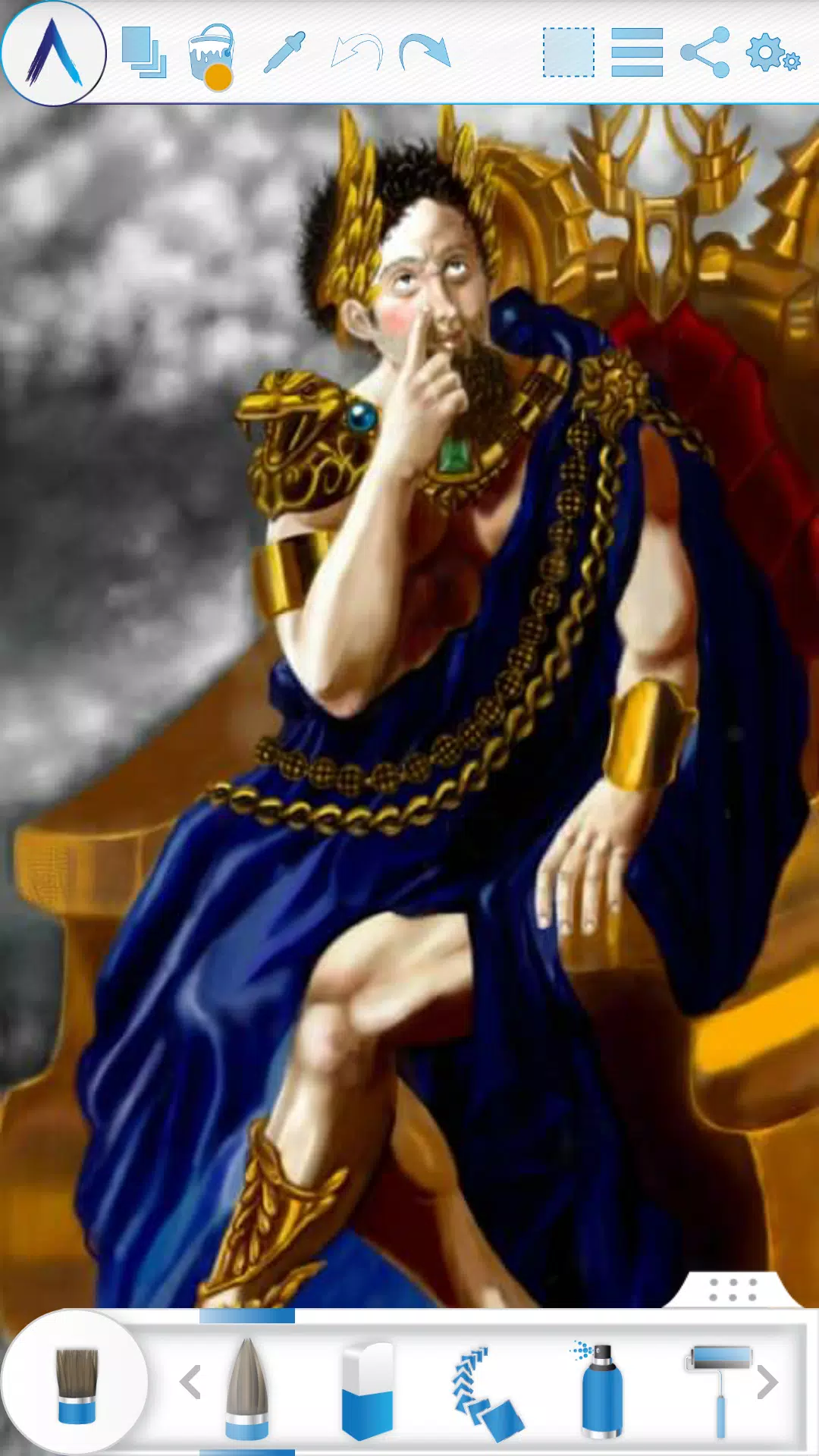
Artecture lets you sketch, draw, and paint in ways you never thought possible.
Artecture empowers you to sketch, draw, and paint like never before. Whether you're a beginner or a seasoned professional, Artecture offers all the tools you'll adore. Enjoy over 30 unique, high-quality, and realistic tools, each customizable to suit your personal style. You're going to love it. Created by art lovers for art lovers like you, it's simple, beautiful, and fun—all in one. From taking notes to creating quick architectural sketches, cartoons, illustrations, watercolors, and oil paintings, you can do it all. The experience feels incredibly authentic. And the best part? It's completely free. No ads. No download requests.
Download it now and discover the natural, authentic experience of drawing, painting, and sketching on a digital canvas.
Join the Artecture artist community on Facebook to learn more and share your creations!
Facebook:
Page Name: Artecture Digital Art Community
Link: https://www.facebook.com/artecture.digiart
Main Features:
• All the drawing and painting tools you love, including Pencil (for realistic sketches), Marker Pen, Oil Brush, Oil Blend brush, Oil Real brush, Water Color, Airbrush, Palette Knife (with color mixing), Paint Roller, Paint Tube, Eraser, Flood Fill, Glitter Tube, Far Brush, Gradient Brush, Fill Pattern for Every Tool, and more.
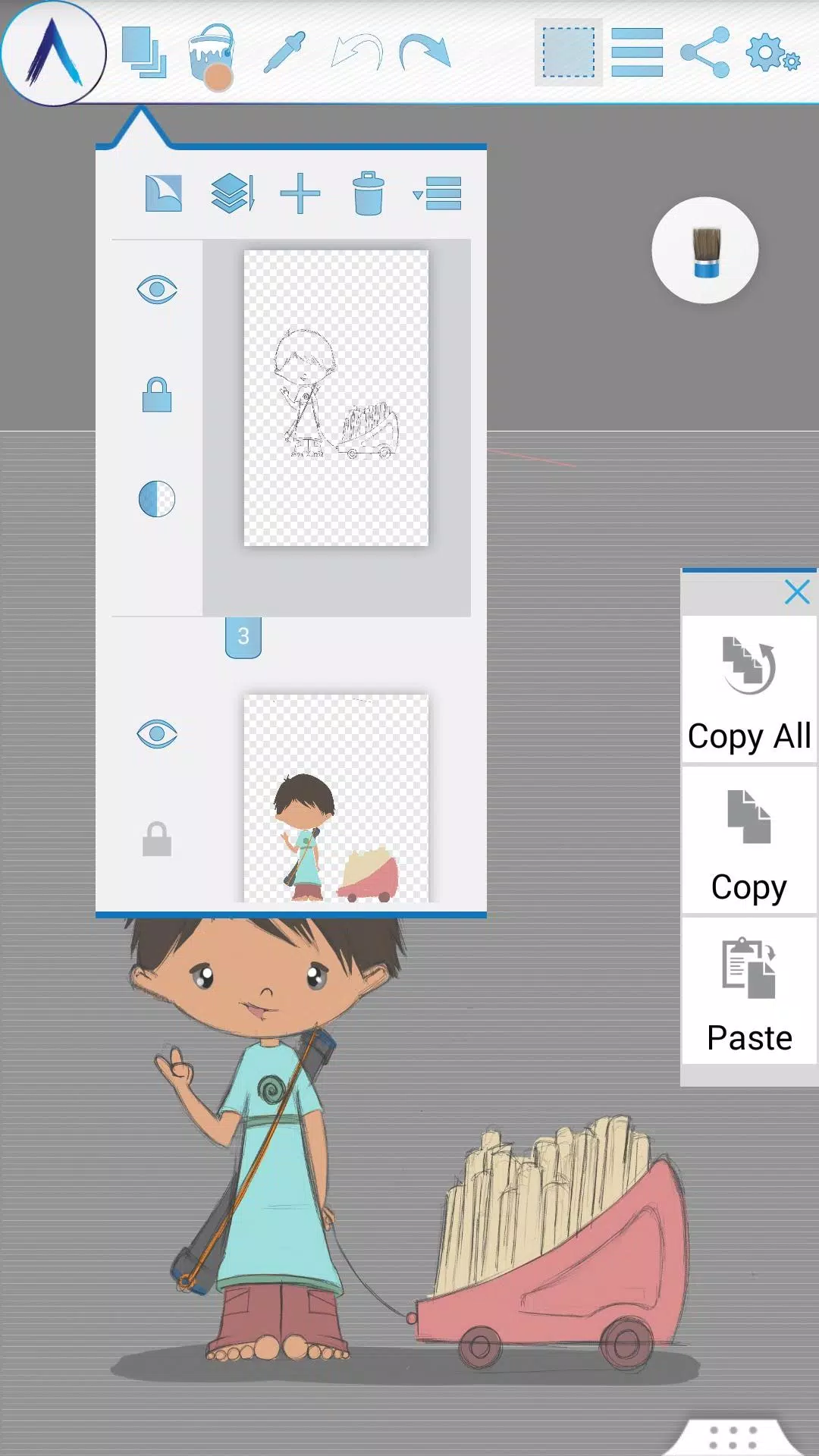
• Multi-Layer support with create, remove, lock, visibility, opacity, re-ordering, and merge functions.
• Various image effects for selected layers like Sepia, Inverse, Blur, Gray, Bright, and Colorize.
• Symmetry modes: Vertical, Horizontal, and Concentric with an adjustable center point.
• Tracing with automatic color pick, Template Coloring, and Image Import/Export.
• Geometric Shape drawing (Freehand, Line, Rectangle, Circle).
• Pen-Only mode (Palm rejection).
• Canvas rotation.
• Multi-Touch shortcuts.
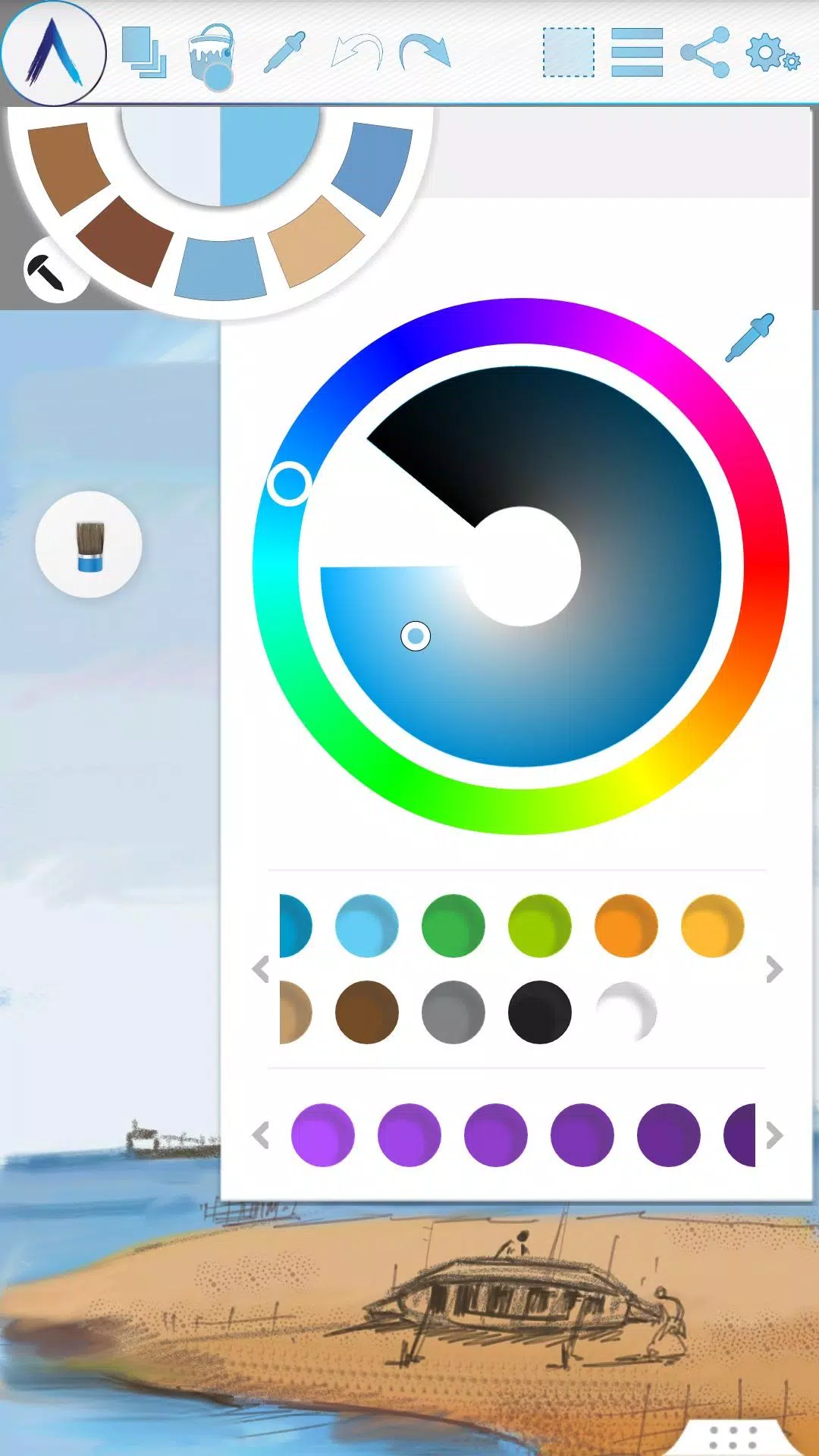
• Color Palette with default favorites and a color picker.
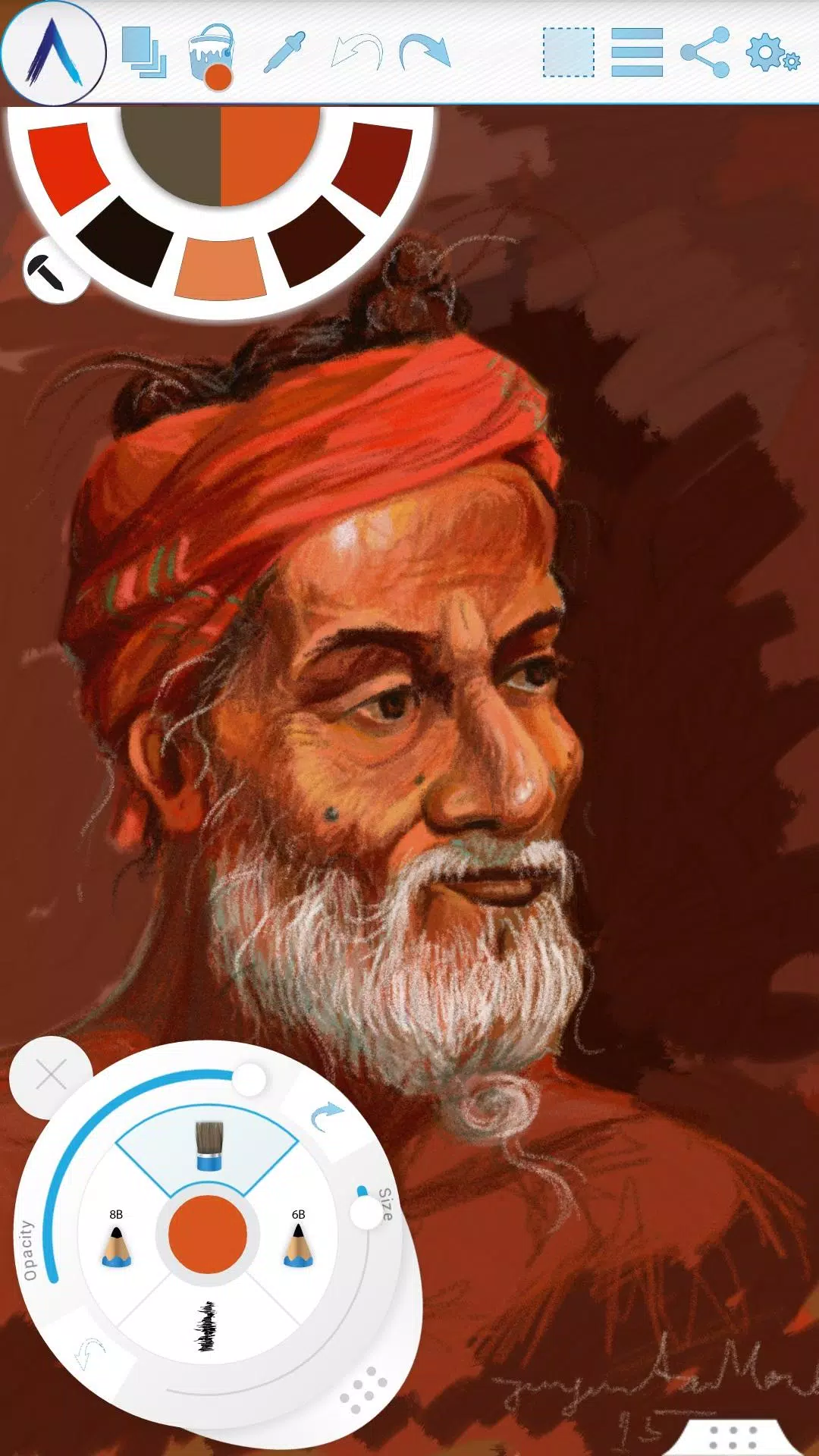
• Floating favorite Color and Tool Palette.
• Rectangular and Freehand selection tools.
• Copy, Paste, Rotate, and mirror selected areas.
• Text Insertion (Insert, resize, rotate, and mirror).
• Export artworks to standard image formats (.jpeg, .png, .bmp).
• Auto-save for your artworks.
• Open your last drawing with tool preferences intact.
• Static backgrounds (Texture, Color, Image).
• Tool presets.
Storage:
• By default, artworks are saved in the “Artecture” folder on your device storage in the .bme file format, which can only be opened/viewed by the Artecture Gallery. You can also export to the .bmp image format. To reuse a .bmp file, simply insert it using the insert option.
• You have the option to change the storage location. The Gallery can detect .bme artworks from all changed locations on your device storage.
Sharing:
• Upload artworks directly to Facebook & PenUp from both the canvas and the gallery.
• Share artworks via Bluetooth and Wi-Fi Direct.
• Mail, send, or save artworks and exported images via MMS, email, ShareIt, and other installed applications.
Help & Support:
A quick reference guide covers the basics of the app.
Need help? Feel free to email us at: [email protected]
Specialty:
• This digital painting tool is free but delivers advanced performance.
• You won't be bothered by any advertisements, as we've made it completely ad-free.
The Artecture screenshots feature artworks from students and professors of the Fine Art department at Dhaka University. We thank them for allowing us to share their work.
Special thanks to Mr. Gar Cia for permitting us to include his artwork as a screenshot.
Permissions:
The following permissions are required for the app's service.
Required permissions
Storage: Used to save drawing files.
Optional permissions
None
What's New in the Latest Version 5.2.0.4
Last updated on Feb 8, 2019
Version Number: 5.2.0.4
• Fixed the “Permission required” issue for non-Samsung devices.
• Fixed crashes and issues preventing saves.
Version Number: 5.2.0.2
• Added dynamic permission handling.
• Some bug fixes.
Version Number: 5.1.2.0
• Auto Save: Progress is now automatically saved periodically.
• Bug Fix: Minor bug fixes.