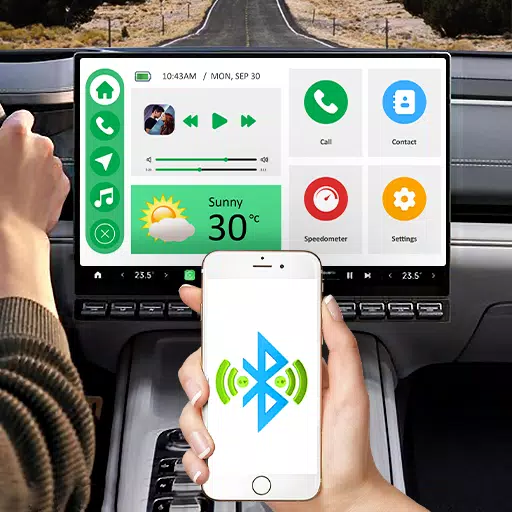
Mirror your Android device to your car screen with CarPlay: Android Auto Sync.
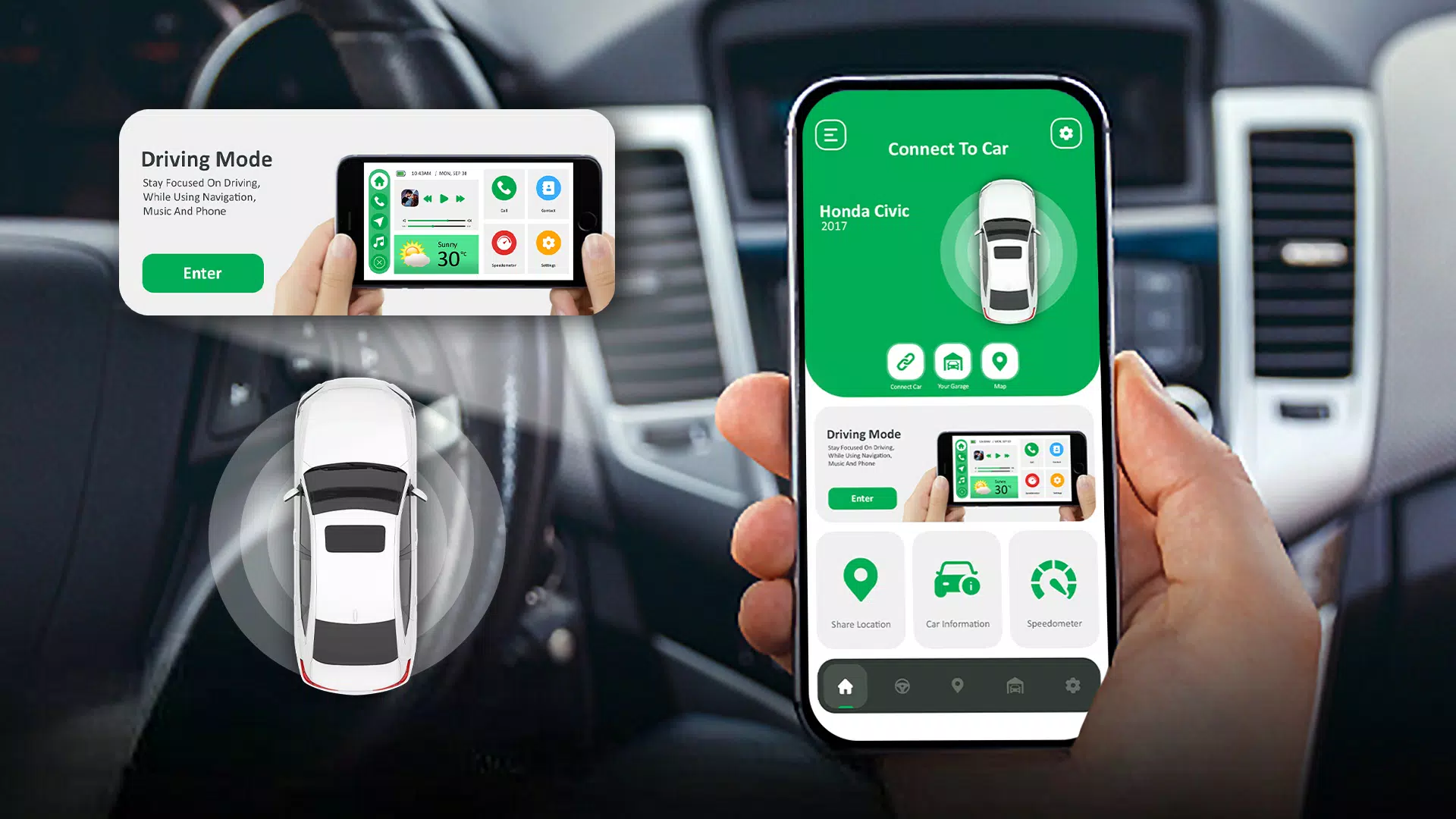
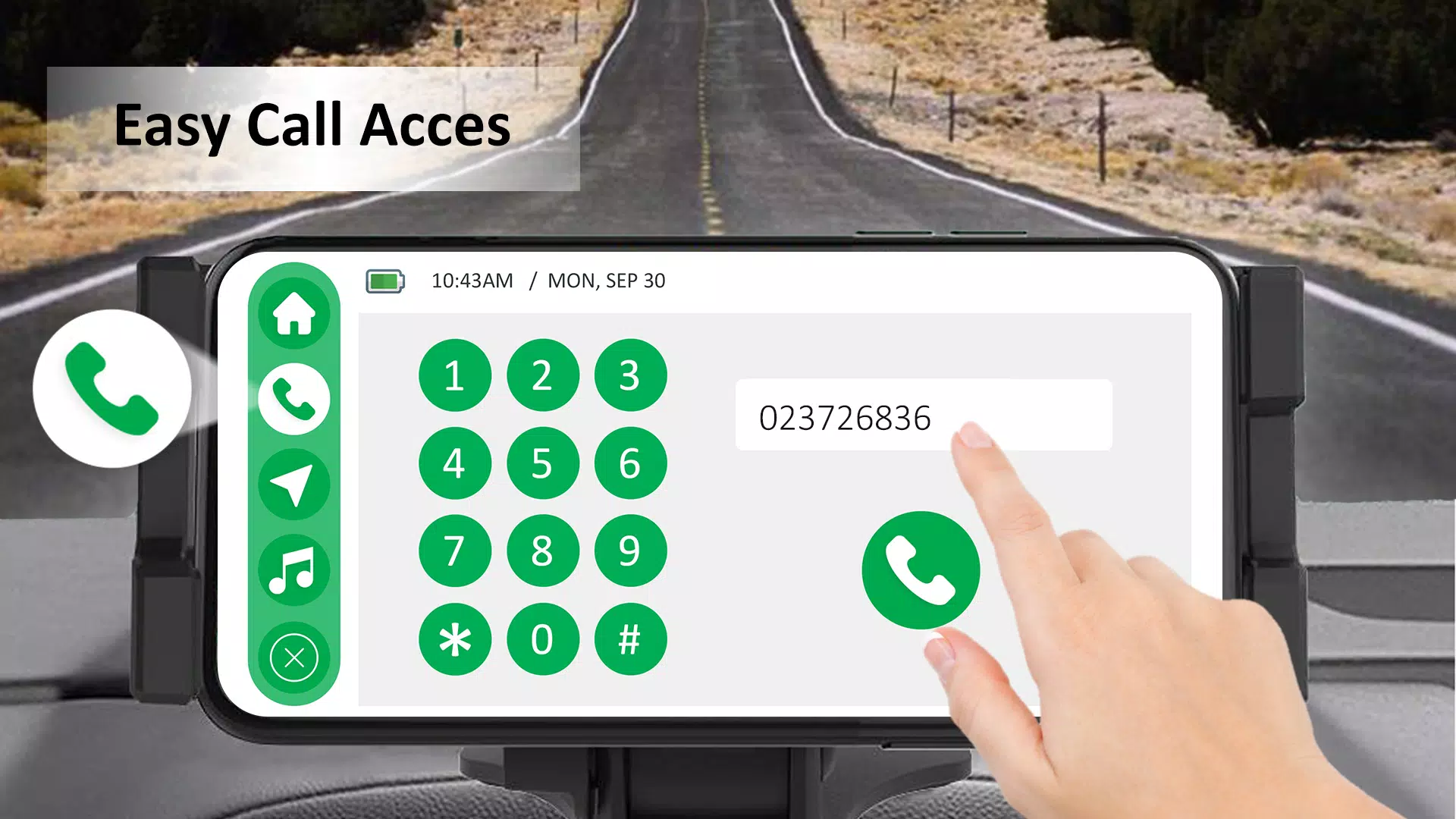
CarPlay: Android Auto Sync displays your Android device's screen on your car's display. Connect your smartphone to the car dashboard via screencast, Bluetooth, or Wi-Fi. Using Car Play and auto sync for Android, you can access favorite apps, contacts, and make calls directly from your car's display.
Mirror your phone screen to your car’s display with Car Play for Android. Enjoy your favorite content conveniently while driving.
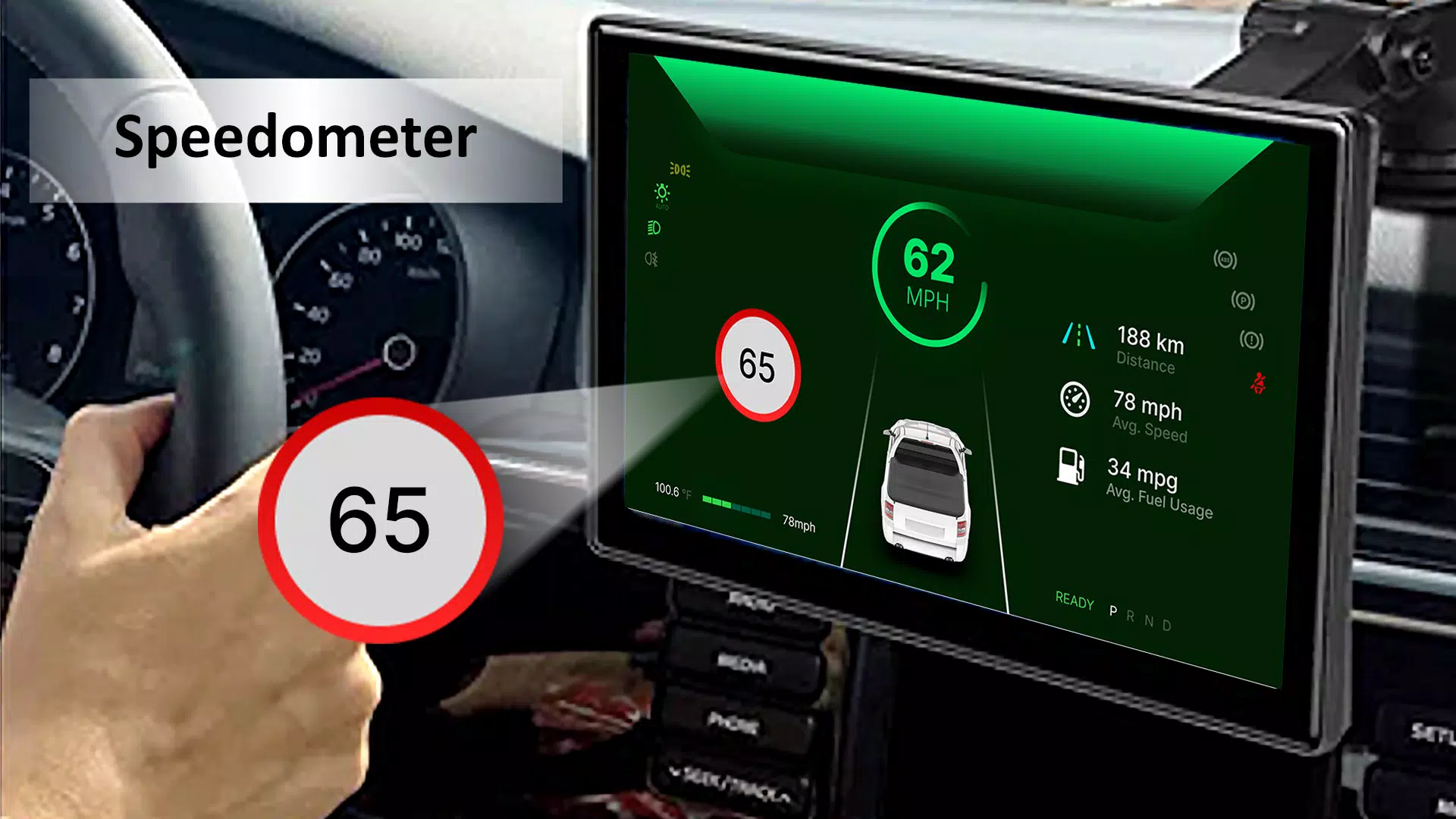
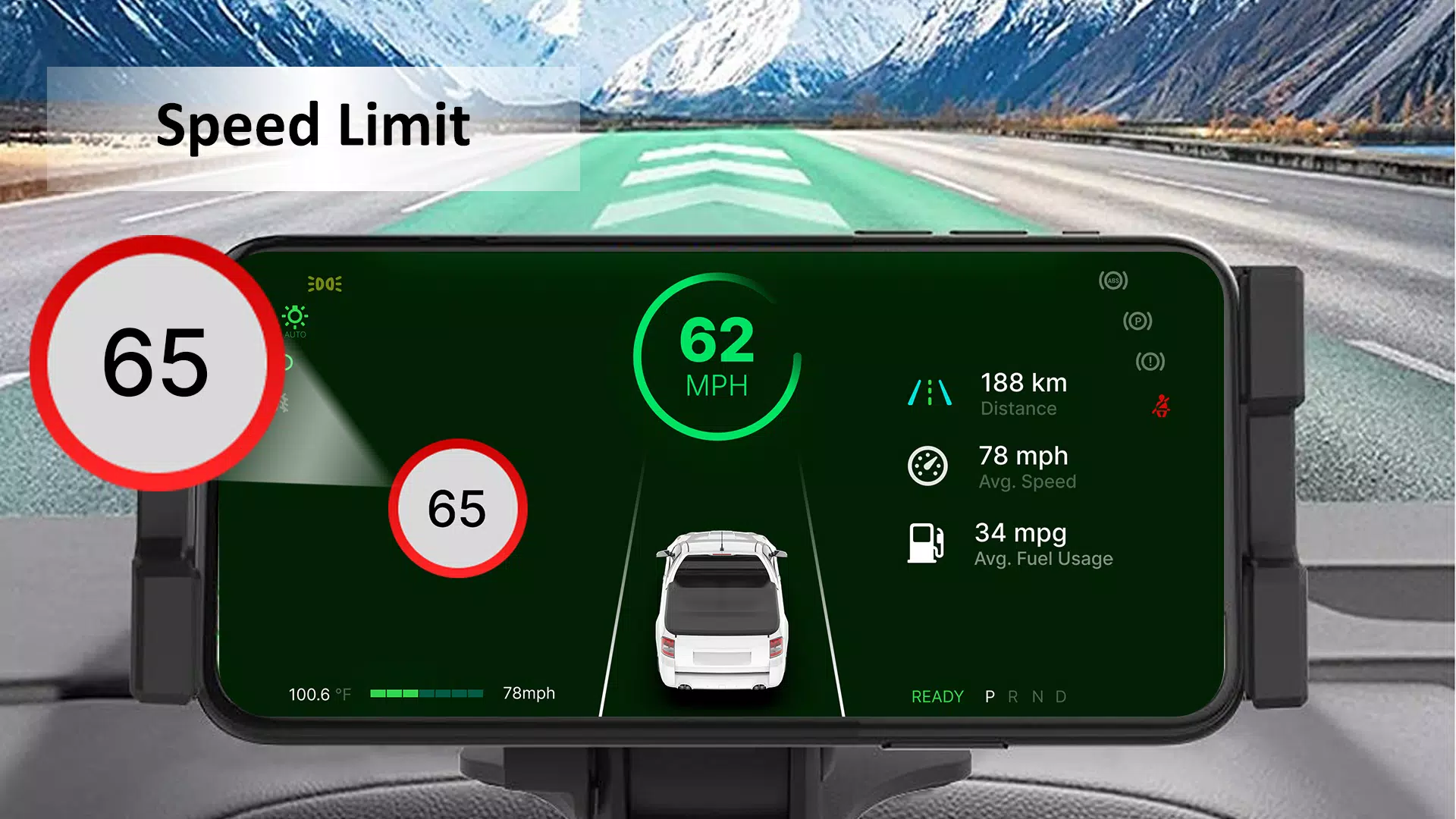
CarPlay for Android auto sync creates a smooth connection between your vehicle and smartphone. Auto sync with Android Car Play mirrors your phone screen and delivers features that enhance your driving experience. Stay focused with easy access to contacts, calls, Maps, date, time, and the speedometer in driving mode. With the speedometer feature in CarPlay: Android Auto Sync’s driving mode, you can monitor real-time speed and get alerts if you exceed your set speed limit.
Key Features of CarPlay: Android Auto Sync
1.Driving Mode:
The enhanced Driving Mode in CarPlay Android auto sync helps you stay focused on the road by providing access to contacts, calls, and Maps on the dashboard. In Driving Mode, you can also view important information like the date, time, and your car’s speed via the speedometer.
2.Speedometer:
With the Speedometer feature on your dashboard, you can track your vehicle’s speed and improve road safety by setting a speed limit alert.
3.Navigation:
Using Maps and Navigation, you can get directions and updates to reach your destination easily.
4.Different Car Brands:
The Car Play app for Android works with various car brands, including Tesla, BMW, Audi, Mercedes, Ford, Chevrolet, Toyota, Honda, Nissan, Porsche, Lexus, Jaguar, Ferrari, and Lamborghini.
5.Car Information:
Get useful car information about maintenance for older vehicles, modifications, tire care, and engine diagnostics.
6.Location Sharing:
Share your location with friends or family for added safety.
7.Personal Garage:
Manage all your vehicles in one place with the personal garage feature. Easily access vehicle details and manage your personal garage anytime.
8.Wi-Fi, Cast and Bluetooth Connectivity:
Connect your smartphone using Wi-Fi, screencast, or Bluetooth to access phone content while driving.
Enjoy a seamless driving experience by staying entertained and informed on every journey with Auto Sync and Car Play Android. CarPlay: Android Auto Sync offers smooth navigation with integrated Maps for easy routing.
What's New in the Latest Version 1.10
Last updated on Nov 10, 2024
Minor bug fixes and improvements. Install or update to the newest version to check it out!