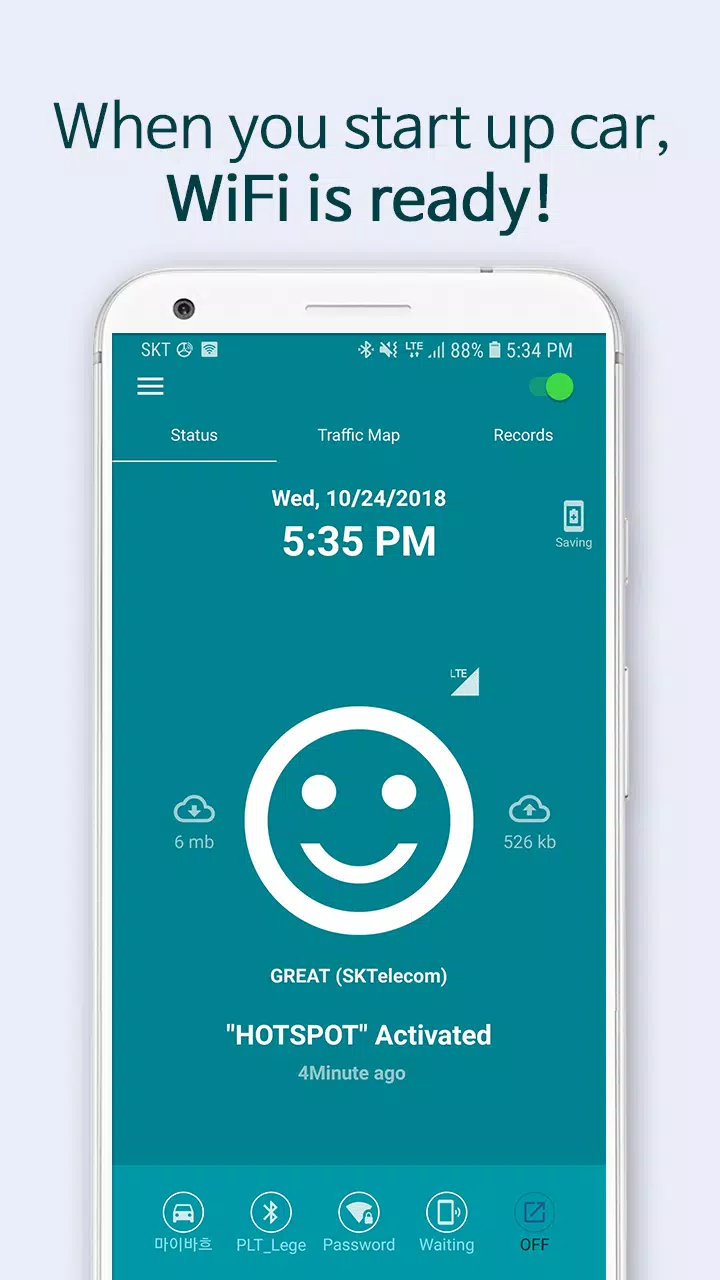

Simply have your smartphone ready, and it will automatically connect to WiFi when you start your car.
The easiest and smartest driving companion: Carspot Ready!
Just have your smartphone prepared, and it will connect to WiFi as soon as you start your vehicle. Carspot Ready is prepared and waiting ahead of time, letting you stay focused on driving.
Now, let’s explore what Carspot Ready does.
• Activates WiFi when starting the car (via your phone’s hotspot)
• Automatically launches frequently used car apps simultaneously
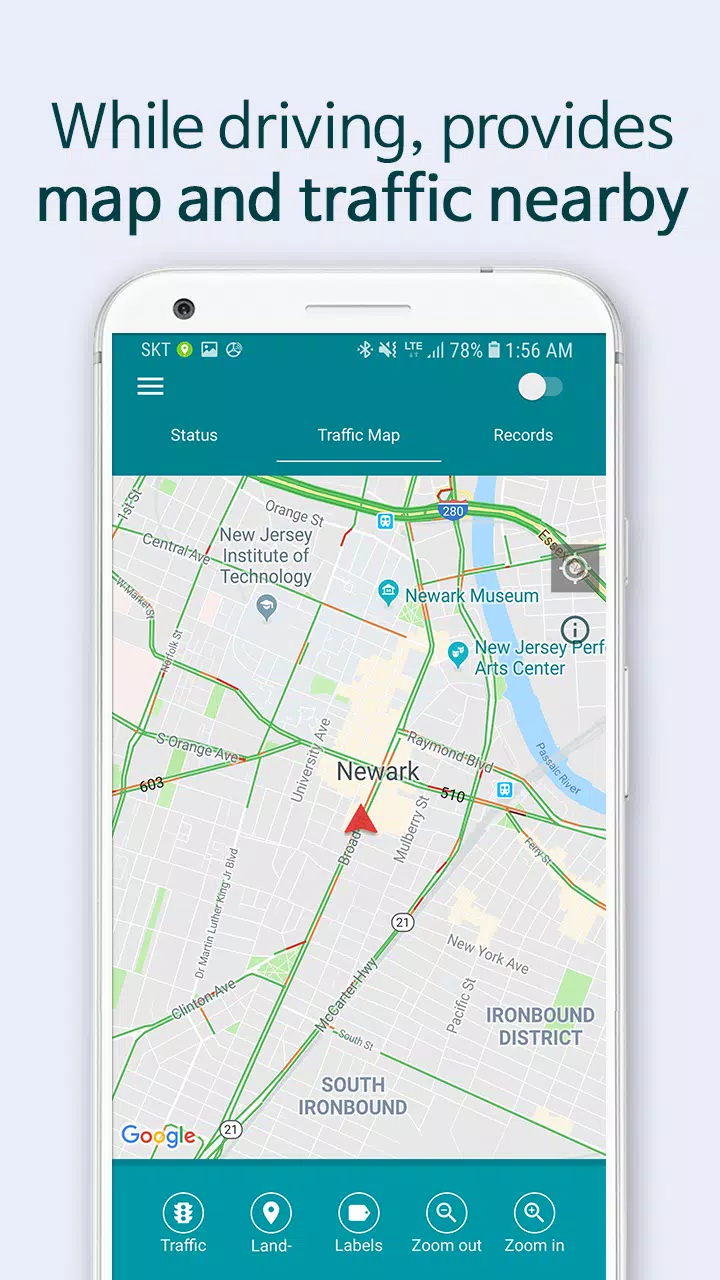
• Displays nearby maps and real-time traffic information while driving
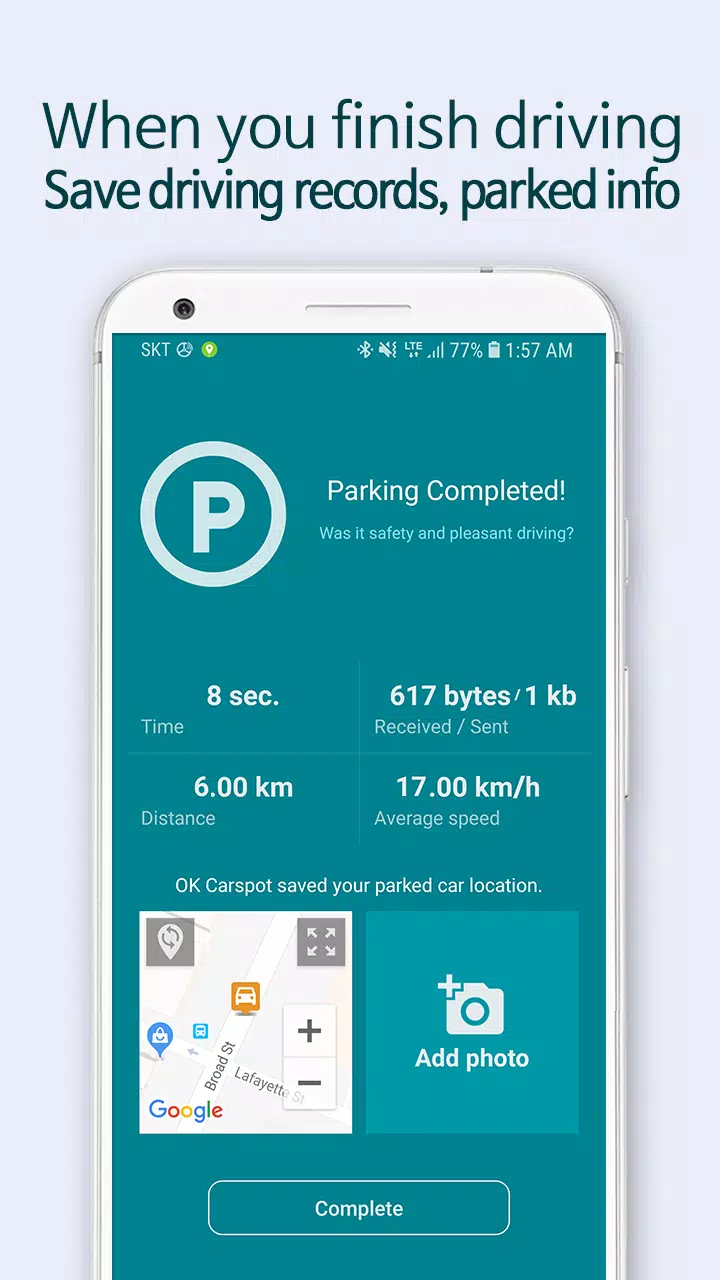
• Saves your parking location when you park
• Records your driving details (distance, time, route) when you exit the vehicle
So, what can you do with Carspot Ready?
• Connect all peripheral devices, like navigation systems, to the internet via WiFi
• Automatically launch your preferred music, maps, and radio apps without manual input
• Connect all smart devices (Android, iPhone, all-in-one models) to your car’s WiFi
• Share your WiFi connection with passengers and family members
• Receive real-time traffic updates and driving directions
• View your driving history: mileage, habits, time, and routes
• Locate your parked car easily
Most importantly, Carspot Ready is set up and ready to go before you even unlock your phone.
How is this different from Android Auto and Apple CarPlay?
• Carspot Ready uses your phone’s HOTSPOT to share its wireless internet
• No compatible car is needed—any device can connect via your smartphone
• No special app compatibility required; use all apps available on your phone
Which apps are supported for auto-launch?
• Maps: Google Maps, Waze, Transit, Sygic, and all GPS navigation apps
• Media: Google Music, Spotify, Samsung Music, YouTube, Apple Music, and more
[Compatible Smartphones]
Requires Android 5.0 or higher with mobile data
Some smartphone models may require manual setup instead of full automation
★ Interested in removing ads?
Share this app and send us the link or a screenshot by email.
We’ll send you a coupon to remove ads.
• Email: [email protected]
Here’s an overview of the app permissions required:
The following permissions are necessary for the app to function correctly.
□ Location: Used for recording driving data and parking locations
□ Background Location: Used to track driving records when the app is closed
□ Storage: Used to save notifications and user settings
□ Camera: Used to capture parking location photos
□ Phone: Used to monitor data usage while the hotspot is active
What's New in Version 2.3.9
Last updated on Aug 12, 2022
1. Fixed an issue with parked car picture uploads.
2. Resolved a problem with Bluetooth connectivity.