Absolutely! Here's a polished, professional, and marketing-ready product description and feature update announcement for GridArt v1.8.3, perfect for app stores, social media, or website deployment:
🎉 Introducing GridArt v1.8.3 – The Ultimate Grid Drawing Companion for Artists! 🎨
Draw with precision. Create with confidence.
Whether you're sketching your first masterpiece or refining a professional piece, GridArt is your all-in-one digital toolkit for mastering the classic grid drawing method — now smarter, sharper, and more secure than ever.
✨ What’s New in GridArt v1.8.3?
Released: September 14, 2024
🔐 Screen Lock Feature Added!
Now you can lock your screen during drawing sessions to prevent accidental touches, zooms, or exits — perfect for long creative sessions on tablets or smartphones. No more interrupted flow. Stay focused, stay inspired.
🖼️ Why Artists Love GridArt
The grid method isn’t just a technique — it’s a game-changer. GridArt brings this centuries-old art hack into the modern age with powerful tools, unmatched customization, and a seamless experience.
🔧 Powerful Features You’ll Love
✅ Fully Customizable Grids
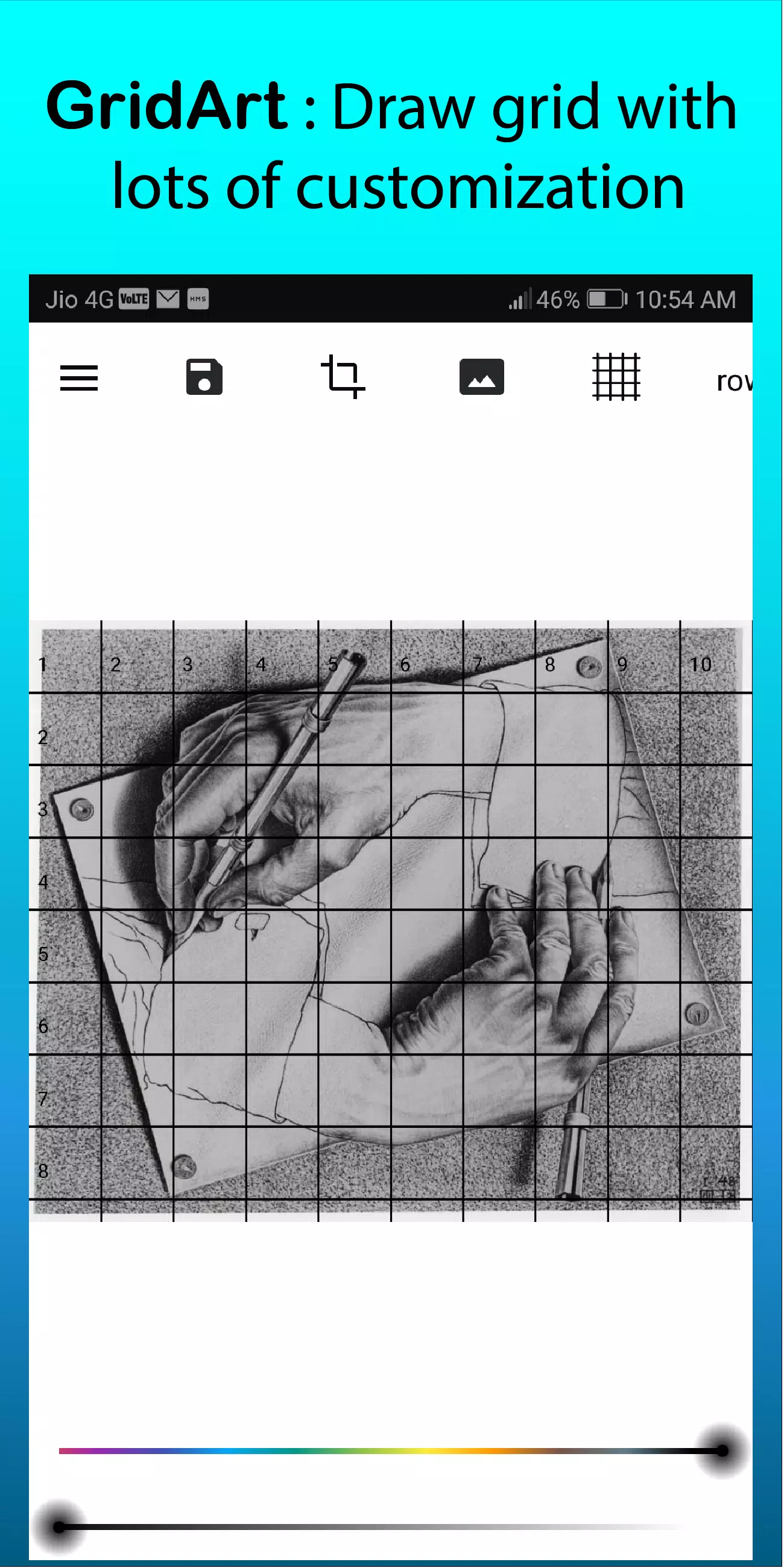
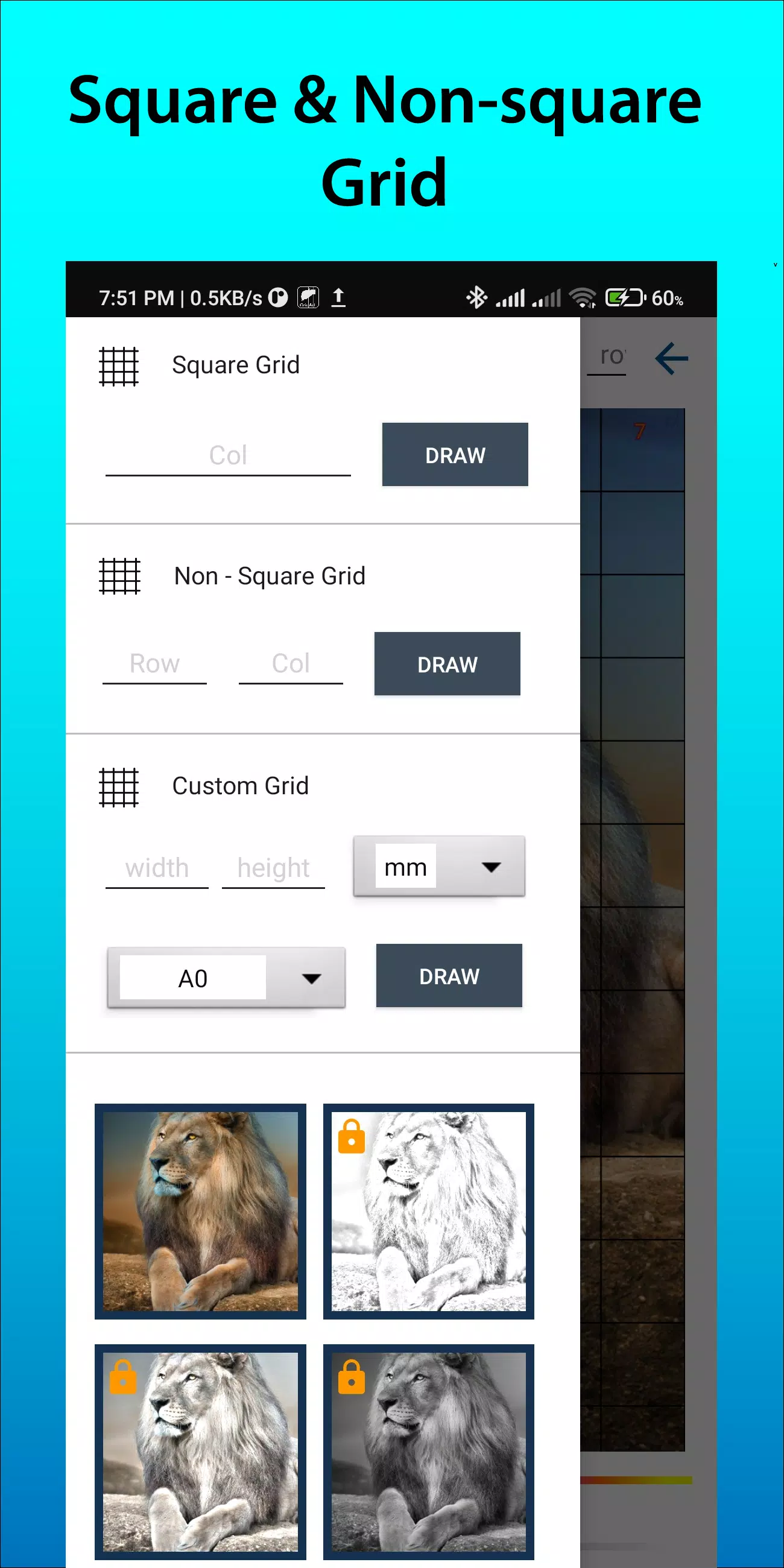
- Choose square, rectangular, or custom-sized grids (adjust rows & columns independently).
- Set exact dimensions in mm, cm, or inches — ideal for print and life-size transfers.
✅ Precision Control
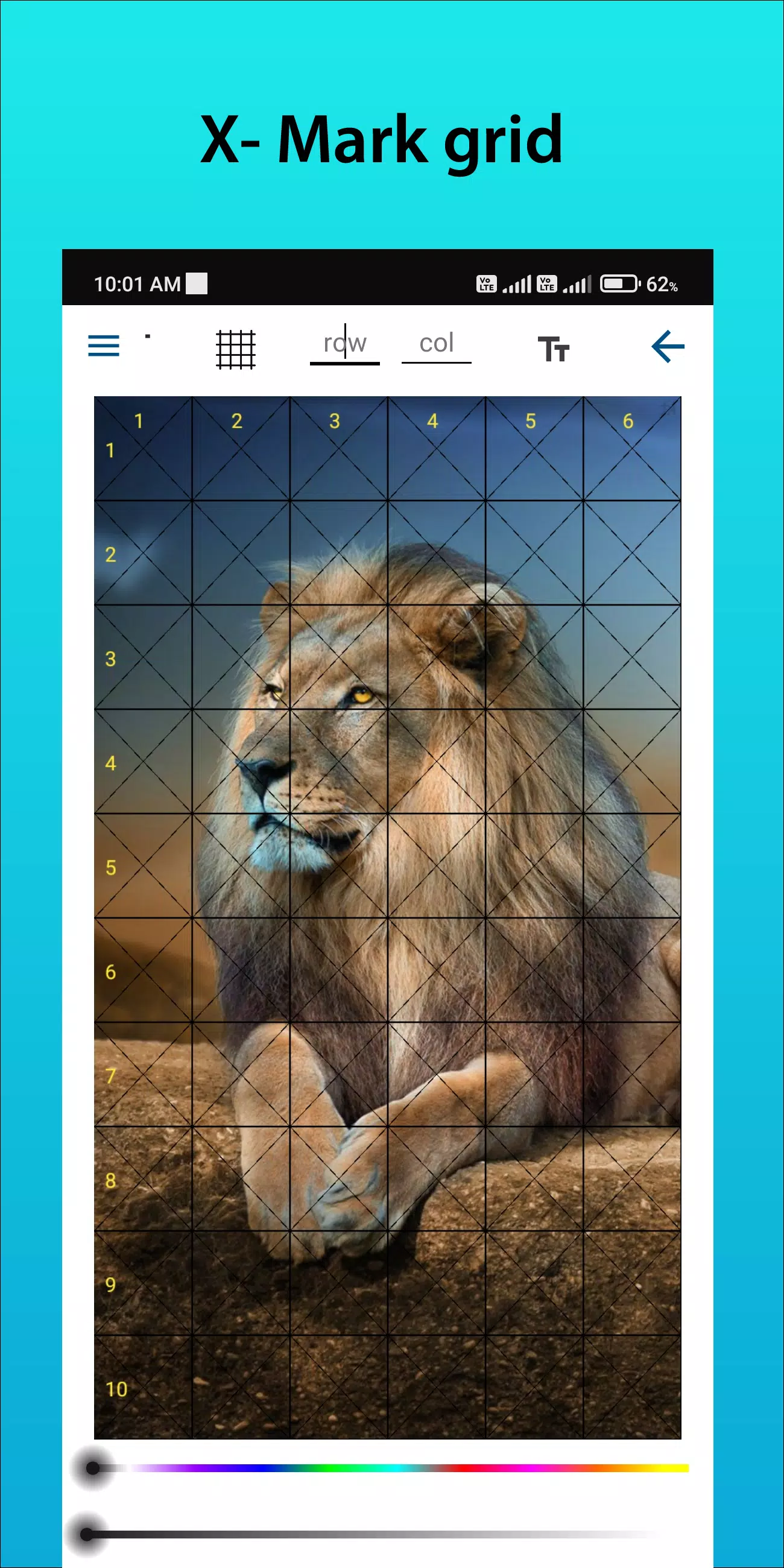
- Adjust grid line thickness, color, opacity, and style (solid, dashed, dotted).
- Toggle row/column labels on/off with customizable font size and style.
✅ Smart Image Management
- Crop images to any aspect ratio — or use presets like A4, 16:9, 9:16, 4:3, 3:4.
- Upload from your gallery, camera, or cloud — anytime, anywhere.
✅ Enhanced Drawing Experience
- Sketching Filter: Apply subtle grayscale or pencil-style overlays to help visualize your lines.
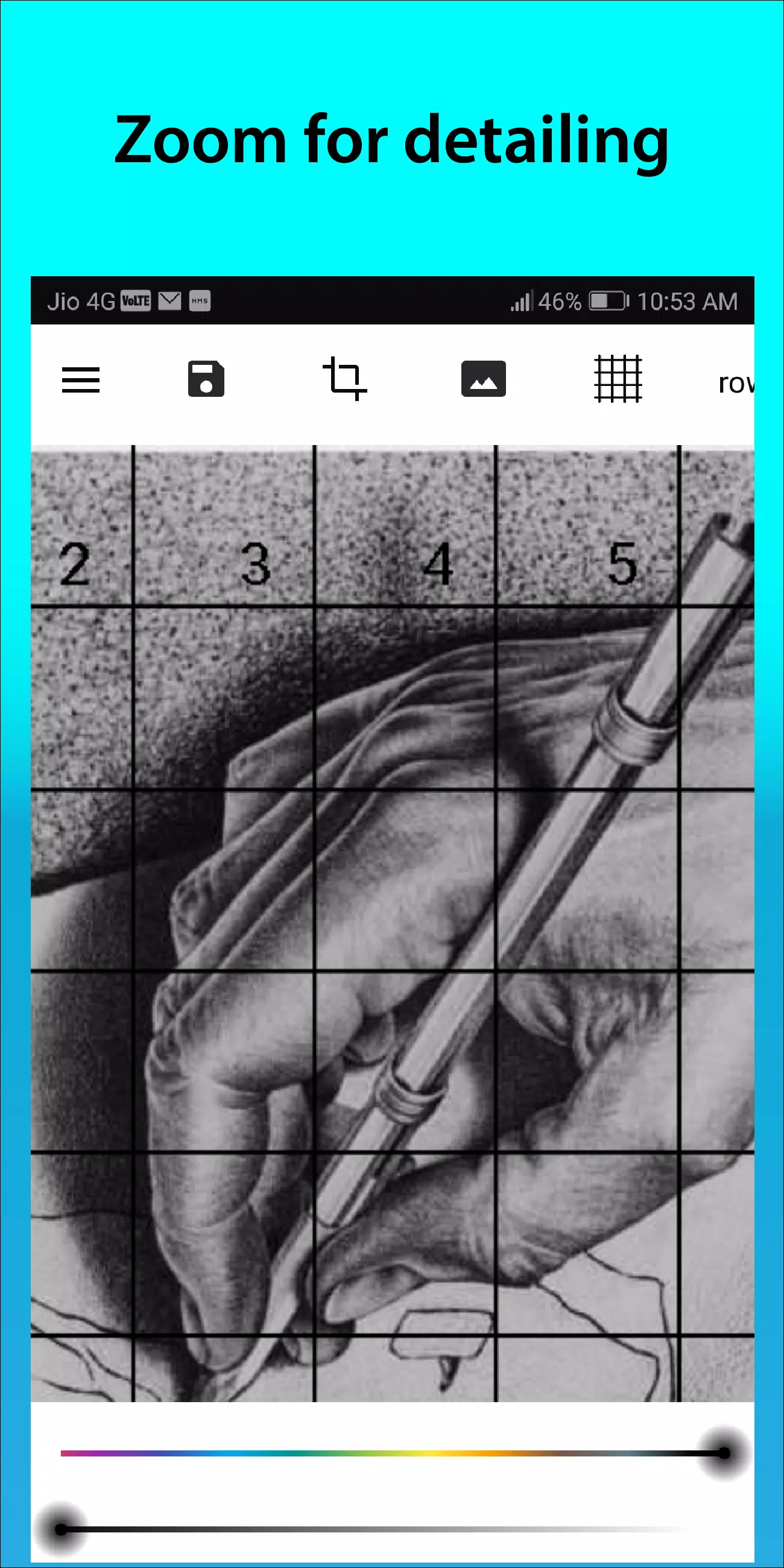
- Zoom with Precision: Magnify any section to capture intricate details with ease.
✅ Export & Print Ready
- Export your grid-overlaid image in ultra-high resolution (up to 4K).
- Perfect for printing, tracing, or using as a reference on canvas or paper.
✅ Intuitive, Artist-Focused UI
- Simple navigation, smooth gestures, and real-time preview.
- Everything you need — in one clean, beautiful interface.
🎯 How to Use GridArt (The Proven Method)
- Upload your reference image (photo, artwork, or inspiration).
- Customize your grid: size, color, labels, and style.
- Match the grid on your drawing surface (paper, canvas, digital tablet).
- Draw Square by Square — focus on one section at a time for perfect proportions.
- Erase the grid (if desired) and reveal your stunning artwork.
📱 Join the GridArt Community
Connect with artists worldwide and showcase your creations:
📸 Follow us on Instagram: @gridArt_sketching_app
📢 Share your artwork with #gridArt and get featured!
💬 Have feedback? Want a new feature? We listen. Message us anytime.
📲 Download GridArt Today – Your Drawing Just Got Smarter.
Available on:
📱 iOS | 📱 Android | 💻 Web (Coming Soon)
GridArt – Where Art Meets Precision.
Draw more. Worry less. Create freely.
Let me know if you'd like:
- A version tailored for Google Play / Apple App Store
- Social media post templates (Instagram, TikTok, X)
- Email newsletter copy
- In-app announcement text
Happy creating! ✏️✨