
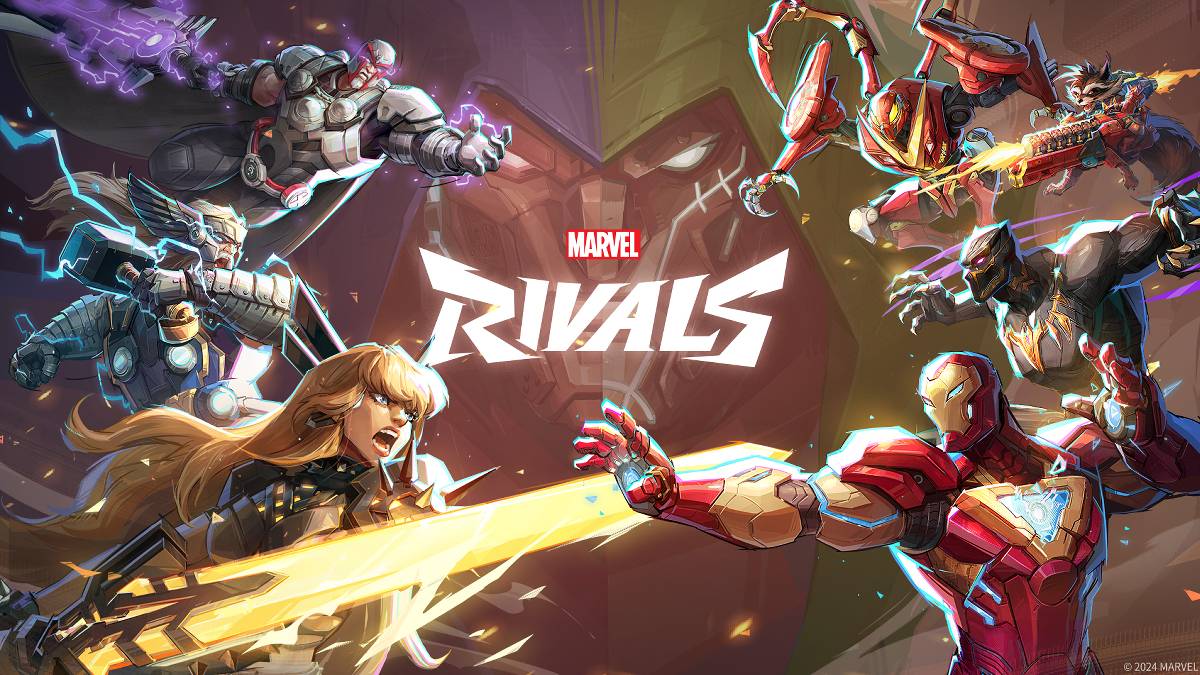
トラブルシューティング マーベルライバル エラーコード:包括的なガイド
残念ながら現代のゲームではバグやエラーコードに遭遇することは一般的であり、 マーベルライバル も例外ではありません。このガイドは、ゲームプレイを妨げる可能性のある一般的なエラーコードのソリューションを提供します。これらのエラーは、ゲームの発売を防ぐことから、ゲーム内のクラッシュ、遅れ、またはst音の原因にまで及びます。
一般的な マーベルライバル エラーコードとソリューション
| Error Code | Description | Solution |
|---|---|---|
| Error 4 | Primarily affects PlayStation, but may also occur on PC. | Check internet connection, verify server status, relaunch *Marvel Rivals*. |
| 99% Loading Bug | Game freezes at 99% during match loading. | Check internet connection, close background applications, adjust Network Diagnostic Settings. |
| Error 211 | Frequently encountered by Steam users due to connection problems. | Check server status, disable third-party server blockers, check internet connection, verify game files. |
| Error 10 | Appears on launch, usually due to poor internet connection. | Check internet connection, relaunch *Marvel Rivals*, verify server status. |
| Error 220 | Potentially caused by server location or firewall settings. | Modify security firewalls, adjust DNS settings, disable third-party server blockers, use a VPN. |
| Error 21 | Sometimes encountered by Xbox players on launch. | Restart console, reset router, check server status, disable IPv6 on internet connection, use a VPN. |
| Error 5 | Affects PlayStation players; indicates high ping and packet loss. | Address high ping and packet loss (often requires investigating network infrastructure). |
| Error 26 | Prevents gameplay. | Check internet connection, disable VPN, clear cache files, verify game files. |
| Packet Loss Error | High ping and packet loss due to high latency spikes. | Check internet connection, close background applications, adjust Network Diagnostic Settings. |
| DX12 Not Supported | Game fails to launch due to unsupported DX12; often related to Windows updates or incompatible GPU. | Update Windows to the latest version, update GPU drivers, reinstall *Marvel Rivals*. |
| Error Code 258 | PC launcher login failure, particularly affects Epic Games Store users. | Investigate Epic Games Store-specific troubleshooting, including checking for updates and verifying game files. |
| Error LS-0014 | Affects Epic Games Store users. | Check antivirus software, verify game files, reinstall the game. |
| Igniting the Timestream | Occurs during matchmaking. | Check server status, restart the game, check internet connection. |
| Version Mismatch | Appears after game updates. | Verify game files, check for and install updates, check internet connection. |
| Out of Video Memory | Prevents gameplay. | Check VRAM usage, update GPU drivers, close background applications. |
- Marvel Rivals*は、PS5、PC、およびXboxシリーズXで利用できます。
-
カニの王:バトルロイヤル侵攻における壮大なカニ戦争
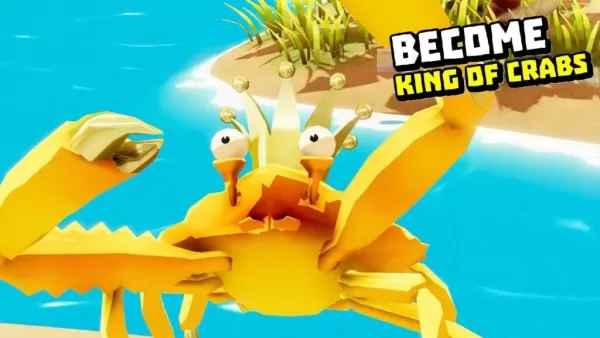
カニ王 – インベージョンはAndroid版で登場 -------------------------------------- ゲームはすでにオーストラリア、カナダ、香港、ベトナム、シンガポールで配信されています。世界中のプレイヤーの皆様に向けて、Android版は5月30日(3日後)にリリース予定です。オリジナルゲームのスピンオフのようなものとなっています。 オリジナルの『カニ王』は、2018年に設立されたイギリスのインディーゲームスタジオ「Robot Squid」のデビュー作です。20
by Mia Apr 06,2026
-
スターウォーズ オブリッツが5月に大型アップデートを実施
『スター・ウォーズ オタワルズ』のファンは、5月15日から新たな宇宙海賊譚に再び飛び込める。ユビキスは、すべての現在のプラットフォームにて、2番目のストーリーパックをリリースする。シーズンパス保有者は無料で入手可能。それ以外の場合は、14.99ドルを支払って、ケイ・ヴェスとニックスと共にこの新しい冒険に参加する準備をしなければならない。 『海賊の運命』では、オナカ・ギャングのリーダーであるホンド・オナカとチームを組むことができる。『スター・ウォーズ:クローン・ウォーズ』や2017年のコミックシリ
by Nora Apr 06,2026


-
あなたが気に入る中毒性のカジュアルなゲーム

合計 10 03-05
-
迅速なプレイのための中毒性の超高性ゲーム

合計 10 06-10
-
 Your Boyfriend Game シミュレーション丨5.69M1
 -
 Jump Force Mugen アクション丨636 MB2
 -
 Pumpkin Love カジュアル丨38.00M3
 -
 FreshWomen カジュアル丨742.68M4
 -
 Bobby’s Memoirs of Depravity カジュアル丨526.80M5
 -
 My Darling Club カジュアル丨68.60M6

- ビクトリア3:コンソールコマンドとチートガイドを完了します
- Robloxはティアリストアップデート(2025)
- ポケモン自動販売機とは何ですか?彼らが売っているものとあなたの近くのものを見つける方法
- Game Awards 2024 で GOTY 候補が明らかに
- デルタフォースオペレーションモードガイド:それがどのように機能し、どのように勝つか
- Wuthering Waves:Thorncrown Rises Rise 3つのタワーの場所(過去のクエストの影)
- アサシンの信条の影ですべてのテンプル騎士団のメンバーをどのように、どこで見つけるか(ネタバレ)
- 「2025年のトップアニメストリーミングプラットフォーム」
- New York Times Connections #562 のヒントと回答 2024 年 12 月 24 日