
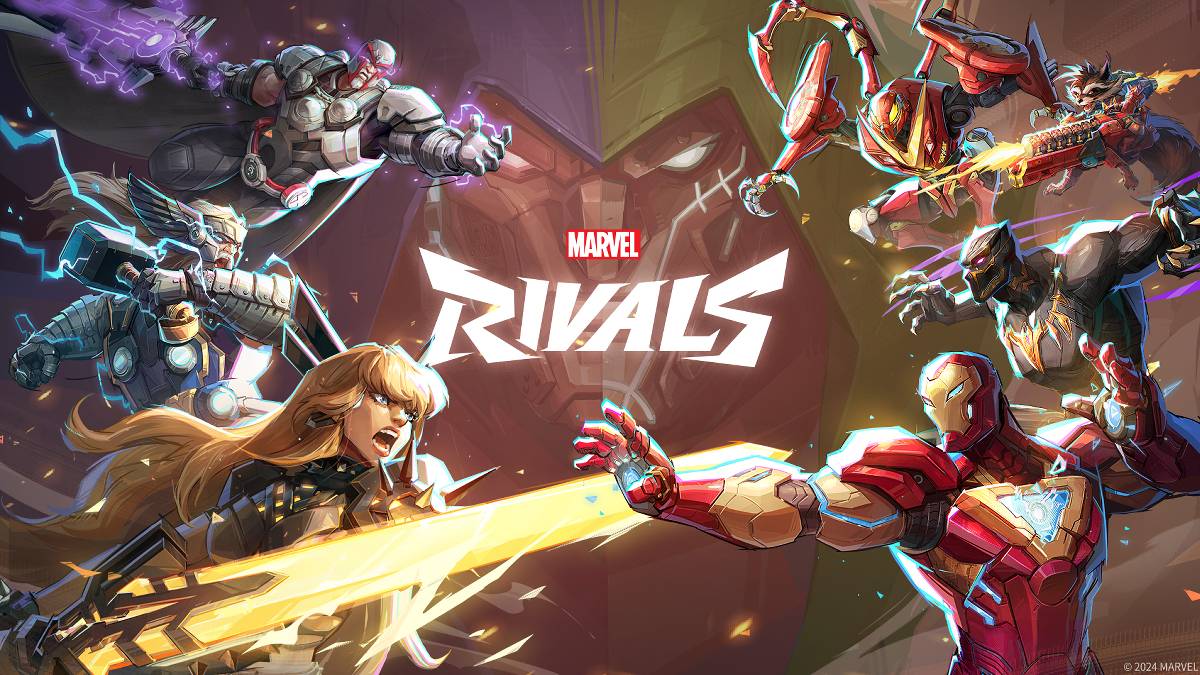
故障排除 漫威競爭對手 錯誤代碼:綜合指南
不幸的是,遇到錯誤和錯誤代碼在現代遊戲中很常見, Marvel競爭對手 也不例外。本指南為常見錯誤代碼提供了可能會阻礙您遊戲玩法的解決方案。這些錯誤可能從防止遊戲發布到引起遊戲內崩潰,滯後或口吃。
常見 奇跡競爭對手 錯誤代碼和解決方案
| Error Code | Description | Solution |
|---|---|---|
| Error 4 | Primarily affects PlayStation, but may also occur on PC. | Check internet connection, verify server status, relaunch *Marvel Rivals*. |
| 99% Loading Bug | Game freezes at 99% during match loading. | Check internet connection, close background applications, adjust Network Diagnostic Settings. |
| Error 211 | Frequently encountered by Steam users due to connection problems. | Check server status, disable third-party server blockers, check internet connection, verify game files. |
| Error 10 | Appears on launch, usually due to poor internet connection. | Check internet connection, relaunch *Marvel Rivals*, verify server status. |
| Error 220 | Potentially caused by server location or firewall settings. | Modify security firewalls, adjust DNS settings, disable third-party server blockers, use a VPN. |
| Error 21 | Sometimes encountered by Xbox players on launch. | Restart console, reset router, check server status, disable IPv6 on internet connection, use a VPN. |
| Error 5 | Affects PlayStation players; indicates high ping and packet loss. | Address high ping and packet loss (often requires investigating network infrastructure). |
| Error 26 | Prevents gameplay. | Check internet connection, disable VPN, clear cache files, verify game files. |
| Packet Loss Error | High ping and packet loss due to high latency spikes. | Check internet connection, close background applications, adjust Network Diagnostic Settings. |
| DX12 Not Supported | Game fails to launch due to unsupported DX12; often related to Windows updates or incompatible GPU. | Update Windows to the latest version, update GPU drivers, reinstall *Marvel Rivals*. |
| Error Code 258 | PC launcher login failure, particularly affects Epic Games Store users. | Investigate Epic Games Store-specific troubleshooting, including checking for updates and verifying game files. |
| Error LS-0014 | Affects Epic Games Store users. | Check antivirus software, verify game files, reinstall the game. |
| Igniting the Timestream | Occurs during matchmaking. | Check server status, restart the game, check internet connection. |
| Version Mismatch | Appears after game updates. | Verify game files, check for and install updates, check internet connection. |
| Out of Video Memory | Prevents gameplay. | Check VRAM usage, update GPU drivers, close background applications. |
- Marvel競爭對手*可在PS5,PC和Xbox係列X | S上使用。
-
蟹中之王:終極蟹鬥在大逃殺突襲中爆發
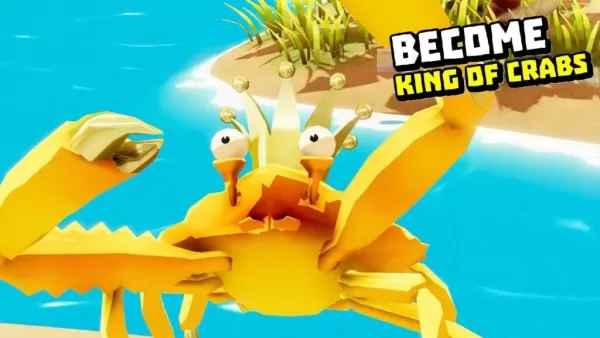
螃蟹之王-入侵行動已在澳洲、加拿大、香港、越南及新加坡上市。全球玩家可於5月30日(僅剩三天)在Android平台體驗這款遊戲,它更像是一款原作的衍生作品。 談到原作,《螃蟹之王》是英國獨立遊戲工作室Robot Squid於2018年創立後的首部作品。該工作室與Spilt Milk Studios合作,於2020年在Microsoft Windows、Android與iOS平台推出遊戲。遊戲最高峰時,甚至有人稱它為「帶爪子的《絕地求生》」。 立即前往Google Play商店下載《螃蟹之王-入侵
by Mia Apr 06,2026
-
《星際大戰:叛軍》即將於五月迎來重大更新
《星際大戰:叛逃者》玩家可於5月15日重返遊戲,體驗全新的跨星際走私故事,育碧將於所有現行平台推出第二部故事擴充包。季票持有者可免費獲得;否則需支付14.99美元,方可加入凱·韋斯與奈克斯,展開這段全新冒險。 《海盜的財富》讓玩家與歐納卡幫派領袖洪多·歐納卡並肩作戰。熟悉《星際大戰:克隆人戰爭》及2017年漫畫系列《星際大戰:達斯·魔》的玩家,或曾在《星際大戰:星河邊緣》的機器人玩偶中見過他,如今洪多正式成為凱的盟友。兩人將一同對抗辛特·塔什與她的羅卡納掠奪者,探索神秘墓穴,並為美由紀貿易聯盟執
by Nora Apr 06,2026


-
您會喜歡的令人上癮的休閒遊戲

總共 10 03-05
-
令人上癮的超級音樂遊戲以進行快速玩

總共 10 06-10
-
 Your Boyfriend Game 模擬丨5.69M1
 -
 Jump Force Mugen 動作丨636 MB2
 -
 Pumpkin Love 休閒丨38.00M3
 -
 FreshWomen 休閒丨742.68M4
 -
 Bobby’s Memoirs of Depravity 休閒丨526.80M5
 -
 My Darling Club 休閒丨68.60M6
