
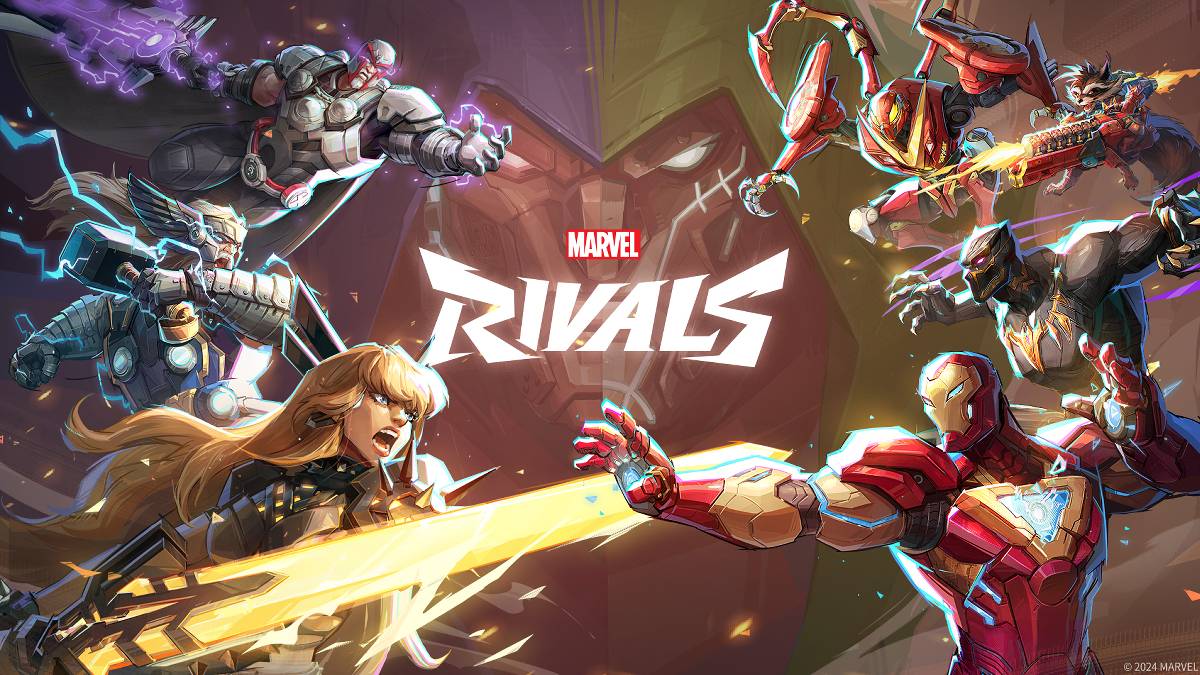
문제 해결 Marvel Rivals 오류 코드 : 포괄적 인 안내서
불행히도 현대 게임에서는 버그 및 오류 코드가 발생하는 것이 일반적이며 Marvel Rivals 도 예외는 아닙니다. 이 안내서는 게임 플레이를 방해 할 수있는 일반적인 오류 코드에 대한 솔루션을 제공합니다. 이러한 오류는 게임 시작을 방지하는 것부터 게임 내 충돌, 지연 또는 말더듬에 이르기까지 다양합니다.
일반적인 Marvel Rivals 오류 코드 및 솔루션
| Error Code | Description | Solution |
|---|---|---|
| Error 4 | Primarily affects PlayStation, but may also occur on PC. | Check internet connection, verify server status, relaunch *Marvel Rivals*. |
| 99% Loading Bug | Game freezes at 99% during match loading. | Check internet connection, close background applications, adjust Network Diagnostic Settings. |
| Error 211 | Frequently encountered by Steam users due to connection problems. | Check server status, disable third-party server blockers, check internet connection, verify game files. |
| Error 10 | Appears on launch, usually due to poor internet connection. | Check internet connection, relaunch *Marvel Rivals*, verify server status. |
| Error 220 | Potentially caused by server location or firewall settings. | Modify security firewalls, adjust DNS settings, disable third-party server blockers, use a VPN. |
| Error 21 | Sometimes encountered by Xbox players on launch. | Restart console, reset router, check server status, disable IPv6 on internet connection, use a VPN. |
| Error 5 | Affects PlayStation players; indicates high ping and packet loss. | Address high ping and packet loss (often requires investigating network infrastructure). |
| Error 26 | Prevents gameplay. | Check internet connection, disable VPN, clear cache files, verify game files. |
| Packet Loss Error | High ping and packet loss due to high latency spikes. | Check internet connection, close background applications, adjust Network Diagnostic Settings. |
| DX12 Not Supported | Game fails to launch due to unsupported DX12; often related to Windows updates or incompatible GPU. | Update Windows to the latest version, update GPU drivers, reinstall *Marvel Rivals*. |
| Error Code 258 | PC launcher login failure, particularly affects Epic Games Store users. | Investigate Epic Games Store-specific troubleshooting, including checking for updates and verifying game files. |
| Error LS-0014 | Affects Epic Games Store users. | Check antivirus software, verify game files, reinstall the game. |
| Igniting the Timestream | Occurs during matchmaking. | Check server status, restart the game, check internet connection. |
| Version Mismatch | Appears after game updates. | Verify game files, check for and install updates, check internet connection. |
| Out of Video Memory | Prevents gameplay. | Check VRAM usage, update GPU drivers, close background applications. |
- Marvel Rivals*는 PS5, PC 및 Xbox Series X | S에서 제공됩니다.
-
크랩 왕: 배틀로얄 침공에서 벌어진 전설적인 크랩 전쟁
게임 개발사 로보트 스쿼드가 만든 '크랩킹 – 침공'이 이미 호주, 캐나다, 홍콩, 베트남, 싱가포르에서 출시되었습니다. 전 세계 플레이어들을 위한 안드로이드 버전은 5월 30일에 출시되며, 이제 며칠 남지 않았습니다. 이 게임은 원작의 스포일러처럼 보입니다. 원작 게임인 '크랩킹'은 2018년에 설립된 영국의 인디 스튜디오 로보트 스쿼드의 데뷔작입니다. 이 스튜디오는 스플릿 밀 스튜디오와 협력하여 2020년에 마이크로소프트 윈도우, 안드로이
by Mia Apr 06,2026
-
스타워즈 아웃laws, 5월에 대규모 업데이트 확정
스타 워즈 아웃�스 팬들은 5월 15일부터 새로운 성우의 우주 담배 밀수 이야기에 다시 빠질 수 있으며, 유비ซอ프가 모든 현재 플랫폼에 두 번째 스토리 팩을 출시한다. 시즌 패스 소지자는 무료로 이용 가능하며, 그렇지 않다면 케이 베스와 닉스와 함께 이 새로운 모험에 참여하기 위해 14.99달러를 지불해야 한다. 해적의 운명에서는 플레이어가 오나카 갱단의 리더인 환도 오나카와 팀을 이루어 보게 된다. 스타 워즈: 클론 전쟁과 2017년 만화
by Nora Apr 06,2026


-
당신이 좋아할 중독성 캐주얼 게임

총 10 03-05
-
빠른 재생을위한 중독성 과민성 게임

총 10 06-10
-
 Your Boyfriend Game 시뮬레이션丨5.69M1
 -
 Jump Force Mugen 행동丨636 MB2
 -
 Pumpkin Love 평상복丨38.00M3
 -
 FreshWomen 평상복丨742.68M4
 -
 Bobby’s Memoirs of Depravity 평상복丨526.80M5
 -
 My Darling Club 평상복丨68.60M6

- 빅토리아 3 : 콘솔 명령 및 치트 가이드를 완료하십시오
- Roblox Forsaken Tier List Update (2025)
- 포켓몬 자동 판매기는 무엇입니까? 그들이 판매하는 것과 가까운 곳을 찾는 방법
- Game Awards 2024, GOTY 경쟁자 공개
- Delta Force Operations Mode Guide : 작동 방식 및 승리 방법
- Wuthering Waves : Thorncrown은 3 개의 타워 위치를 상승시킵니다 (과거 퀘스트의 그림자)
- Assassin 's Creed Shadows (스포일러)에서 모든 기사단 멤버를 찾는 방법과 위치
- "2025 년 최고의 애니메이션 스트리밍 플랫폼"
- 2024년 12월 24일 #562에 대한 New York Times 연결 힌트 및 답변