Take full control of your KEBA wallbox with the intuitive KEBA eMobility App.
The KEBA eMobility App serves as the digital companion for KeContact P30 & P40 users (including P40, P30 x-series, company car wallbox, PV EDITION, and P30 c-series). This powerful application lets you monitor, configure, and manage your charging station remotely, putting complete command of your wallbox at your fingertips.
Key features of the KEBA eMobility App:
- Establish remote connectivity with your wallbox from any location (note: KeContact P30 c-series requires local network connection)
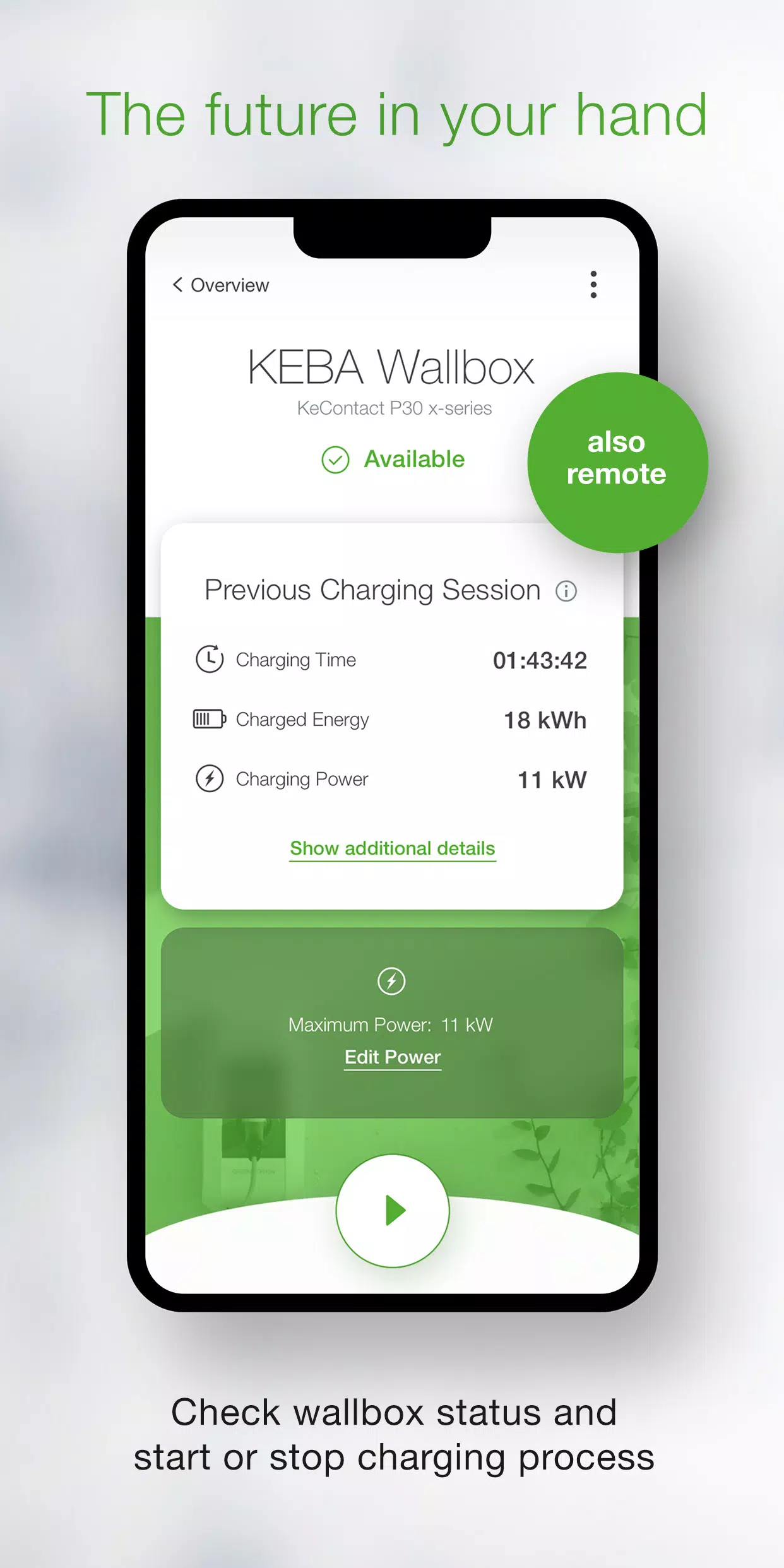
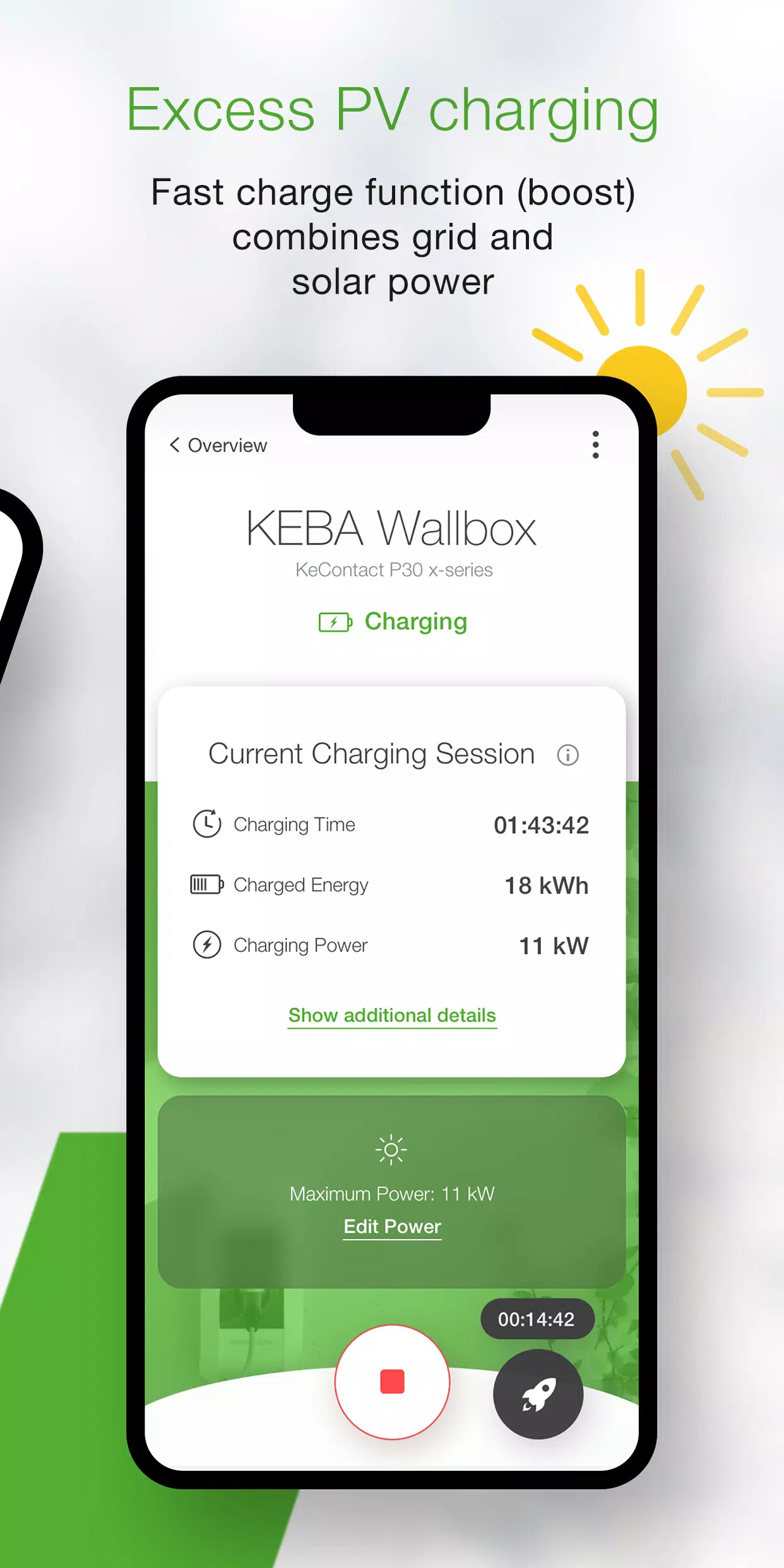
- Monitor real-time wallbox status: Track whether it's actively charging, standby-ready, offline, or experiencing issues
- Manage charging sessions effortlessly with simple start/stop functionality
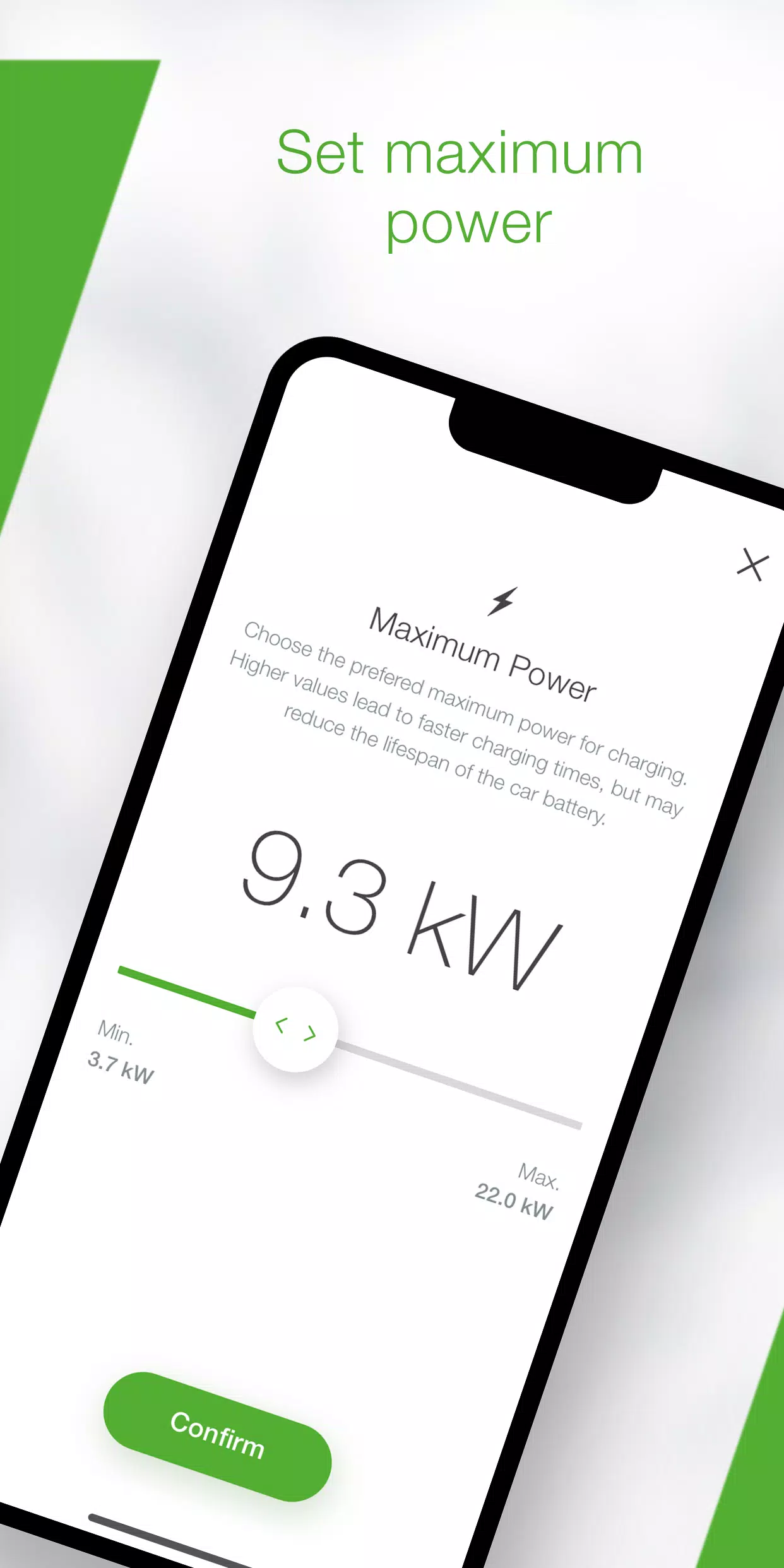
- Optimize charging times by adjusting maximum power consumption settings
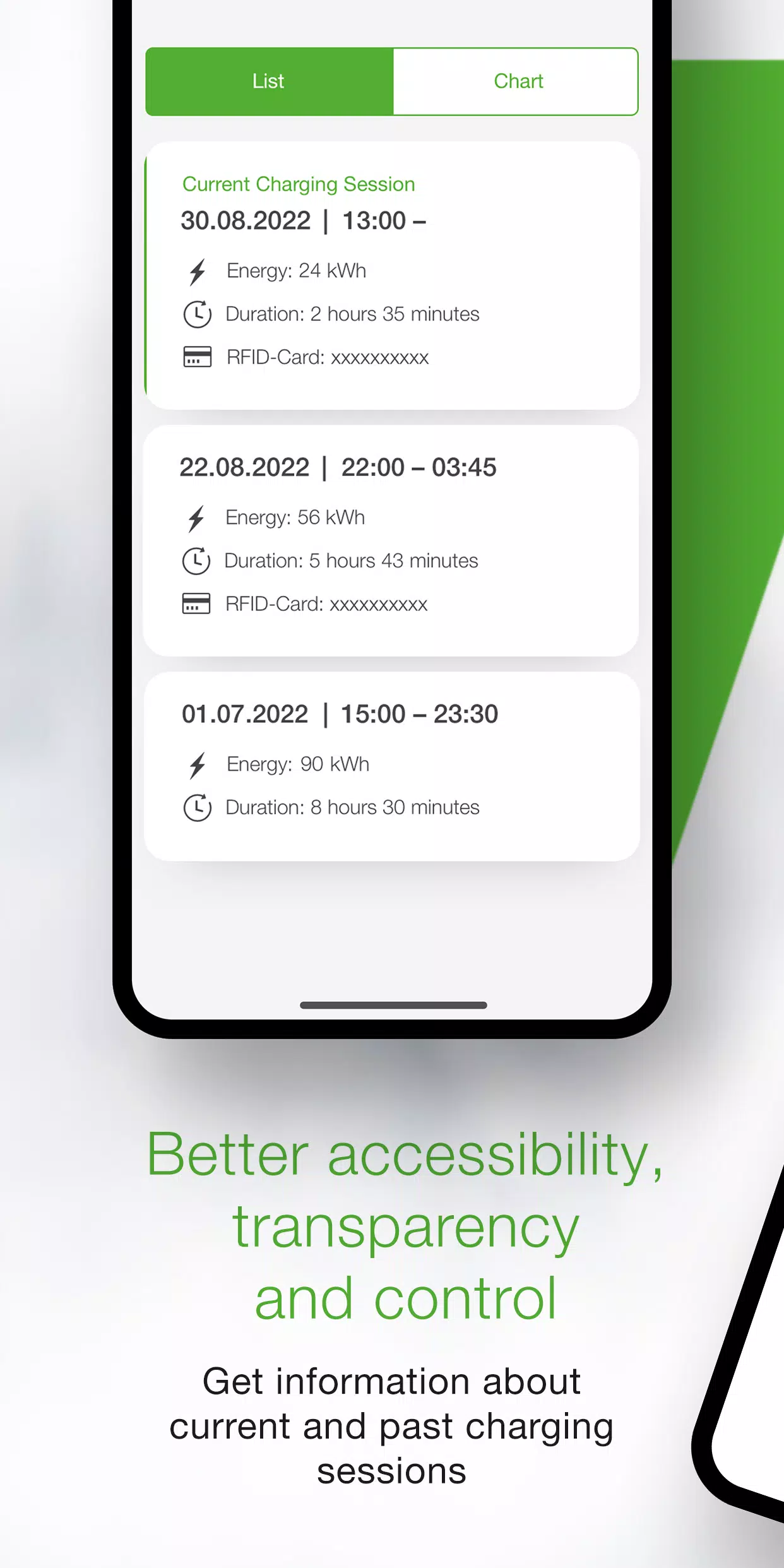
- Access comprehensive charging data including live metrics (duration, energy usage, power output, amperage) plus historical session records
- Review detailed energy consumption analytics through built-in statistics
- Utilize the built-in setup wizard to verify compatibility and guide initial configuration
- Benefit from step-by-step installer mode for seamless P40 Wallbox deployment
- Schedule automatic charging sessions with preset timing and power profiles (configurable via KEBA eMobility Portal for P40, P30 x-series, company car wallboxes and PV EDITION)
- Maintain optimal performance through automatic software updates (excluding standalone KeContact P30 c-series models)
- x-series users enjoy full feature parity between App and web interface functionality
Compatible KEBA wallbox models:
- KeContact P40, P40 Pro, P30 x-series, company car wallbox, PV EDITION
- KeContact P30 c-series (c-series firmware updates unnecessary for App functionality)
Note: Charge Point Operator-managed stations might not support App functionality, particularly without web-interface credentials or serial numbers.
KeContact P30 c-series offers limited functionality compared to x-series models. Visit www.keba.com/emobility-app for detailed feature comparisons.
Existing KEBA eMobility Portal users can register via App or Portal to unlock additional browser-based features at emobility-portal.keba.com
Important notes for electrical installers:
- Manual DIP switch configuration remains necessary for P30 wallboxes
- App mirrors all web interface configuration options
- KeContact P30 c-series requires DIP switch adjustments for full UDP functionality (detailed in setup guide)
- KeContact P40 offers dual configuration options via App or direct device access
What's New in the Latest Version 3.10.0
Last updated on Nov 12, 2024
P40: Wallbox software version 1.1.0 now available
P40: Added factory reset capability through the app
P40: Resolved offline usage screen display issues
P40: Corrected OCPP communication channel settings
P40: Fixed authentication errors for incorrect passwords
P40: Improved Bluetooth connectivity for paired wallboxes
Enhanced overall enrollment stability and usability