LG ThinQ App: Your Smart Home Central
Effortlessly manage your LG smart home appliances with the LG ThinQ app. This single solution provides control, smart care features, and convenient automation.
Key Features:
-
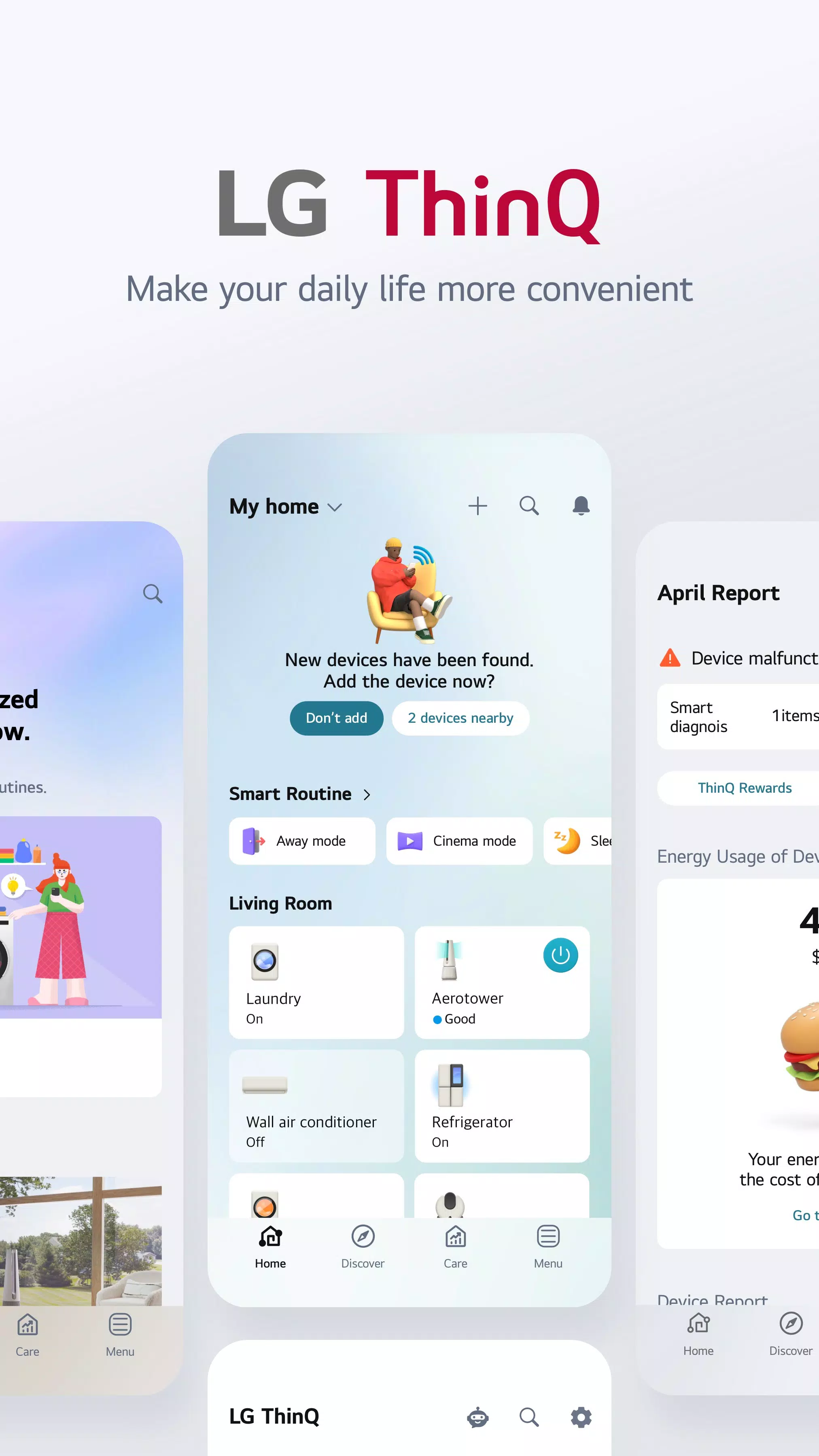
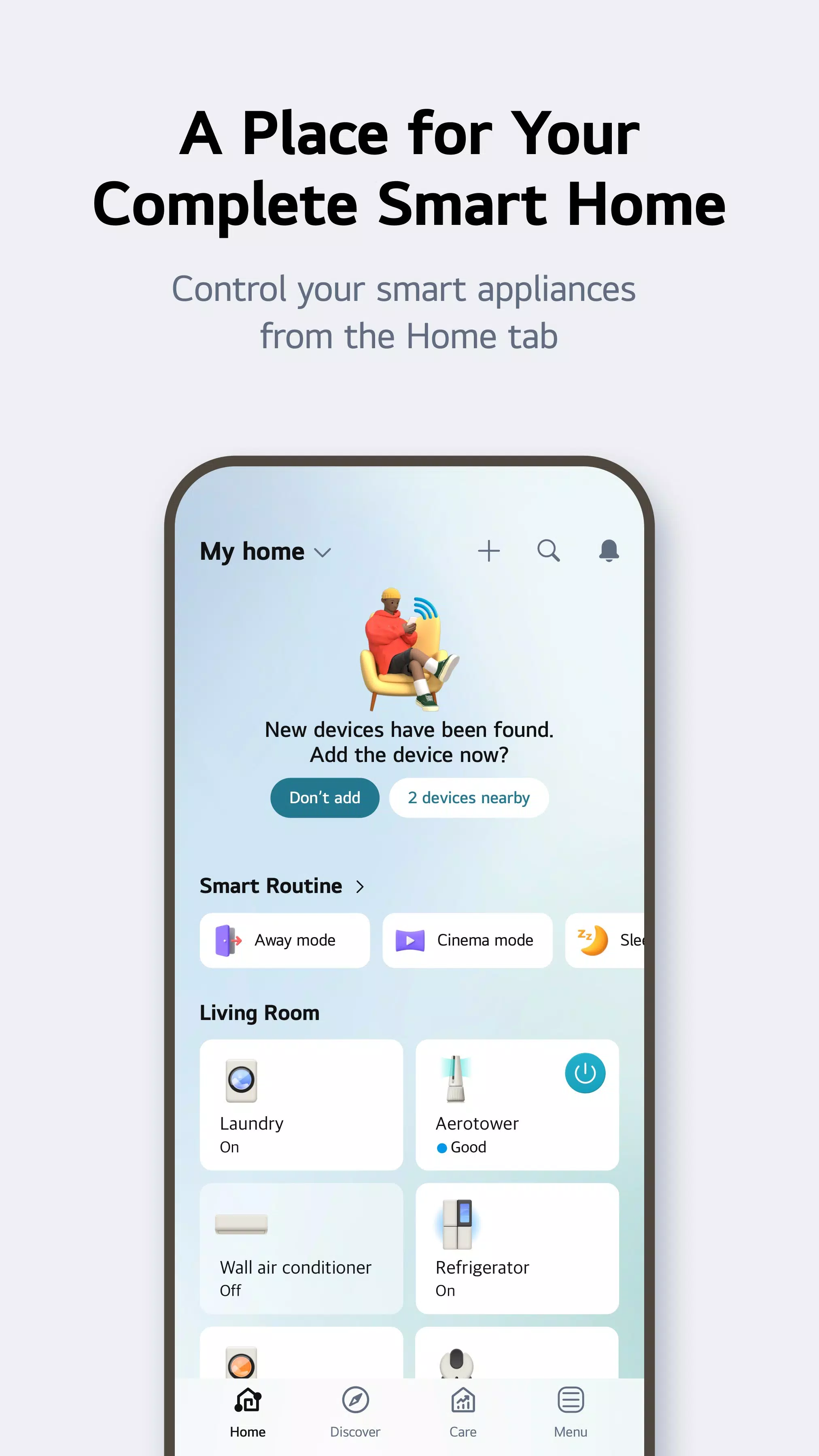
Home Tab Convenience: Control your IoT devices remotely, receive personalized appliance management recommendations based on usage, and easily monitor energy consumption. Compare your energy usage with neighbors and set energy-saving goals.
-
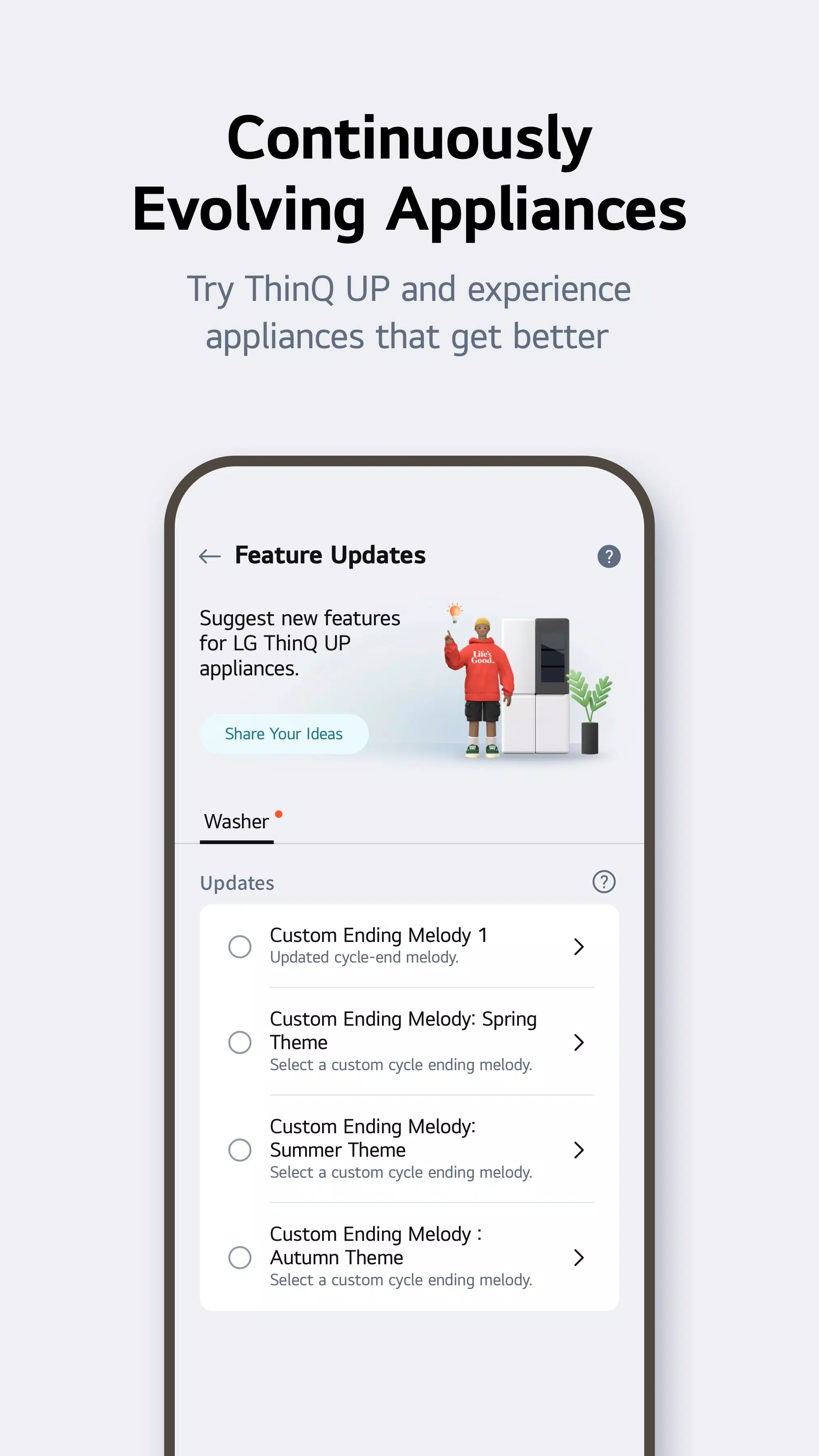
ThinQ UP Adaptability: Customize appliance start and end melodies, and download new washing machine, dryer, styler, and dishwasher cycles. Your appliances evolve with you.
-
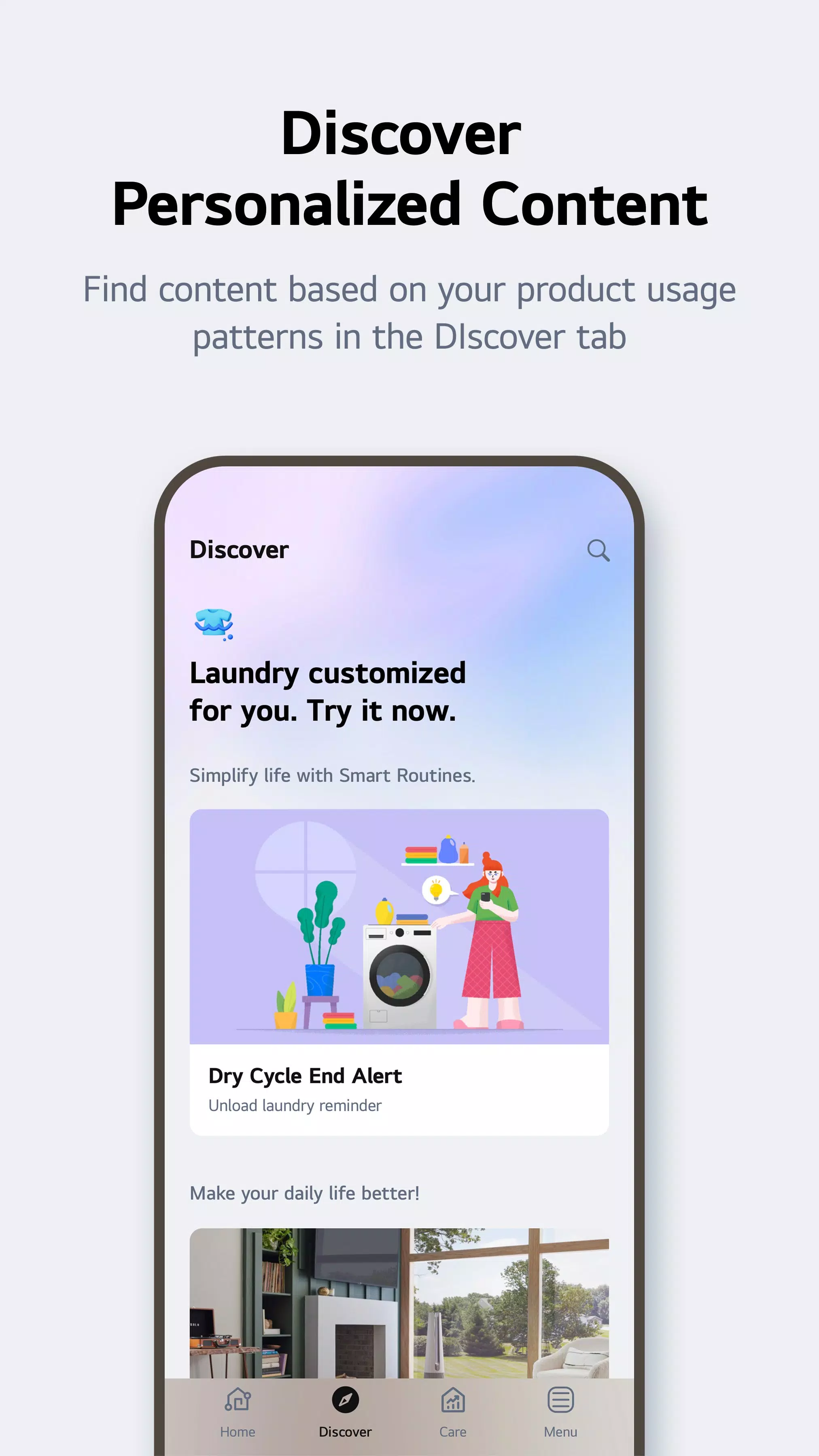
Discover New Possibilities: Explore special laundry care techniques and discover innovative ways to use your appliances.
-
Smart Routines for Automated Efficiency: Automate tasks like turning on lights and air purifiers upon waking, or automatically powering down devices when you're away to conserve energy.
-
Proactive Maintenance and Support: Use Smart Diagnosis to check appliance status, and easily schedule service visits with professional engineers. Get 24/7 support from our AI-powered chatbot.
-
Convenient Access to Manuals: Access a central repository of LG appliance manuals, including function descriptions and troubleshooting tips.
Access Permissions:
The app requests optional access permissions for enhanced functionality. Basic functions remain available even without granting optional permissions. These permissions include:
- Calls: To contact LG Service Center.
- Location: For Wi-Fi connection during product registration, saving home location, weather information access, and Smart Routines location tracking.
- Nearby Devices: To connect to nearby Bluetooth devices during product setup.
- Camera: For profile pictures, QR code scanning, product addition, 1:1 inquiry photo attachments, and AI oven cooking record.
- Files and Media: For profile picture uploads, 1:1 inquiry photo attachments, and purchase receipt storage.
- Microphone: For Smart Diagnosis.
- Notifications: For crucial updates, notices, and information.
Version 5.0.30250 (Updated Sep 4, 2024):
- Improved 1:1 Inquiry: Use "Chat with LG" for faster responses.
- Easy Retry Feature: Seamlessly resume paused product registrations.
Note: Services and features may vary by product model, country, and region.
The app uses accessibility APIs only to transmit TV remote control signals to smartphones when using the "View Phone Screen on TV's Larger Screen" function. Minimal personal information is collected and used only for app functionality.
![https://images.ydeng.com[db:image]](https://images.ydeng.com[db:image])