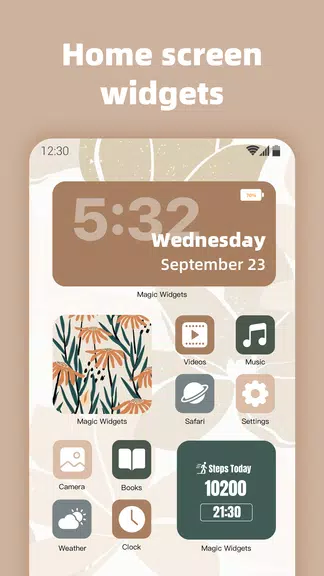
Transform your Android home screen with MagicWidgets - iOS Widgets! Choose from a diverse selection of clock and calendar designs, upload personal photos, or use the app’s stunning built‑in images to effortlessly personalize your screen. Beyond enhancing visual appeal, you can manage your schedule better with event countdown widgets. Track holidays, birthdays, exams, and goals with precise, customizable countdowns. Create a standout home screen and stay organized with this intuitive app today!
What MagicWidgets - iOS Widgets Offers:
- Clock and Calendar Designs:
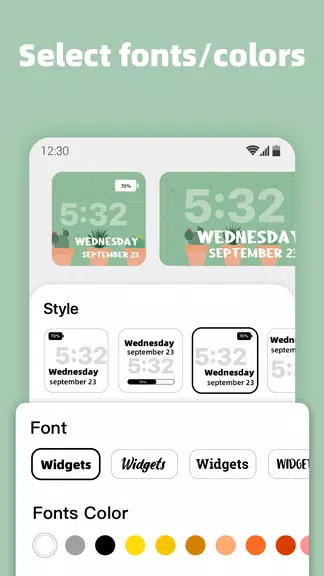
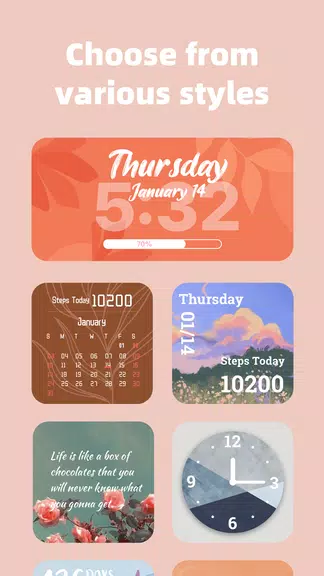
Pick from dozens of clock and calendar styles, from modern digital to timeless analog. Adjust colors and layouts to smoothly match your home screen's look.
- Personalized Photo Widgets:
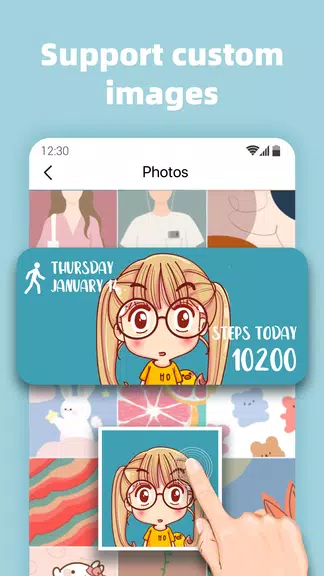
Upload your own images to craft custom photo widgets. Select personal favorites for a unique touch, or browse the app’s gallery of beautiful photos to enrich your widget collection.
- Event Countdown Widgets:
Never forget an important moment with countdown widgets. Set accurate timers—down to the second—for holidays, birthdays, anniversaries, exams, and other key dates. Organize your time and track events effectively.
User Tips:
- Combine Different Styles:
Try various clock and calendar styles to find your ideal match. Mix colors and layouts for a custom look that expresses your personal style.
- Use Personal Images:
Make your widgets pop by adding your own photos. Select meaningful or inspiring images to design an attractive and functional home screen.
- Track Events with Countdowns:
Stay ahead of schedules by using countdown widgets. Customize each timer and set alerts so you’re always prepared for what’s next.
Final Thoughts:
With various clock and calendar designs, customizable photo widgets, and event countdowns, MagicWidgets - iOS Widgets unlocks endless ways to create a practical and beautiful home screen. Keep track of special moments, display favorite pictures, and showcase your individuality. Download the app now and begin customizing your Android home screen today!