Gmail: The Essential Google Email App for Android
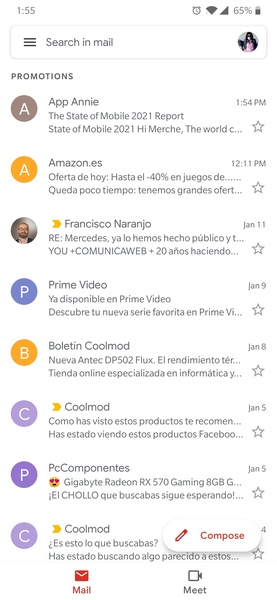
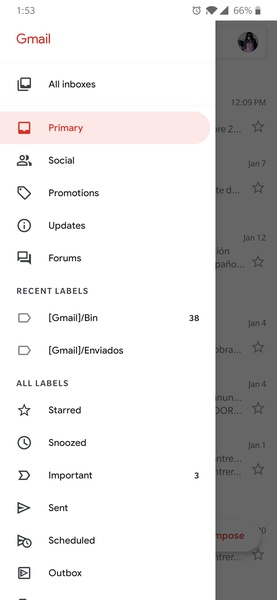
Manage your email effortlessly with the official Gmail app, offering a clean and intuitive interface for your Google account and others. A standout feature is the ability to link multiple accounts—Gmail, Hotmail, Yahoo, work email—all within a single app, eliminating the need for multiple email managers.
Convenient widgets provide at-a-glance access to email notifications and quick replies directly from your home screen. For Android users, the Gmail app is a must-have, offering a streamlined and efficient email management solution. While alternatives exist, few match its seamless integration and ease of use.
Requirements (Latest version)
- Requires Android 6.0 or higher
Frequently Asked Questions
Adding a Gmail account is straightforward. Open the app, and follow the on-screen prompts. If already logged into your device, you'll likely be automatically signed in. Otherwise, simply enter your email and password.
Yes, you can add various email accounts to the Gmail app. This includes multiple Gmail accounts and accounts from other providers like Hotmail, Yahoo, or your workplace email.
To add an account, tap your profile picture in the top right corner. You'll see a list of your added accounts and an option to "Add another account."
Your Gmail password is identical to your Google account password. If forgotten, navigate to your Gmail login and select "Recover password." Google will provide several recovery options, including SMS verification to your registered phone number.