PrinterShare: Print from Android to Any Printer!
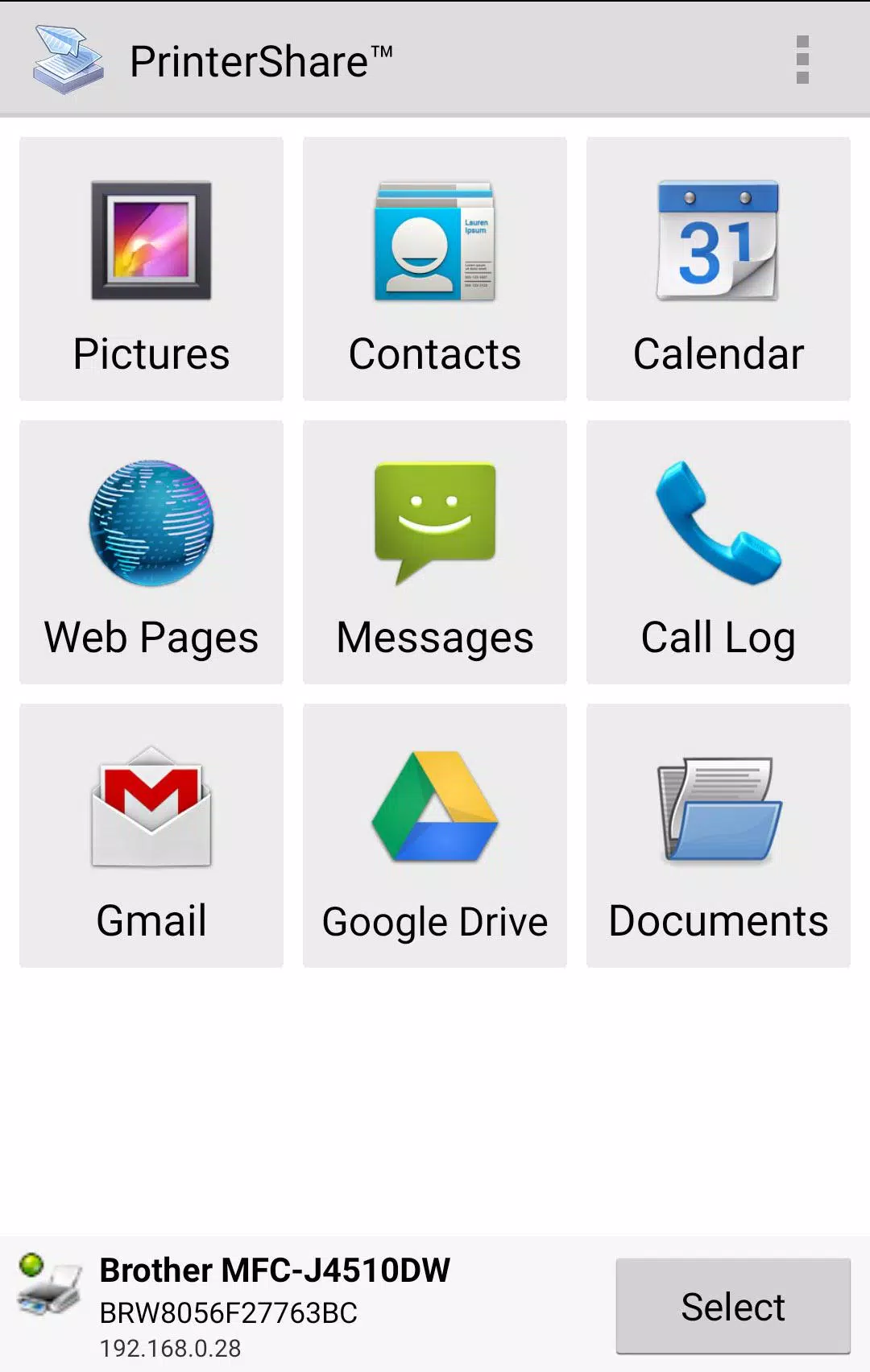
Directly print photos, emails, documents (PDF, Microsoft Word, Excel, PowerPoint, etc.), web pages, and more from your Android phone or tablet to virtually any printer! PrinterShare simplifies printing, whether your printer is nearby or across the globe.
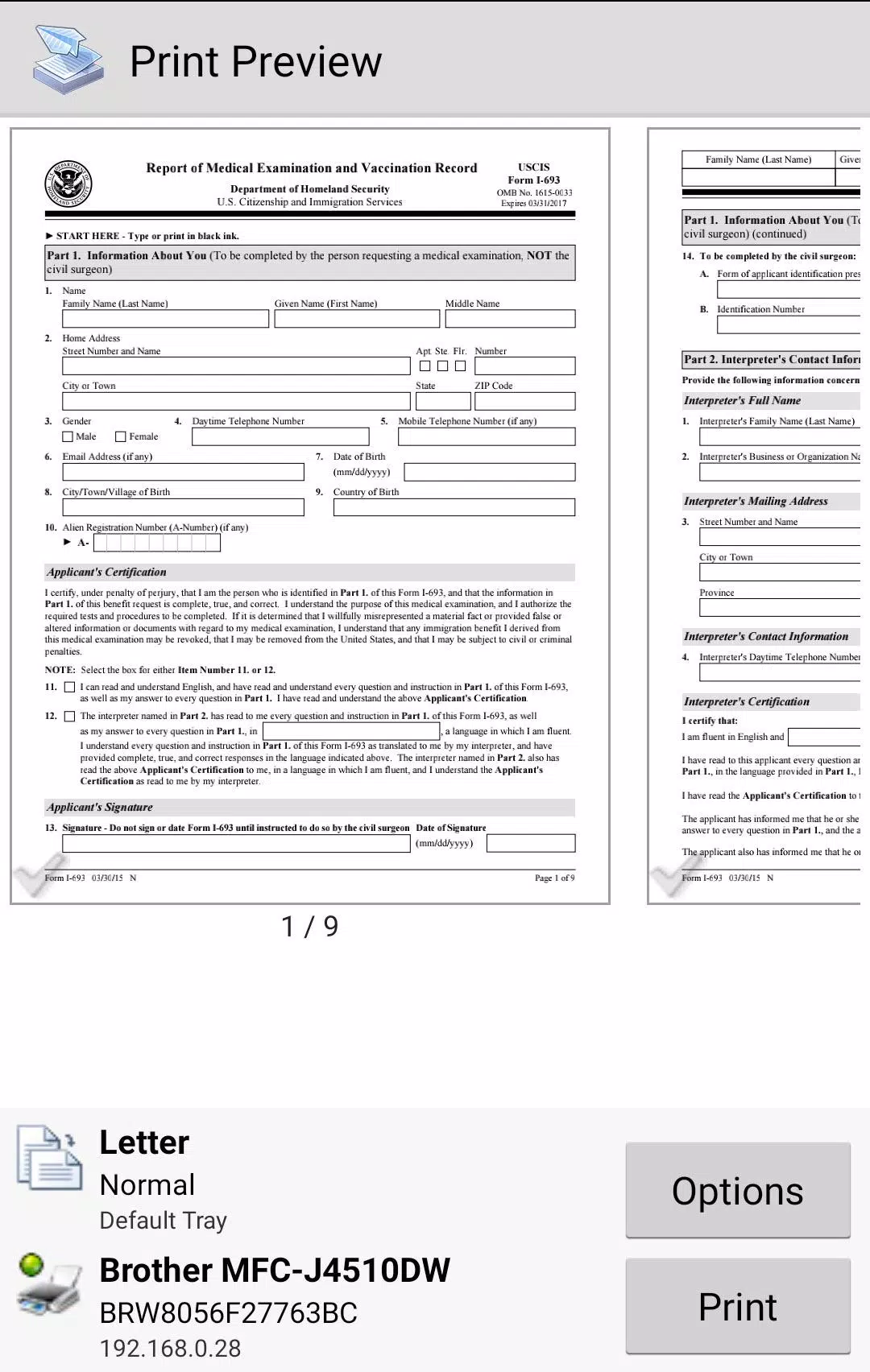
Important Note: Some features require a premium upgrade. We strongly recommend testing with a print preview to confirm compatibility before purchasing. Please note that due to Google Play's updated permissions policy, SMS and call log printing are no longer supported.
Printing Capabilities:
PrinterShare effortlessly handles images (JPG, PNG, GIF), emails (Gmail) and attachments (PDF, DOC, XLS, PPT, TXT), contacts, calendar entries, web pages (HTML), and other digital content from your device, cloud storage (Google Drive, OneDrive, Box, Dropbox), and other apps via the share function.
Print UPS shipping labels directly from your device's browser to compatible thermal printers by logging into the UPS website.
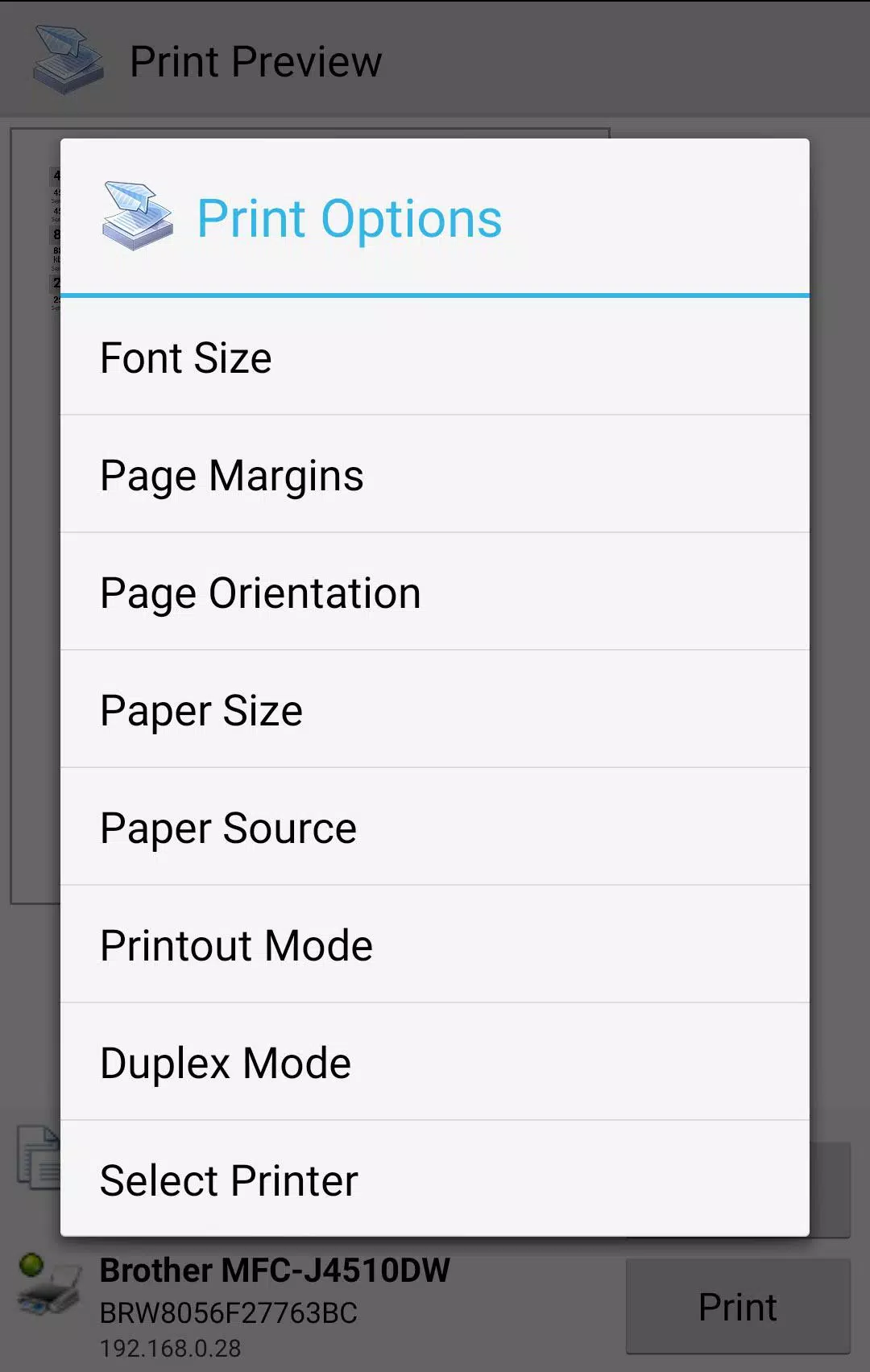
Customize your prints with options like paper size, orientation, copies, page range, duplex printing, print quality, color/monochrome, and more.
Free vs. Premium:
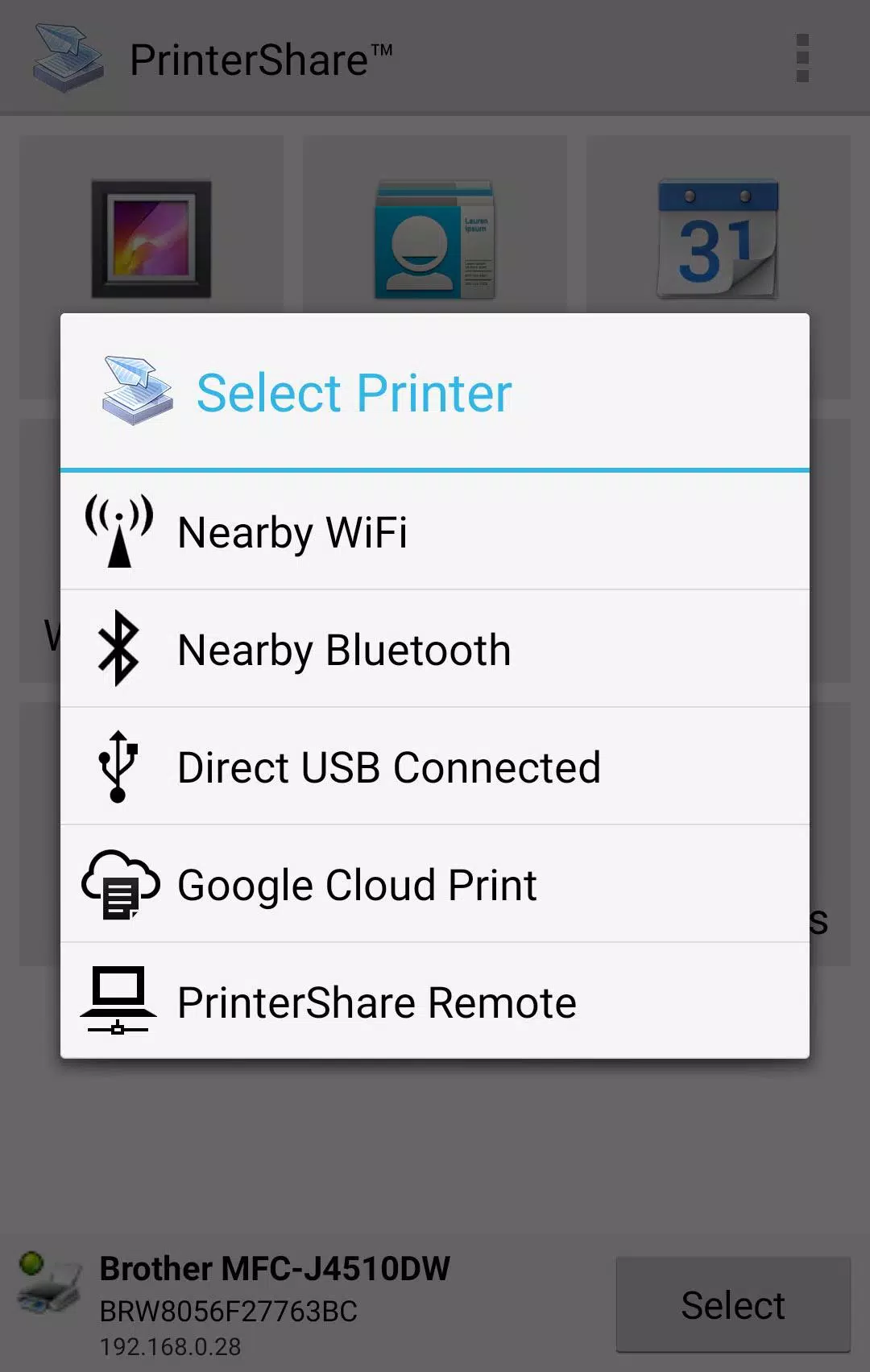
The free version offers printing with limitations to nearby wireless (Wi-Fi, Bluetooth) and USB OTG printers, as well as Windows and Mac shared printers.
Premium features unlock unlimited nearby direct printing (via Wi-Fi or Bluetooth) and include 100 complimentary remote printing pages.
Printer Compatibility:
PrinterShare supports a wide range of printers from HP, Canon, Brother, Kodak, Samsung, Dell, Ricoh, Lexmark, Kyocera, OKI, and more, including legacy network printers. Check the full list of supported printers here: http://printershare.com/help-mobile-supported.sdf
You can also print to unsupported printers using our free computer software for Mac and Windows: http://printershare.com
Before You Print:
- Ensure your printer is supported.
- Permissions are required for printing and are not used to collect personal data. See our FAQ for details: http://www.printershare.com/help-mobile-faq.sdf
- For troubleshooting, contact [email protected].
Technical Note: For direct nearby printing to certain printer models, PrinterShare uses drivers from HPLIP (http://hplipopensource.com) and GutenPrint (http://gimp-print.sourceforge.net), licensed under the GNU General Public License, version 2.