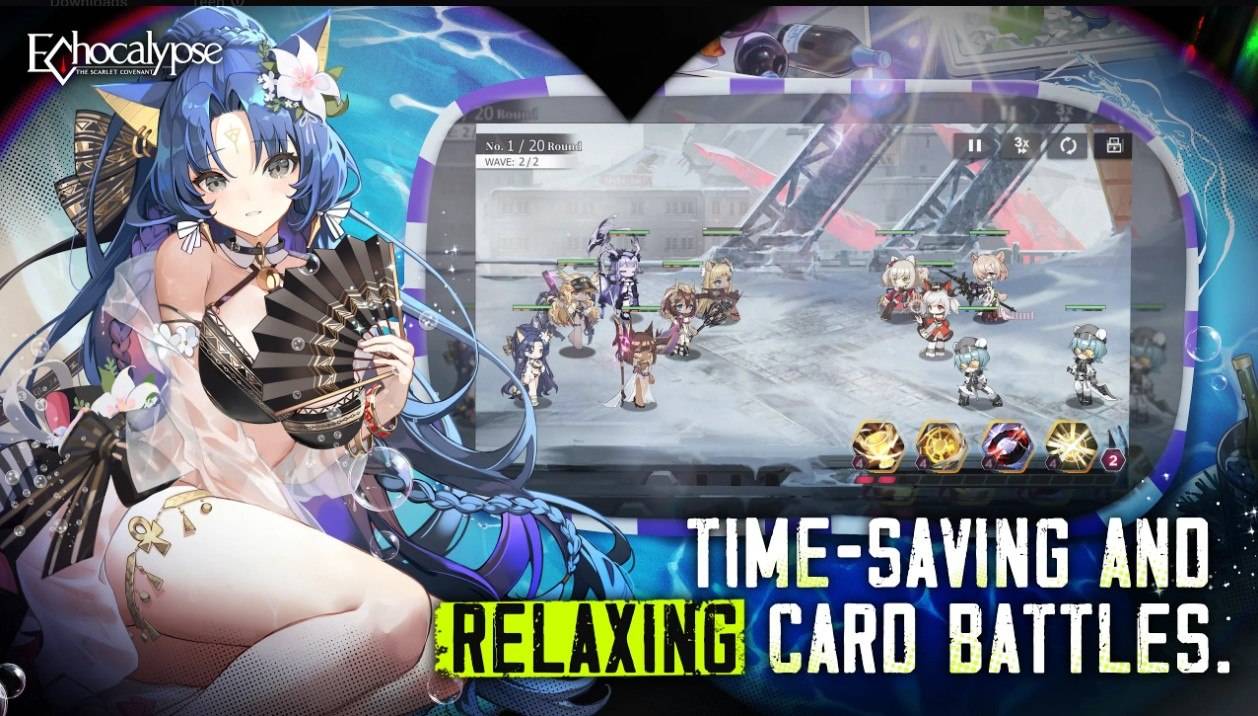
Echocalypse has taken the gaming world by storm with its global release, blending anime-style visuals with a mix of gacha and city-builder RPG elements. This game lets you collect your favorite characters, featuring an all-girl cast adorned in cute kimonos. To celebrate the global launch, Echocalypse is hosting a series of events where players can participate and earn substantial rewards, setting a solid foundation for their accounts. You can dive into this free-to-play experience on both the Google Play Store and iOS App Store.
Enhance your gameplay with BlueStacks' Eco Mode, which helps free up RAM on your computer by reducing the frame rate of the Echocalypse instance. This feature is easily accessible via the "Speedometer" button in the BlueStacks toolbar on the right side of the emulator. A simple click allows you to toggle Eco Mode on or off and adjust the FPS for a single or all instances, optimizing your computer's performance.
The Best Graphical Settings for Your Comfort
To enjoy Echocalypse at its visual best, play it on BlueStacks. The emulator supports the highest FPS and resolution settings, ensuring a lag-free experience. To achieve this, navigate to BlueStacks settings -> Performance -> Enable High frame rate. You can also customize your resolution by going to BlueStacks settings -> Display, where you can experiment with different resolution and pixel density settings to achieve the perfect visual output for your comfort.