This guide details how to play Sega CD games on your Steam Deck using EmuDeck. We'll cover setup, ROM transfer, and troubleshooting.
Pre-Installation Steps:
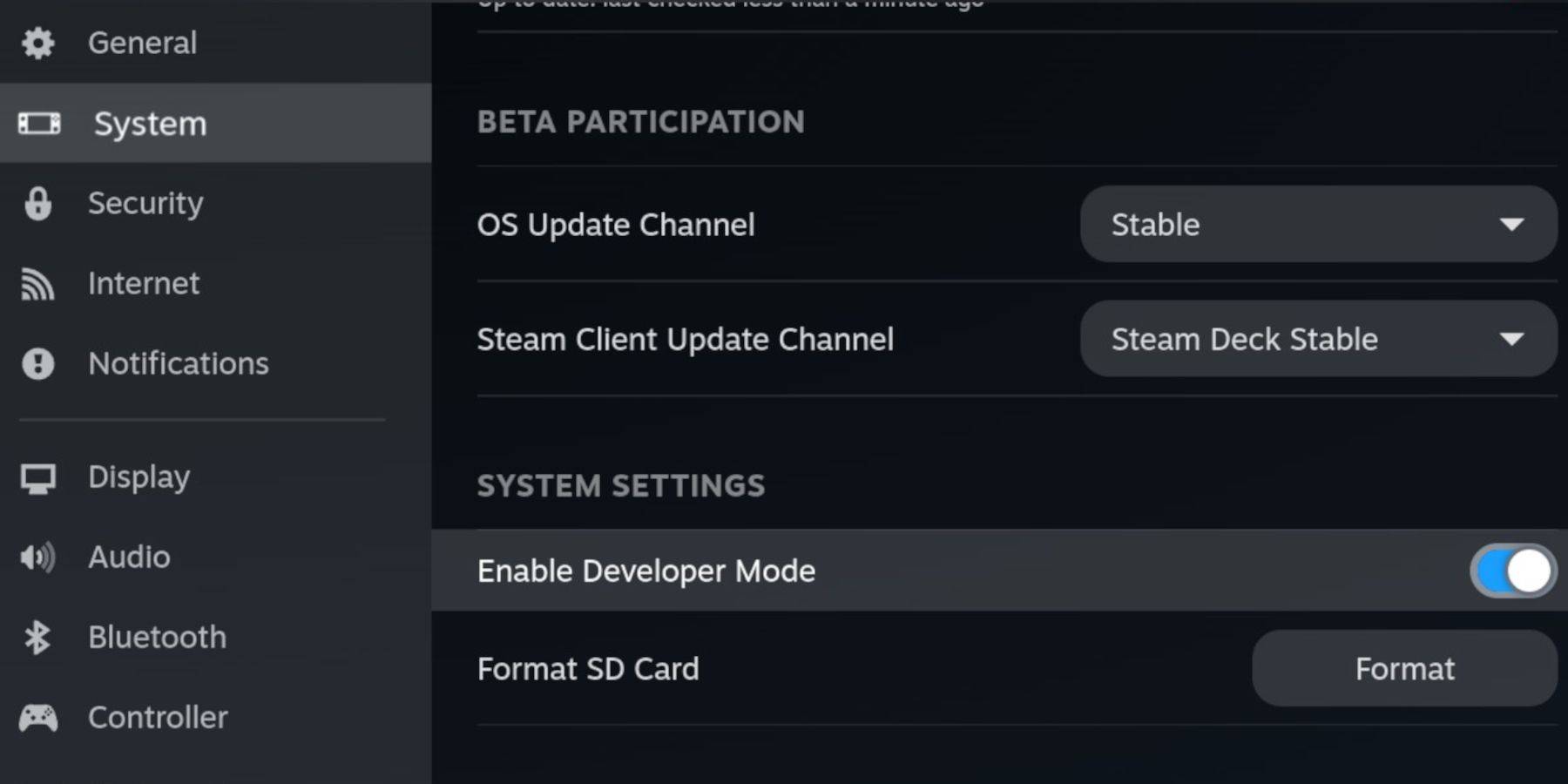 Enable Developer Mode and CEF Remote Debugging on your Steam Deck for compatibility with EmuDeck updates. This involves accessing the Steam menu, navigating to System > Developer, enabling Developer Mode and CEF Remote Debugging, restarting in Desktop Mode.
Essential Requirements:
- A high-speed A2 microSD card.
- Format the microSD card within the Steam Deck's Storage settings.
- Legally obtained Sega CD ROMs and BIOS files.
- (Optional but recommended) A keyboard and mouse for easier navigation.
Installing EmuDeck:
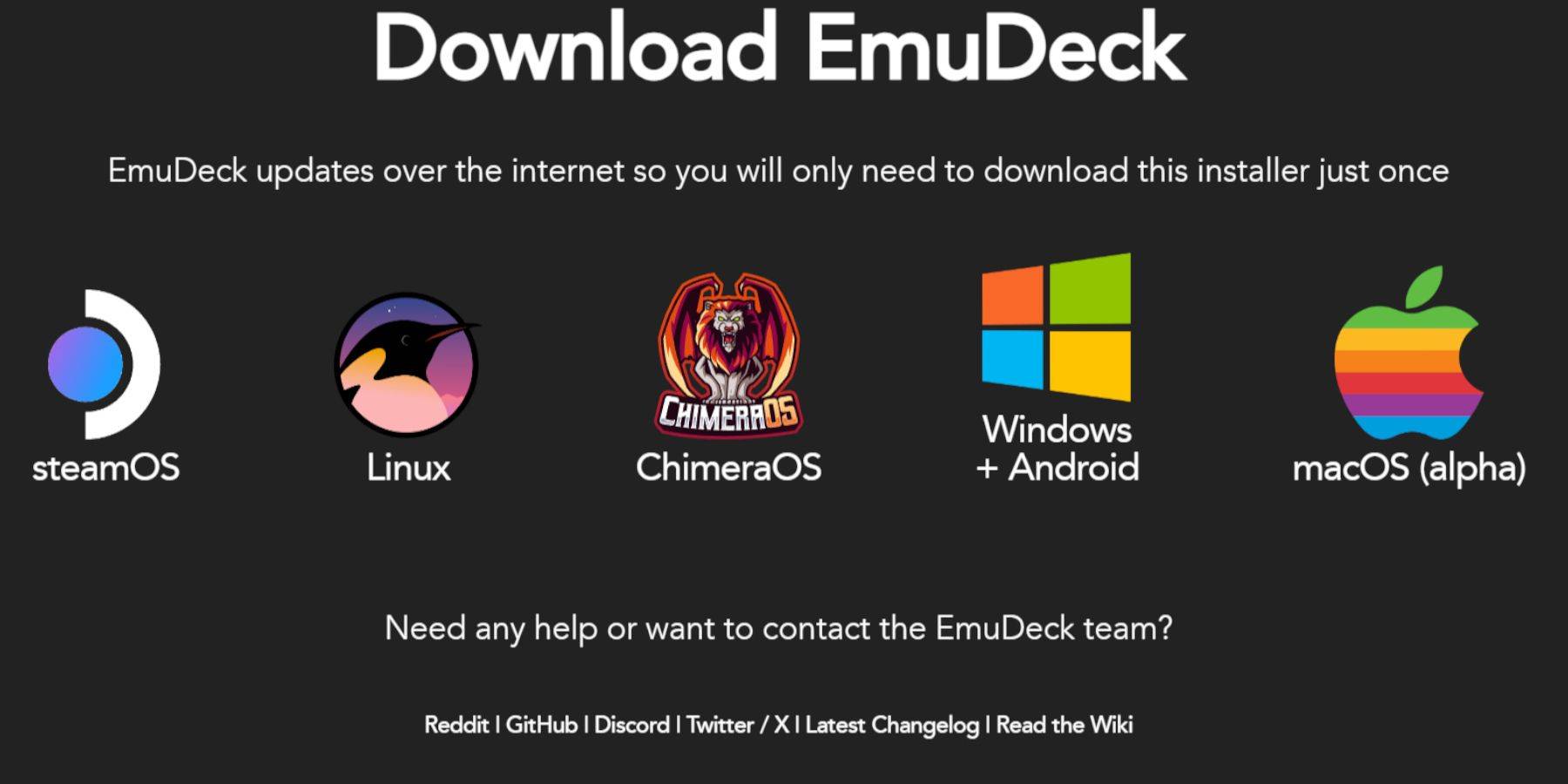 Switch to Desktop Mode. Download a browser (from the Discovery Store), then download EmuDeck, selecting the SteamOS version. Run the installer, choosing Custom installation, selecting your SD card as the target location, and choosing RetroArch, MelonDS, Steam ROM Manager, and Emulation Station (or all emulators). Complete the installation.
Transferring Sega CD Files:
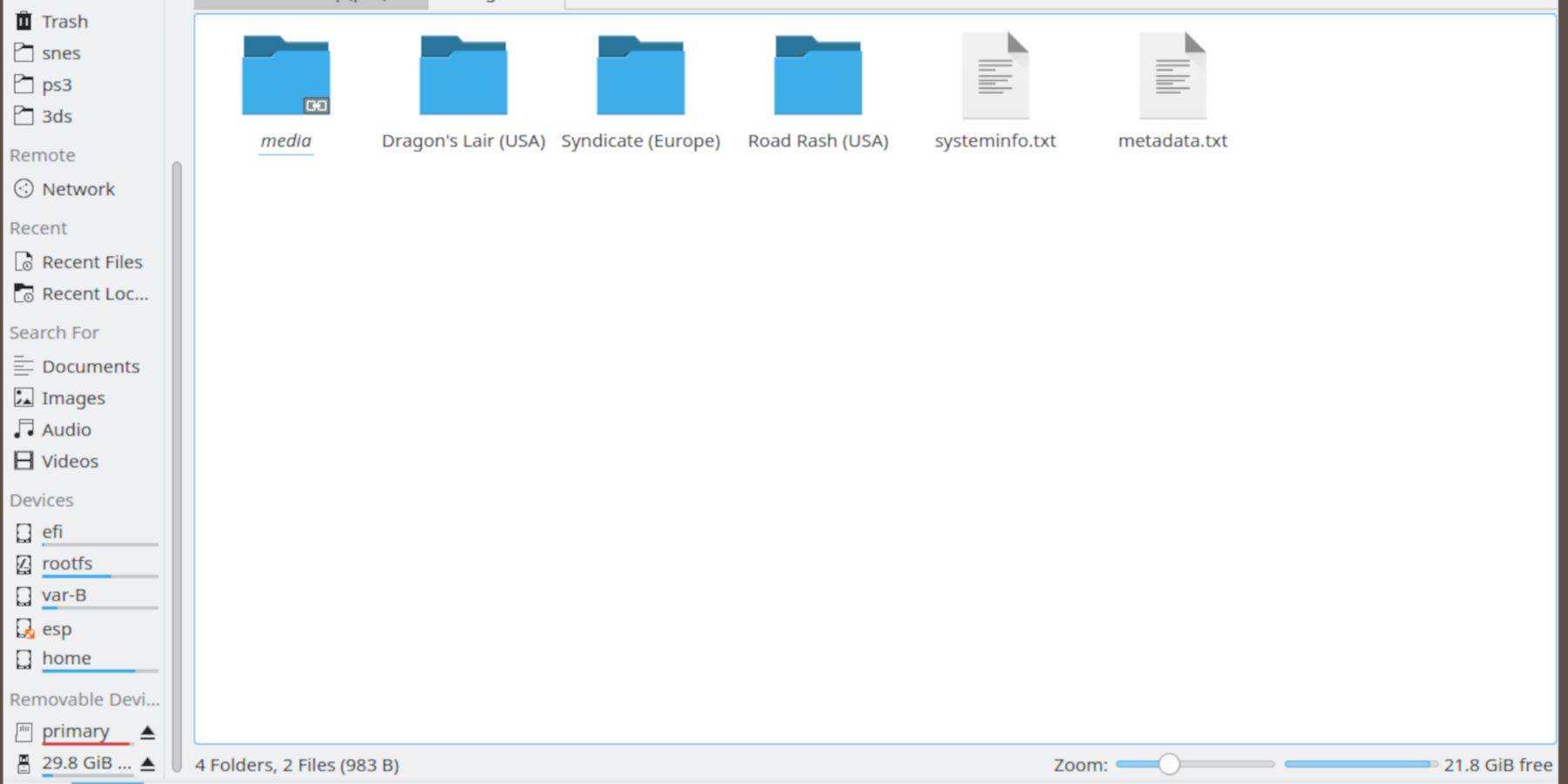 Using the Dolphin File Browser in Desktop Mode, navigate to your SD card (
Primary > Emulation > BIOS) and transfer your BIOS files. Then, transfer your Sega CD ROMs to Primary > Emulation > ROMS > segaCD (or megaCD).
Adding ROMs with Steam ROM Manager:
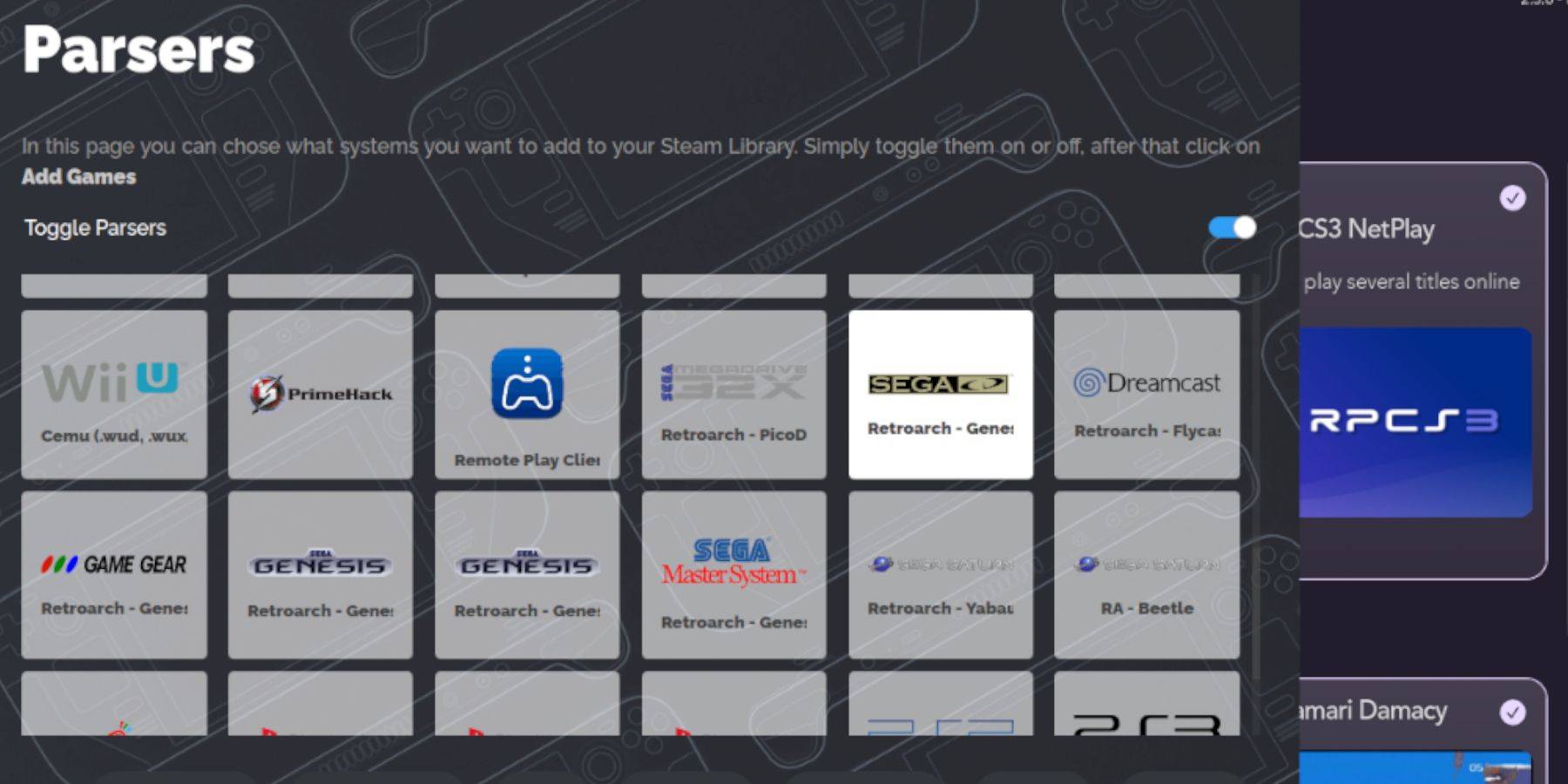 Launch EmuDeck, open Steam ROM Manager, click "Next," skip the Nintendo DS steps, click "Add Games," then "Parse." This will organize your games within Steam.
Handling Missing Covers:
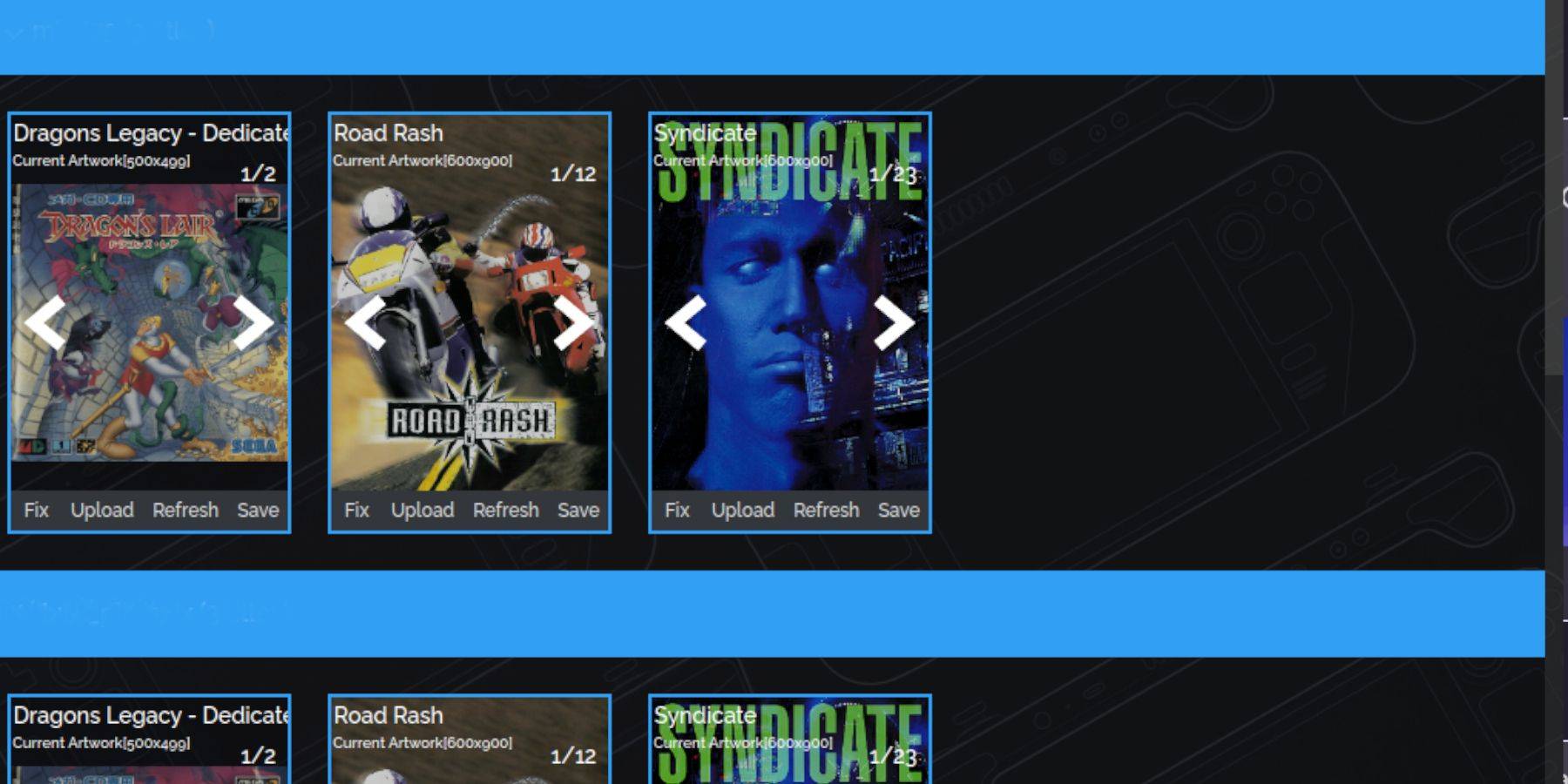 If covers are missing, use Steam ROM Manager's "Fix" function to search for and add them. Manually upload missing covers using the "Upload" function if necessary.
Playing Your Games:
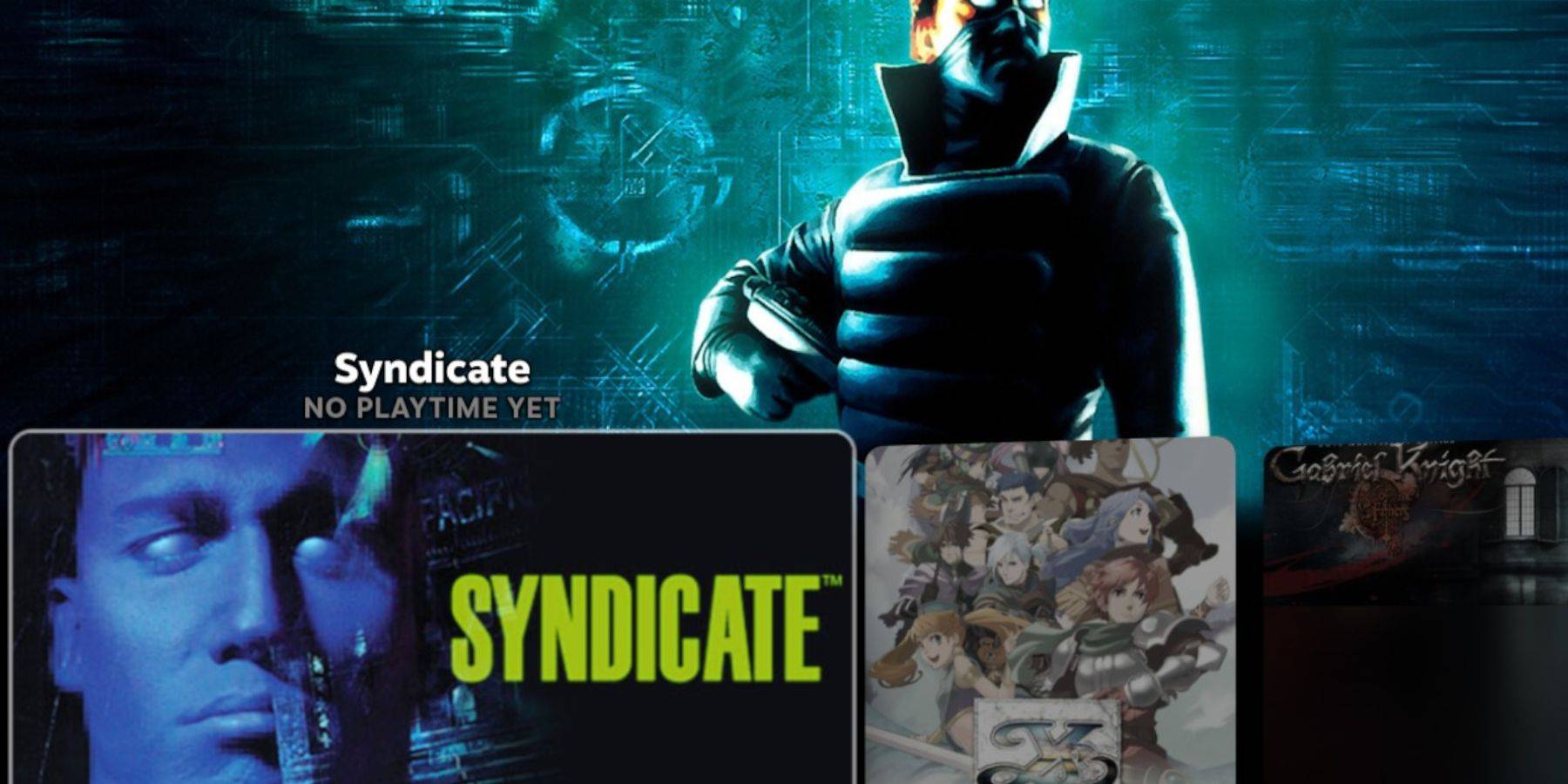 Access your Sega CD games in Gaming Mode via Steam Library > Collections > Sega CD. Alternatively, use Emulation Station (found in Non-Steam games) for a more organized library. Use Emulation Station's scraper function for metadata and cover art.
Installing Decky Loader and Power Tools:
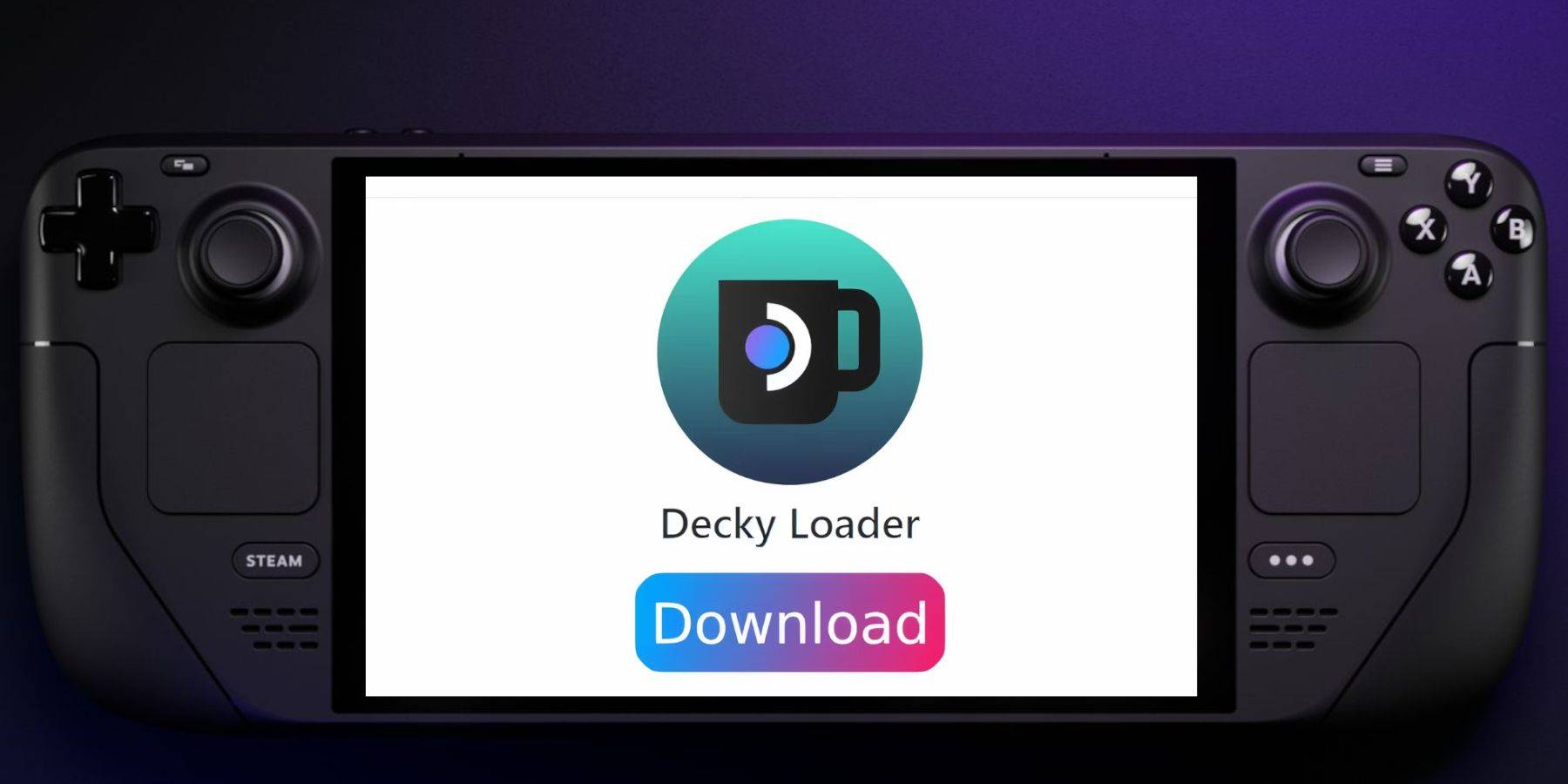 Install Decky Loader from its GitHub page. Then, use Decky Loader to install Power Tools. Optimize Power Tools settings (disable SMTs, set threads to 4, adjust GPU clock if needed) for improved performance.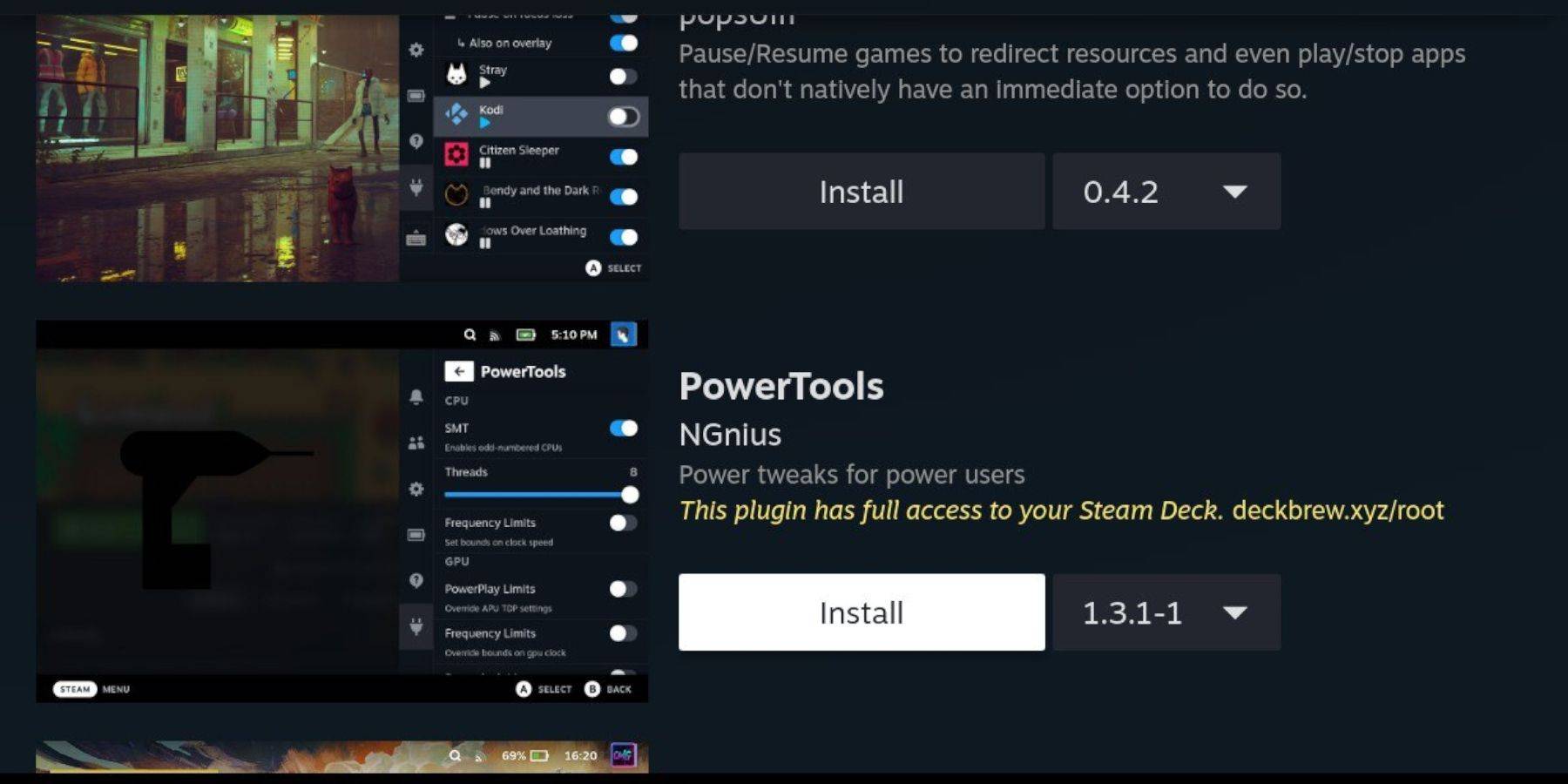
Restoring Decky Loader After a Steam Deck Update:
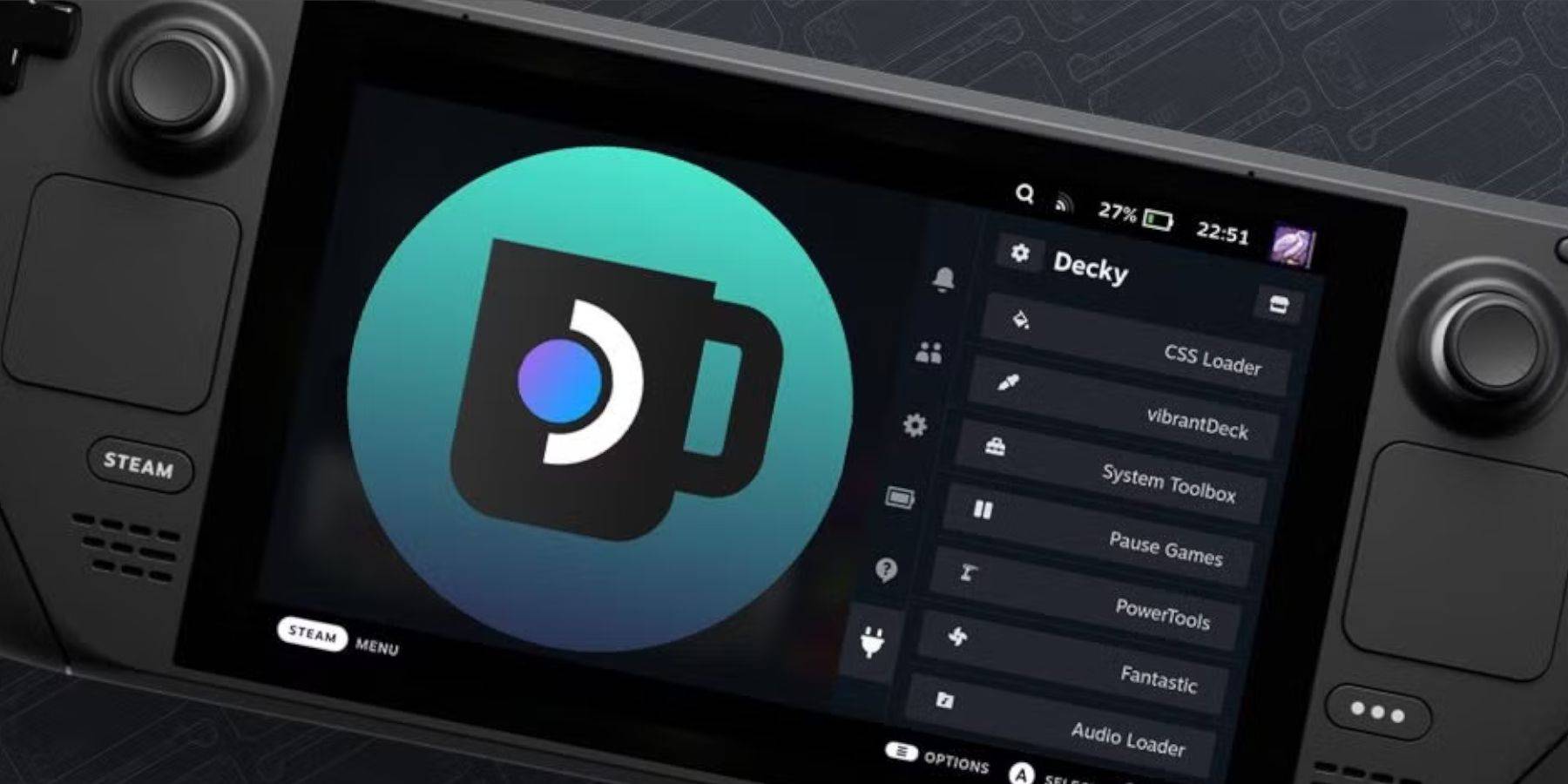 If Decky Loader is removed after an update, reinstall it from GitHub using the
 Execute option in Desktop Mode.
Enjoy your Sega CD games on your Steam Deck!