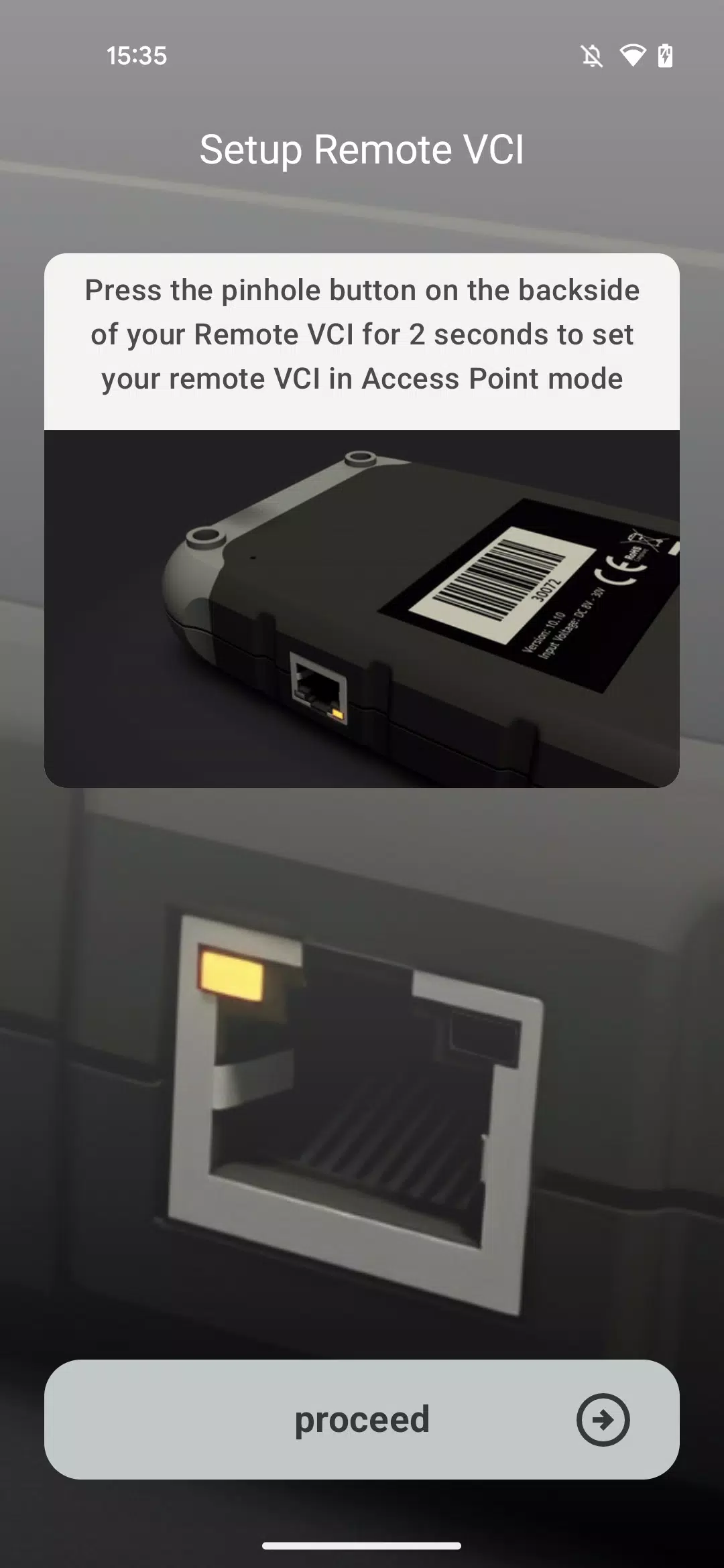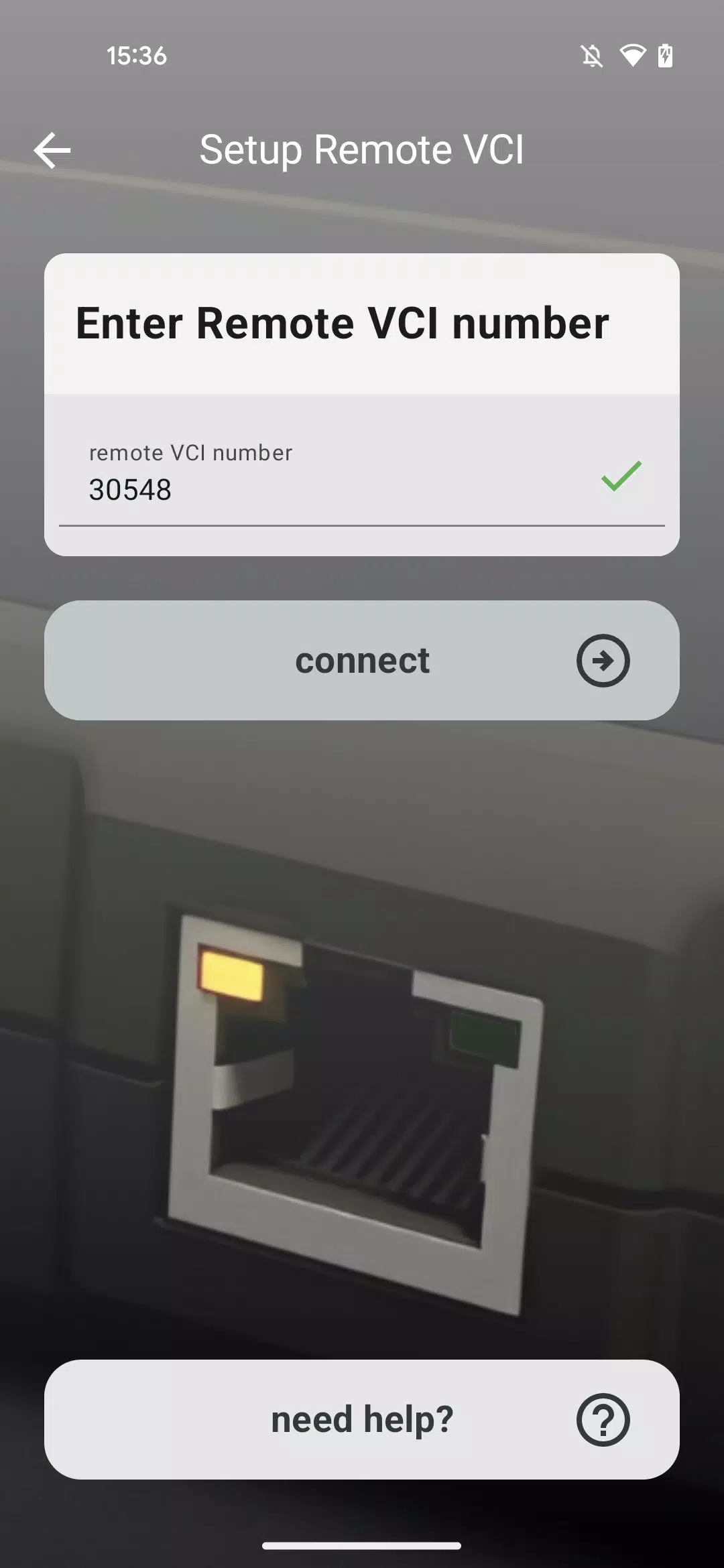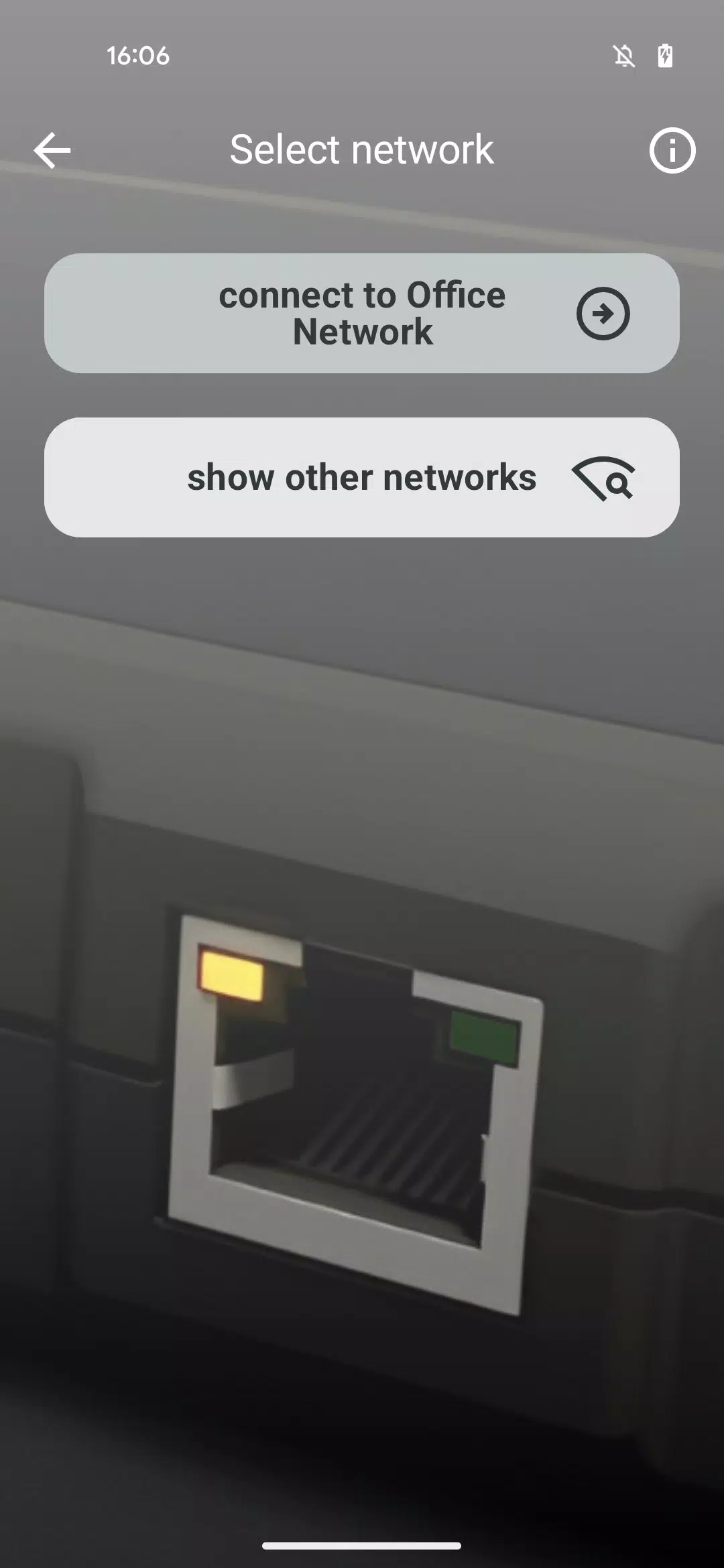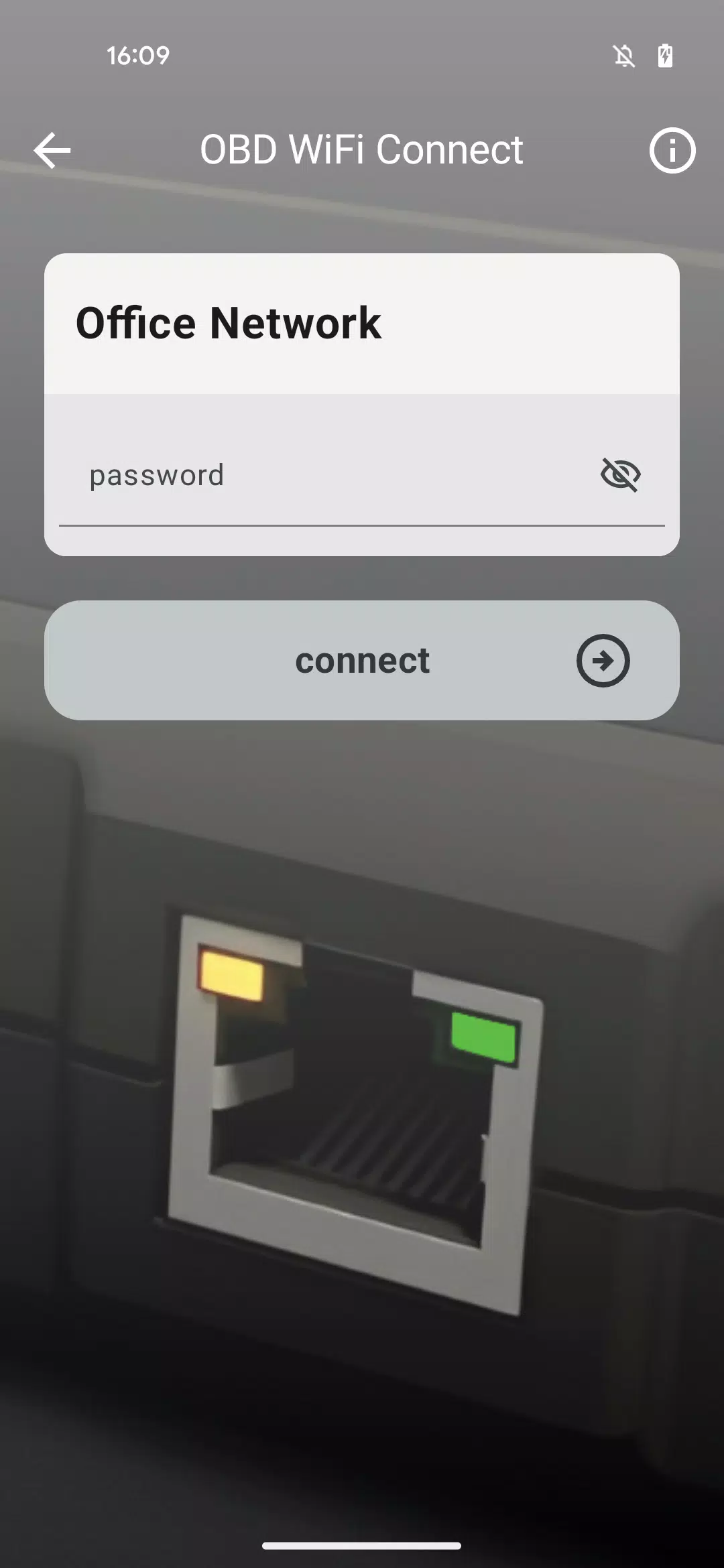

This application helps you connect your Remote VCI to your workshop's Wi-Fi network.
Specially designed to simplify the process, this application helps you connect your Remote VCI to your workshop's Wi-Fi.
It walks you through a step-by-step procedure to choose the right Wi-Fi network and enter its password, enabling your Remote VCI to connect automatically.
Please ensure you have the correct login credentials for your Wi-Fi network ready before starting.
The Need Help section within the app offers extra support and guidance if you run into any difficulties while setting up the remote VCI.
For mission-critical operations that demand maximum connection stability – such as full software flashing for control units – we advise connecting your VCI directly to the internet using a LAN cable rather than over Wi-Fi.
What's New in the Latest Version 1.1.2
Last updated on Nov 10, 2024
Introducing the OBD WiFi Connect app, designed to get your Remote VCI operational quickly.