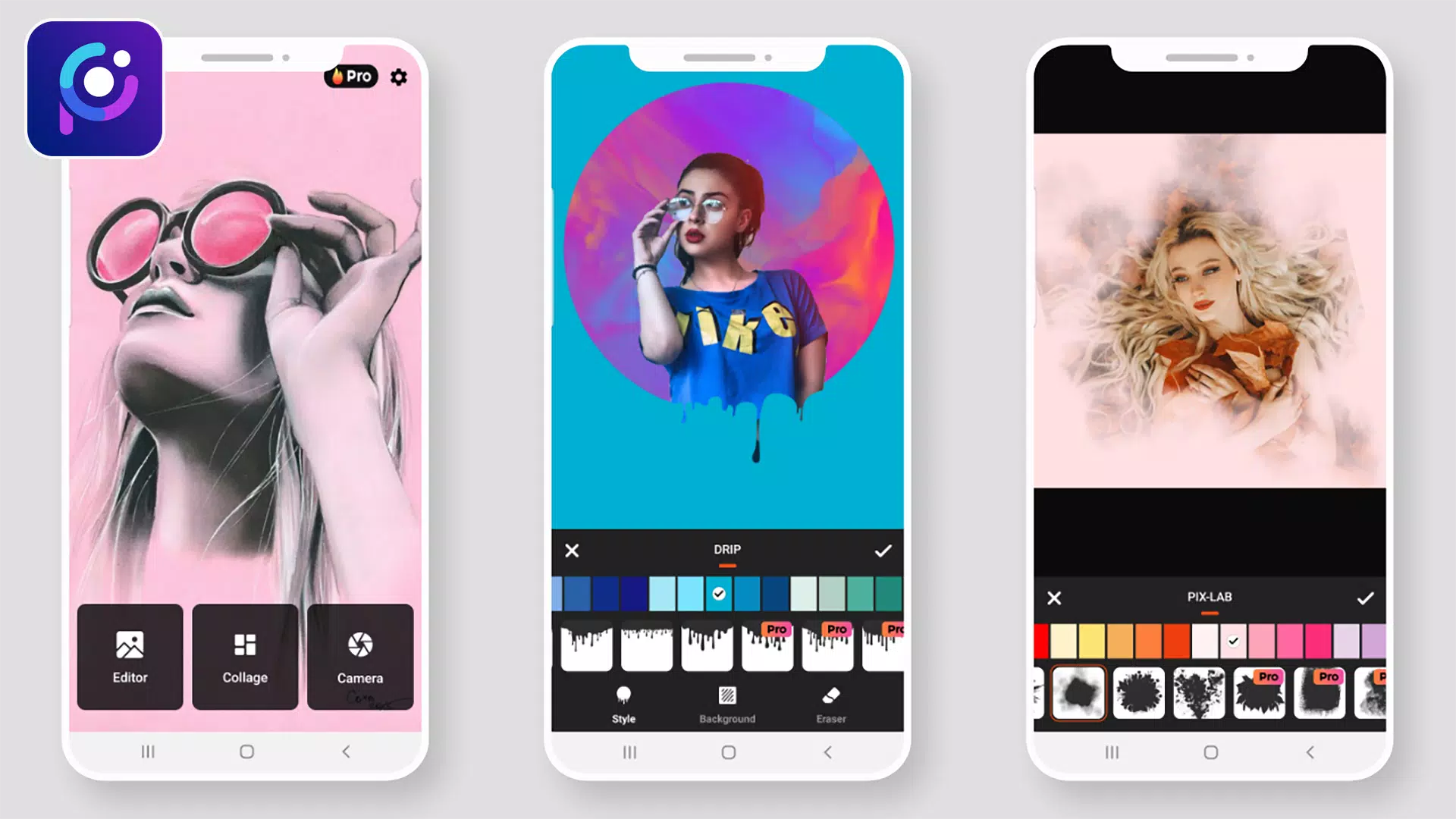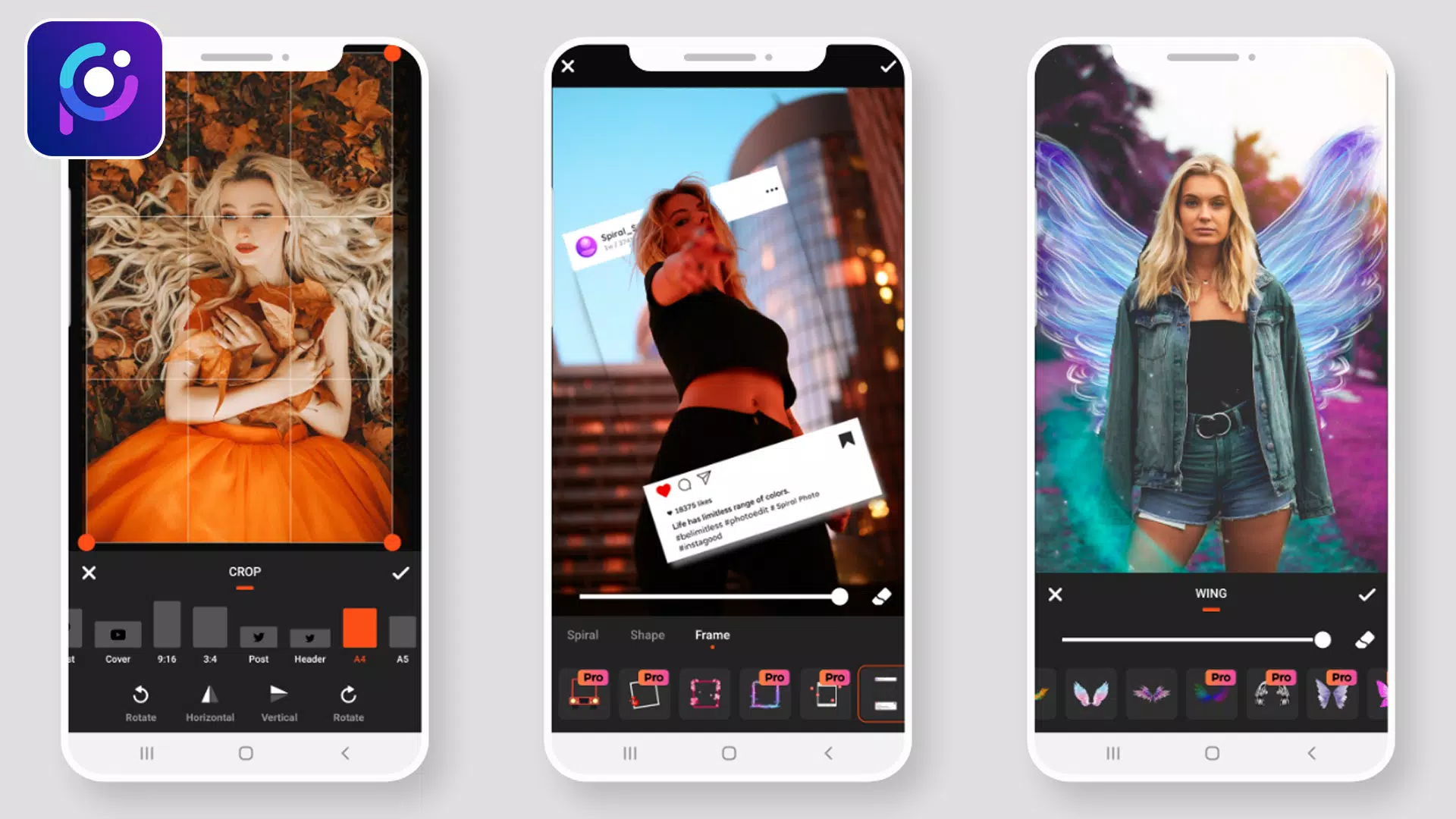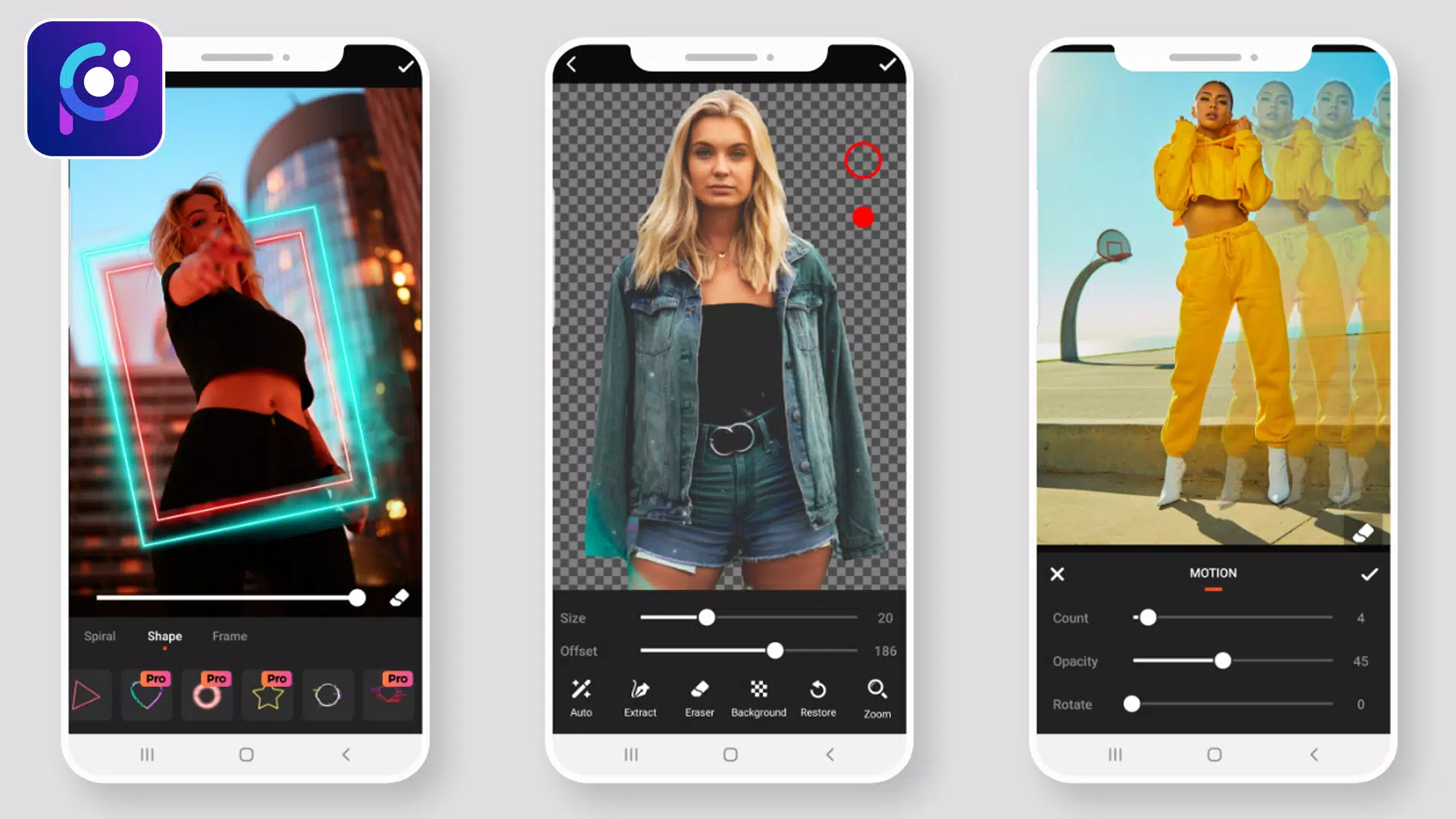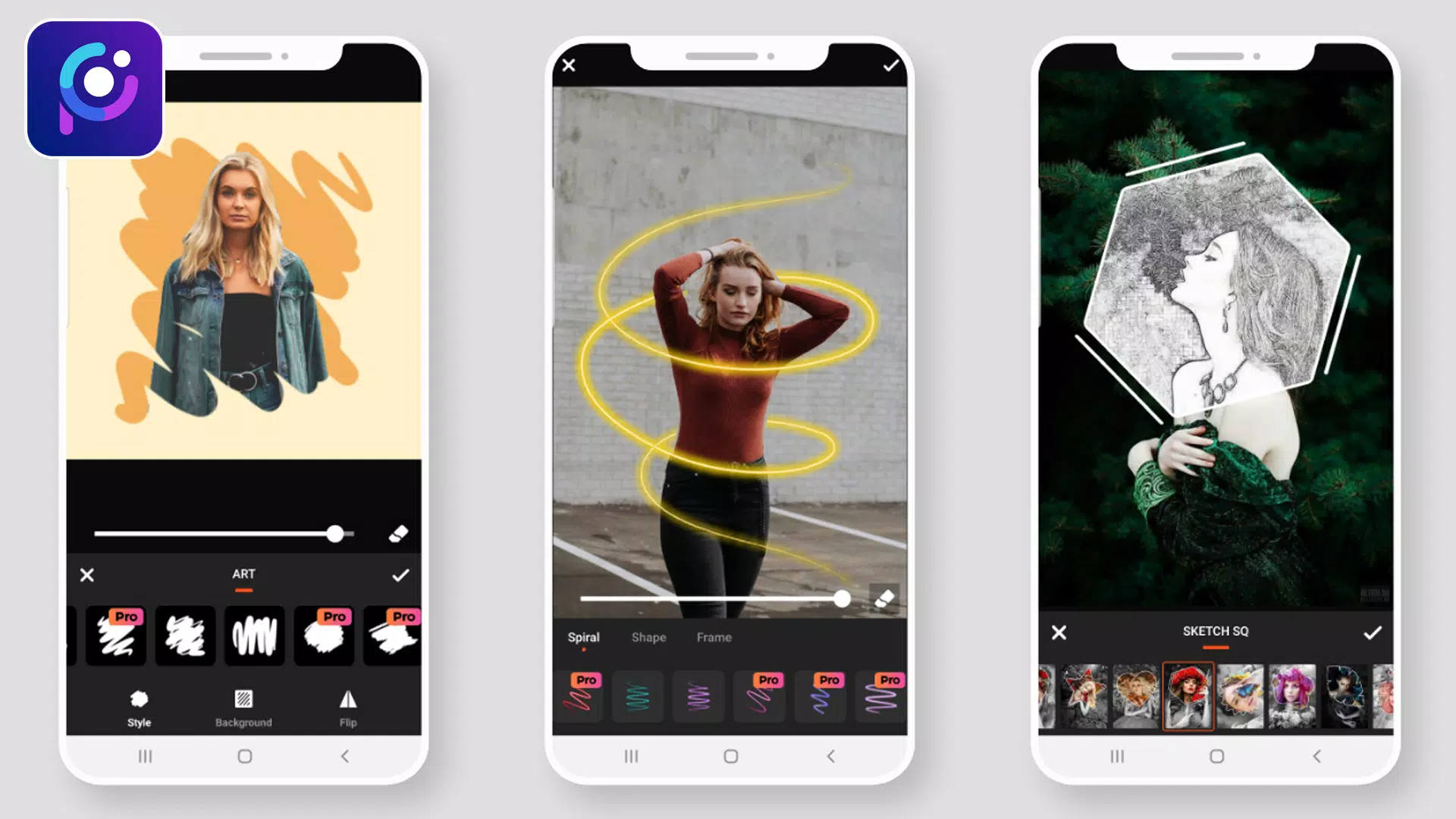
Photo Editor Pro: Pic Collage Maker is the ultimate app for creating photo collages and grid layouts.
Welcome to Photo Editor Pro: Pic Collage Maker
Photo Editor Pro provides all the tools you need to edit pictures. A rich collection of stylish effects, filters, grids, and drawing tools helps you create eye-catching images, even if you're new to photo editing. You can share your creations directly to Instagram, WhatsApp, Facebook, and more. Unlock your creativity and edit photos like a professional!
Photo Editor Pro lets you edit photos like a pro. It's professional, user-friendly, and free.
Enhance your photos effortlessly with filters and effects. The app also includes essential editing tools for adjusting brightness, contrast, saturation, color, and more. It's the best professional photo editor available.
Make your photos stand out with blur effects, cropping, text, stickers, drawing, mosaic, and many other tools. It's the best free photo editor.
PERFECT SELFIE EDITOR
- Get your selfies ready for social media with the selfie editor.
- This photo editor includes perfect beautification tools: facelift, teeth whitening, skin smoothing, and more.
- Capture stunning selfies with trendy camera filters and effects.
CREATE AWESOME COLLAGES
- Make memorable photo collages with Photo Editor Pro to share on social media.
- Experiment with different layouts to create something unique.
- This powerful picture editor ensures your images always attract attention.
APPLY STYLISH PICTURE FILTERS
- Give your pictures an extra boost with a variety of photo filters from this pro editor.
- PicPlus - Photo Editor Pro offers dozens of free, high-quality filters.
- Film, Vintage, Sparkle, Old Movie, Polaroid… choose the perfect one for your photo.
Photo Filters: Apply filters with various effects.
- Overlay Effect: More than 90 effects with adjustable opacity to beautify your photos.
- Neon Photo Effect: Add neon glows around your photos. Decorate images with different neon colors.
- Splash – Black & White: Create black and white photos using different filters.
- Drip Effect: Use trending drip effects in your photo edits. Create amazing drip art.
- Stickers: Choose from sticker packs in various categories, all in high resolution.
- Blur Photo – DSLR Effect: Focus on your subject and apply blur effects to the background.
- Drip Art Effect: Add drip art to your photo for a unique look.
- Photo Frame: Select colorful and gradient frames, and adjust the border size.
- Crop & Rotate: Rotate images 360°, flip vertically or horizontally, and crop into portrait, landscape, and other shapes for social networks.
- Add Text: Insert text and customize the font, size, alignment, opacity, flip, rotation, color, and background.
- Draw – Paint & Neon: Draw on your image using paint or neon tools, with adjustable color and size.
- Adjustments: Fine-tune brightness, contrast, warmth, hue, HSL, saturation, and more.
We welcome your suggestions:
If you have any questions or feedback about Photo Editor Pro: Pic Collage Maker, please don't hesitate to reach out. We value user input and are committed to acting on it. Thank you.
What's New in the Latest Version 1.1.0
Last updated on Jul 10, 2021
Minor bug fixes and improvements. Install or update to the newest version to experience the enhancements!