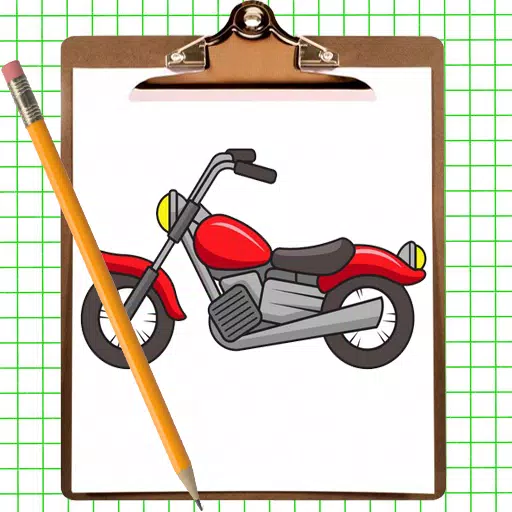
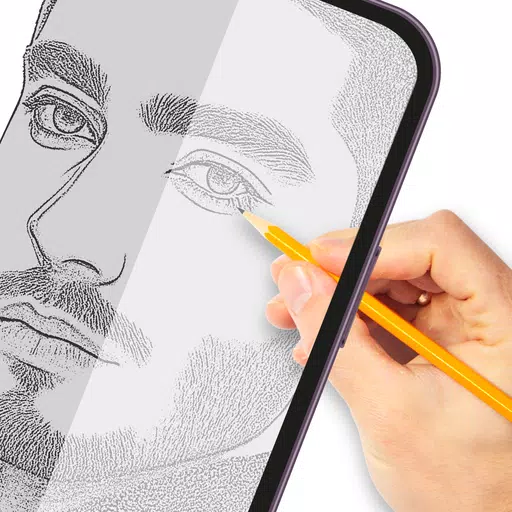
Trace and draw anything you desire with this tracing paper application.
Tracing transforms photos or artwork into line drawings by overlaying tracing paper to capture visible outlines. Create your art through tracing and sketching, using this app to master the fundamentals of drawing.
How it works:
-
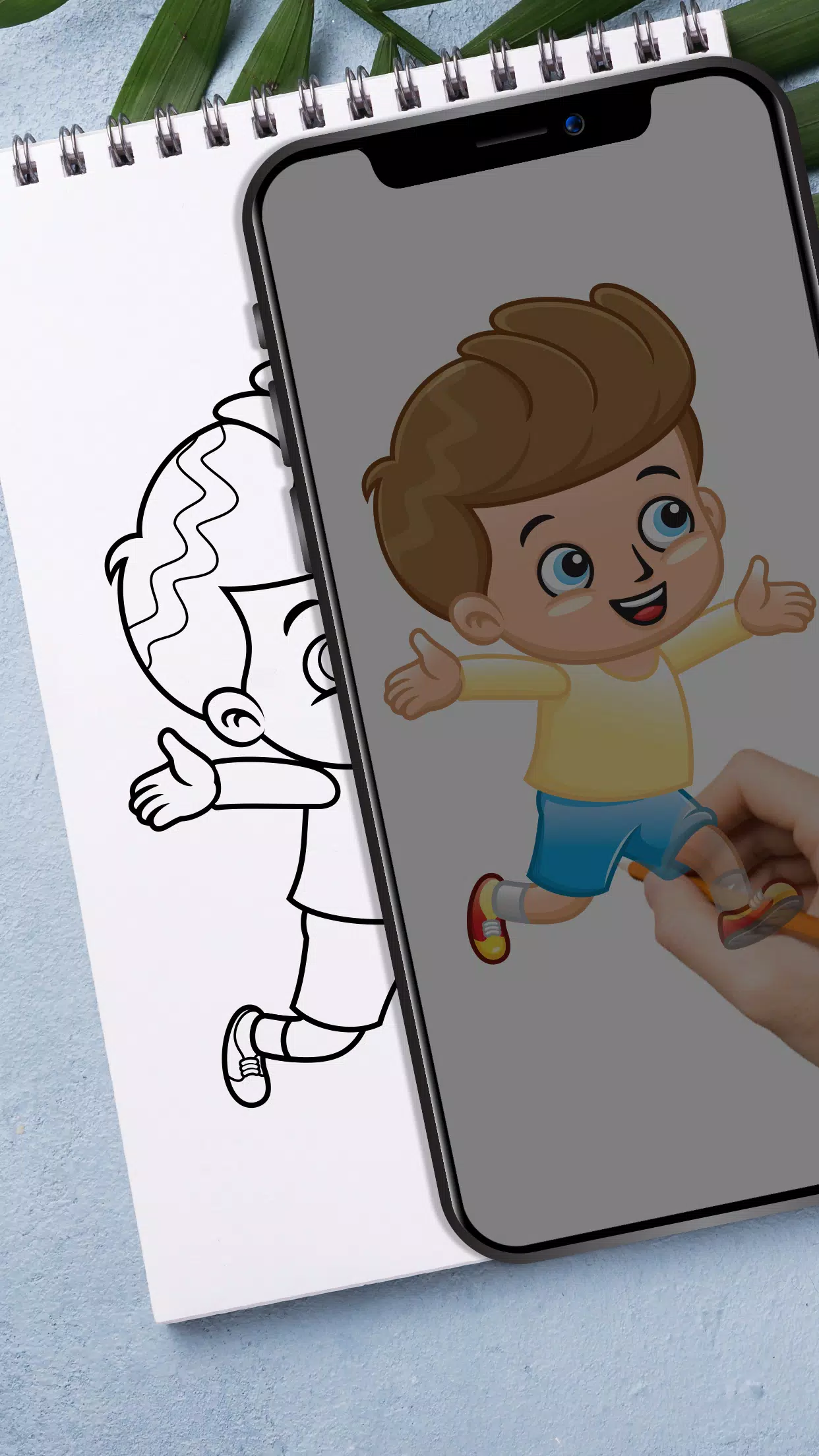
Select an image from your gallery or take a new photo with your camera. Adjust brightness, change backgrounds, or rotate the selected image as needed. A transparent version will appear on your screen; simply place paper over it to begin tracing and sketching.
-
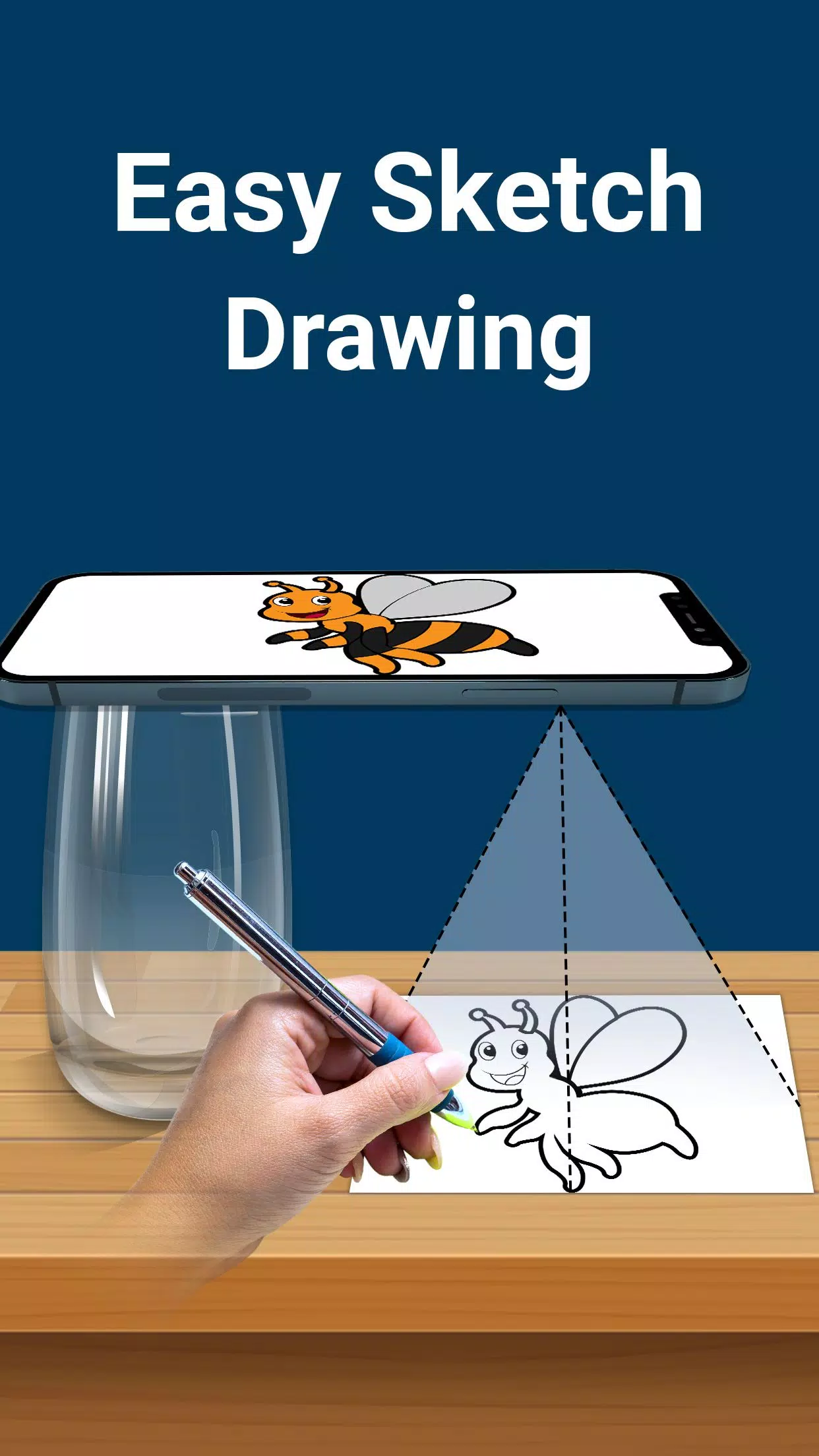
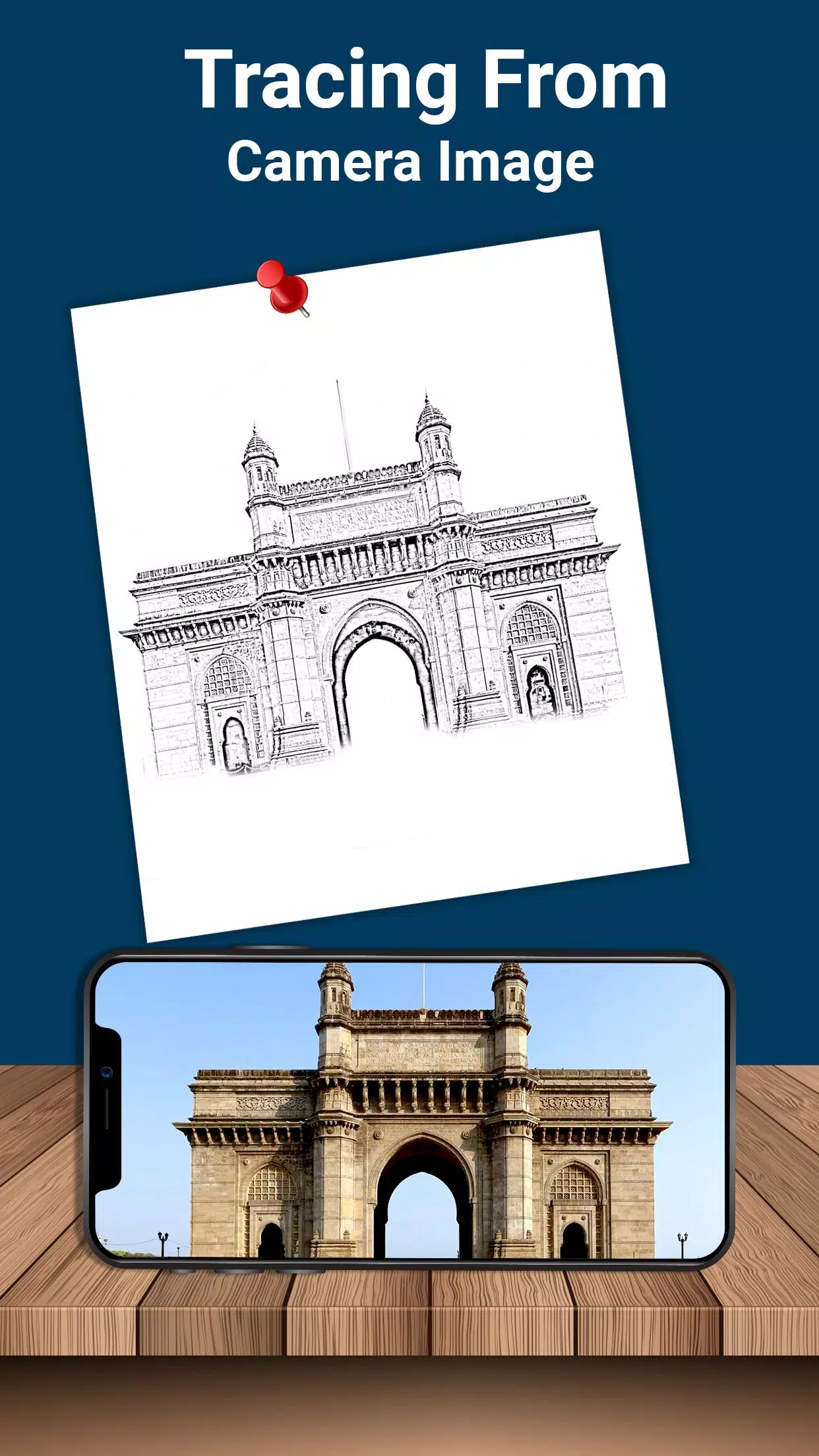
Capture images directly through the camera in transparent mode for easy paper tracing. Draw directly onto the phone screen using the overlay, allowing you to convert any photo into a traceable template.
-
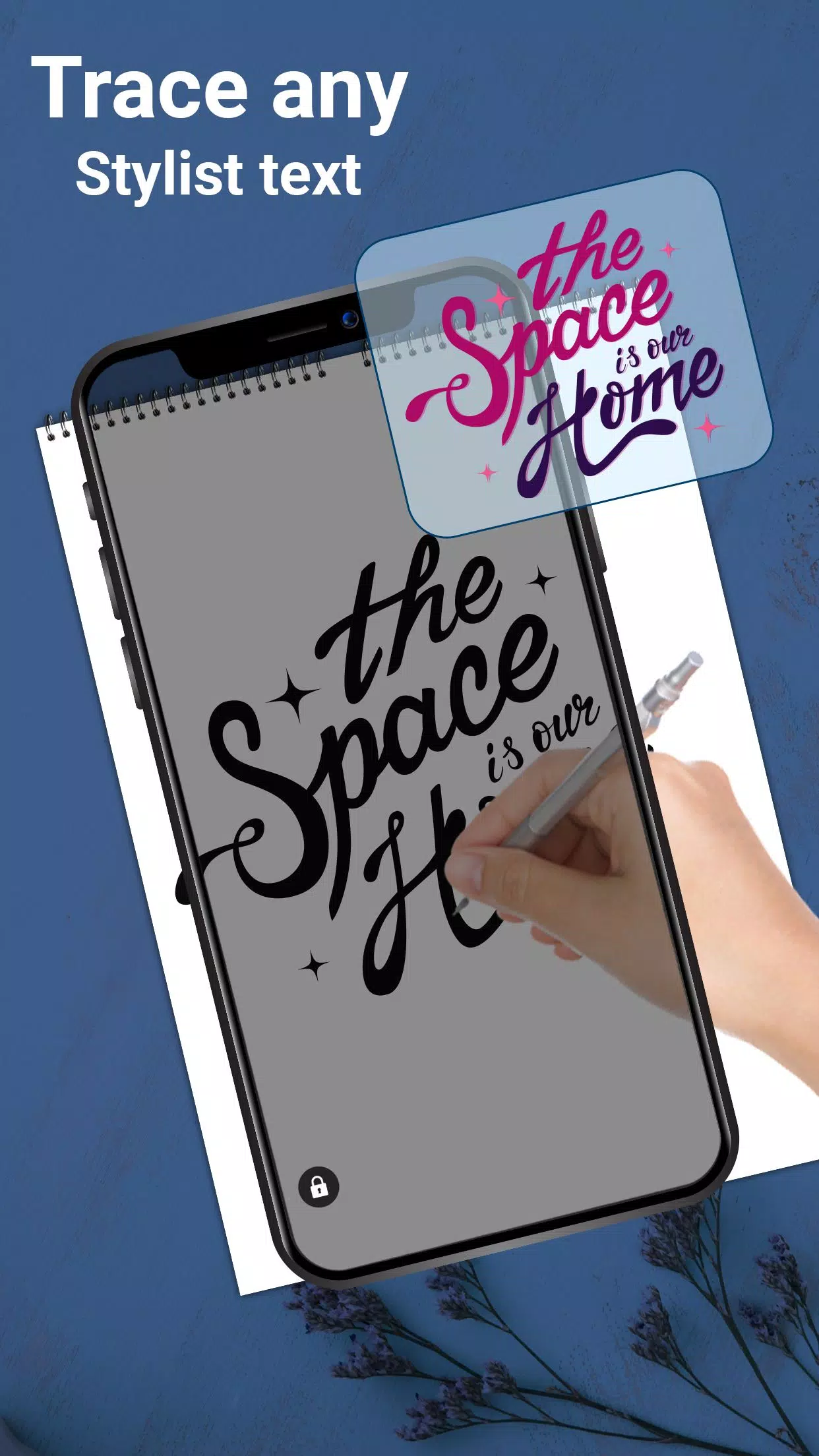
Utilize elegant predefined fonts to design text art, including logos, signatures, and creative typography projects.
-
This app is ideal for children, artists, and students, serving as an accessible sketchpad for effortless drawing. Create diverse sketches with this user-friendly tool.
Features:
-
Import any gallery image and convert it into a tracing template for sketching on blank paper.
-
Capture new images directly using your device’s camera.
-
Place physical paper over the screen to start drawing immediately.
-
Maximize brightness settings for optimal visibility.
-
Lock images in place while creating various easy sketches.
-
Rotate images freely according to your preference.
-
Design text art such as logos, signatures, and custom typography.
-
Easily zoom in or out on any image for precision.
-
Use a pencil or pen to trace and draw over the screen overlay.
This drawing app is perfect for anyone aiming to enhance their artistic skills. It excels at stenciling and practice sessions. Draw freely by viewing clear lines through your phone’s screen, or replicate fixed images onto personal notebooks with ease.
Adjust photo opacity to refine tracing sketches and designs. Create complex drawings using this lightbox-style trace drawing tool.
Lock images for rapid sketching. This app supports all types of sketch drawings without requiring physical trace elements.
Download the Trace Draw application today to build your drawing and sketching proficiency.