
Convenient Printing Compatibility
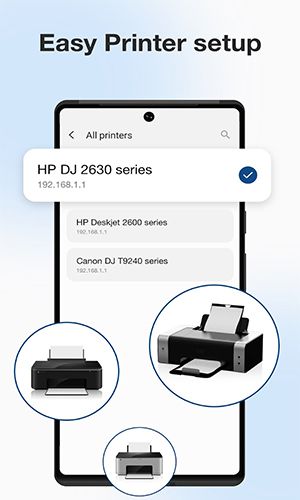
ePrint boasts broad compatibility, seamlessly connecting Android devices to a wide array of printers—inkjet, laser, and thermal—eliminating the need for a computer.
Easily Print Photos and Images
Effortlessly print photos and images stored on your Android device. Supported formats include JPG, PNG, GIF, and WEBP, ensuring compatibility with popular mobile image formats.
Document Printing Made Easy
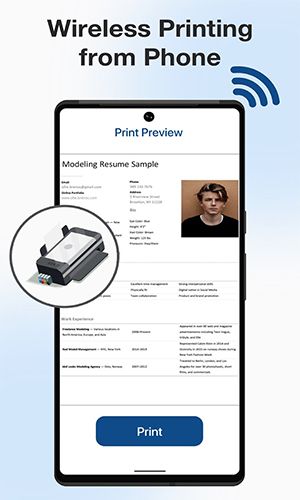
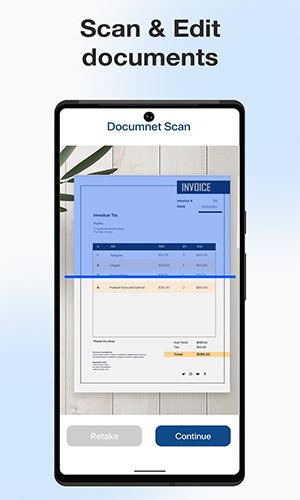
Print PDF files and Microsoft Office documents (Word, Excel, PowerPoint) directly from your Android device. Ideal for business reports, presentations, and other crucial documents.
Print Multiple Images Per Sheet
Save paper and optimize printing resources by printing multiple images on a single sheet. Perfect for photo collages, contact sheets, or thumbnail collections.
Versatile File Printing
Print various file types: stored files, email attachments (PDF, DOC, XLS, PPT, TXT), and files from cloud services like Google Drive and others. Access and print files from multiple platforms with ease.
Web Page Printing
ePrint's built-in web browser lets you print web pages directly from your Android device. Conveniently print articles, receipts, itineraries, and more.
Wide Range of Printing Options
Print via WiFi, Bluetooth, or USB-OTG connected printers. This flexibility ensures compatibility with various printer types and connection methods.
Seamless App Integration
ePrint integrates with other Android apps via the Print and Share menus, streamlining the printing process and enhancing user experience.
Conclusion
Pixster Studio's ePrint – Mobile Printer & Scan app provides a comprehensive and efficient printing solution for Android users. Its versatility, broad compatibility, and seamless integration make printing photos, documents, web pages, and files from diverse sources incredibly easy.