應用說明
Tiled Map Editor for 2D Game Development
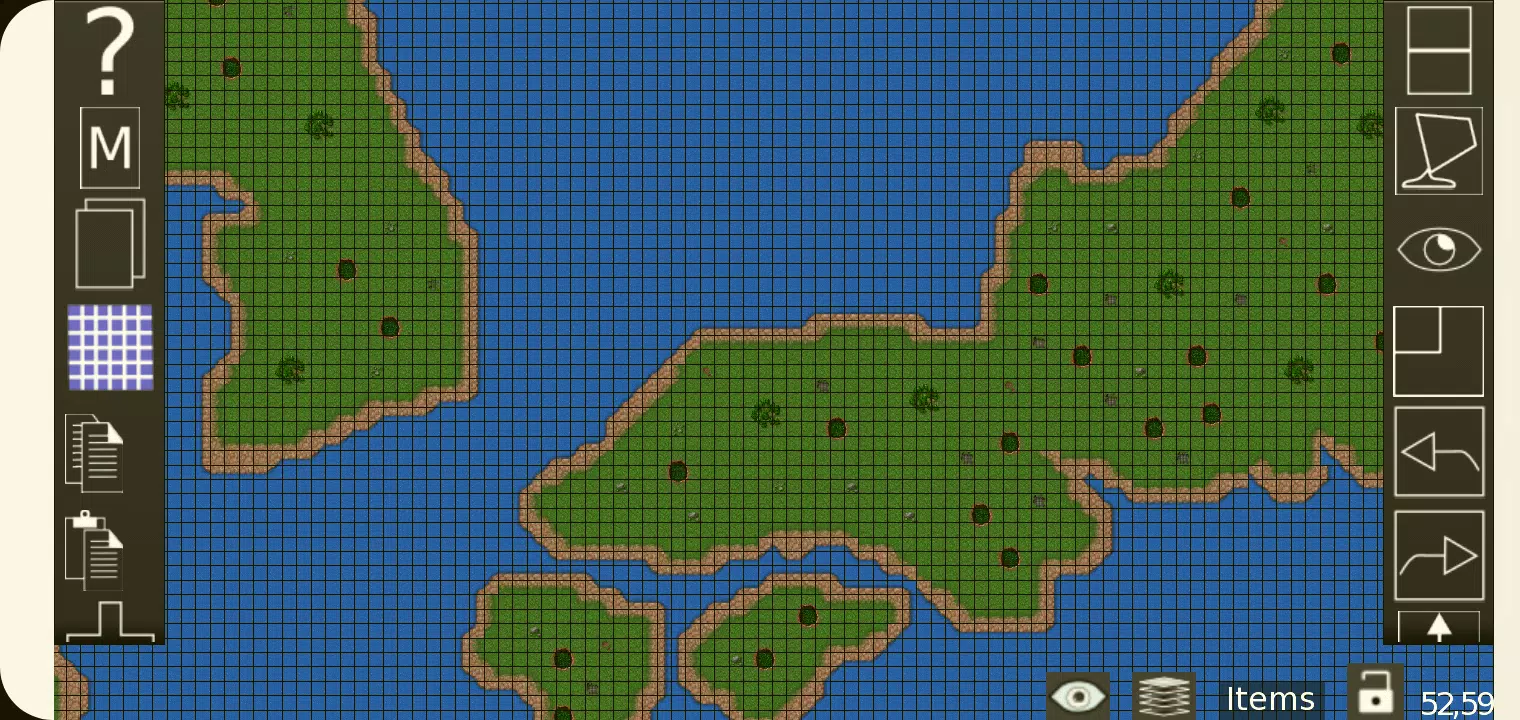
TMEditor is a free tool for designing custom map layouts with ease. It's versatile enough to define abstract elements like collision zones, enemy spawn points, or power-up locations. All this data is saved in the widely supported .tmx format.
How Does TMEditor Work?
The core workflow for building maps in TMEditor follows these steps:
- Select your map dimensions and base tile size.
- Import tilesets from image files.
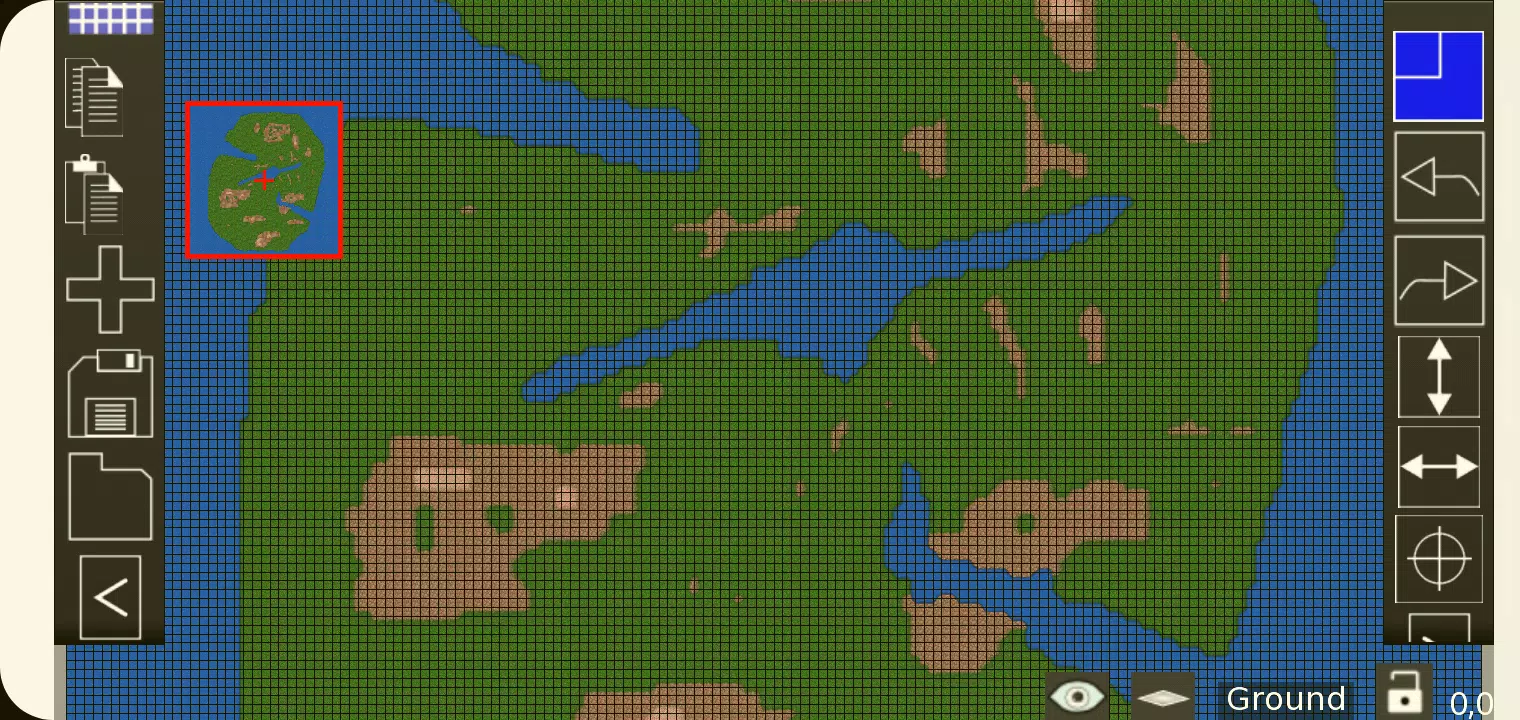
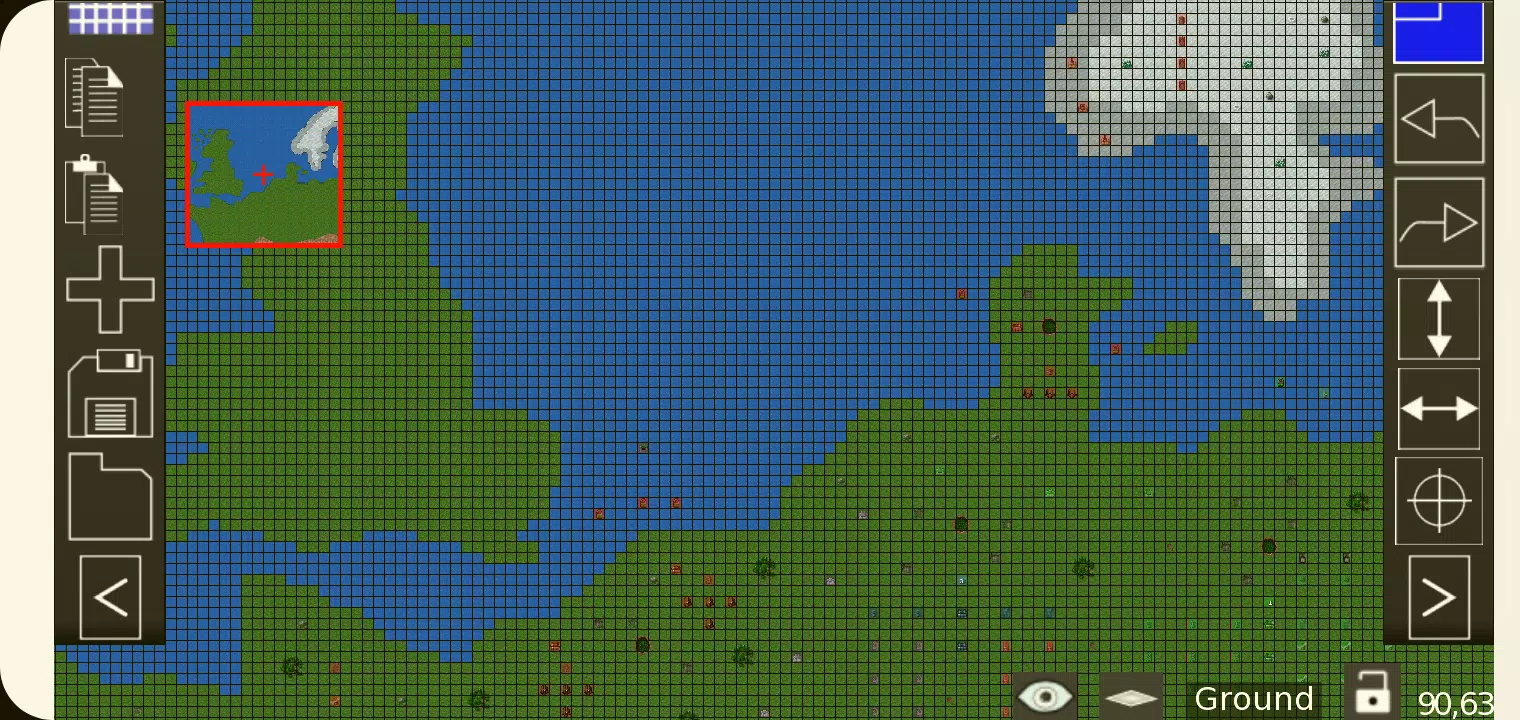
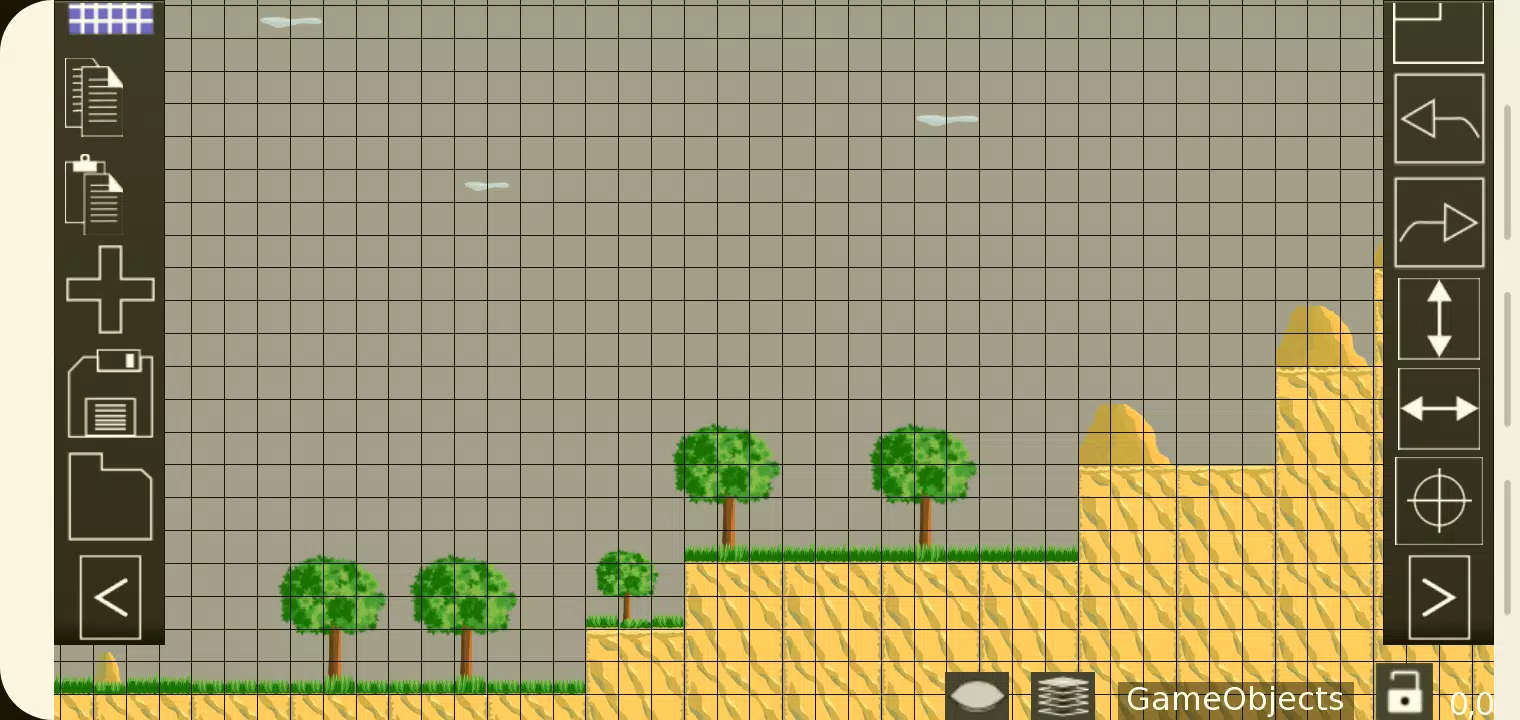
- Arrange tiles across your map layout.
- Add custom objects to represent abstract game elements.
- Export your map as a .tmx file.
- Import the .tmx file and integrate it into your game engine.
Features
- - Orthogonal and isometric map views
- - Support for multiple tilesets
- - Multiple object management layers
- - Eight-layer editing for detailed map design
- - Custom properties for maps, layers, and objects
- - Essential tools: Stamp, Rectangle, Copy and Paste
- - Tile rotation and flipping
- - Undo and redo (currently for tile and object placement)
- - Object types: Rectangle, ellipse, point, polygon, polyline, text, image
- - Isometric map object support
- - Background image integration
- - Export options: XML, CSV, Base64, Base64-Gzip, Base64-Zlib, PNG, Replica Island (level.bin)
What's New in Version 1.0.27
Last updated on Oct 4, 2024
Bug fixes and stability improvements.
螢幕截圖